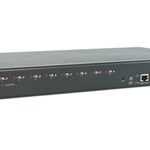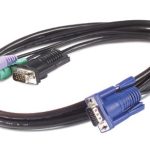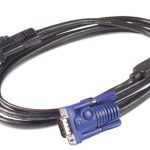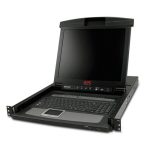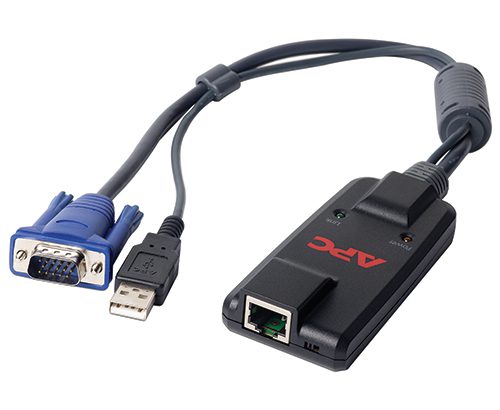
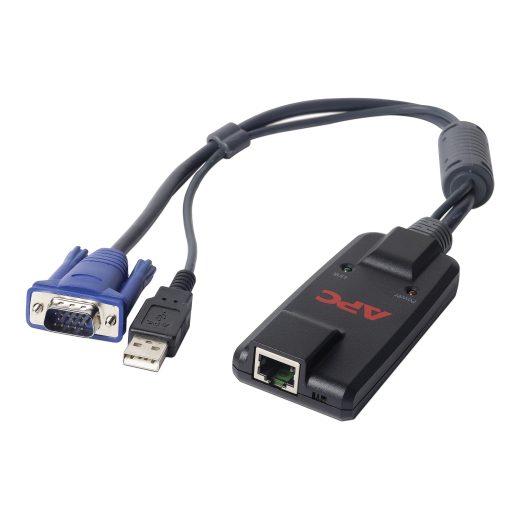











APC KVM-USB – Server Module with USB Access
APC KVM-USB is a server module that provides secure and remote access to servers via USB connectivity. This product is designed for enterprise environments where IT administrators need to manage multiple servers from a single console. With its compact design and easy-to-use interface, APC KVM-USB makes it simple to deploy and manage server infrastructure.
APC KVM-USB offers several key features that make it an ideal solution for enterprises. Firstly, it provides secure remote access to servers via USB connectivity, allowing IT administrators to manage multiple servers from a single console. This reduces the need for physical access to servers, making it easier to deploy and manage server infrastructure. Secondly, APC KVM-USB is designed for scalability, making it easy to add or remove servers as needed. This flexibility makes it an ideal solution for growing enterprises.
In addition to its key features, APC KVM-USB is also designed with security in mind. It provides secure remote access to servers via USB connectivity, ensuring that sensitive data is protected from unauthorized access. This makes it an ideal solution for enterprises that require high levels of security and compliance.
Technical Specifications
| Key | Value pairs |
| View all APC Products → | |
Challenges Solved by APC KVM-USB
APC KVM-USB solves several business pain points in the enterprise environment. Firstly, it helps to reduce the total cost of ownership by eliminating the need for physical access to servers. This reduces the need for IT personnel to travel to remote locations, saving time and money. Secondly, APC KVM-USB helps to improve operational efficiency by providing secure remote access to servers via USB connectivity. This makes it easier to deploy and manage server infrastructure, reducing downtime and improving productivity.
 Australian Logistics & B2B Support
As a 100% Aussie-owned and operated business, we are a trusted partner for APC. We empower enterprise procurement with dedicated B2B account support and flexible payment options.
Frequently Asked Questions
What is the recommended deployment scenario for APC KVM-USB?
The recommended deployment scenario for APC KVM-USB is to connect it to a server via USB and then access the server remotely using a secure connection. TECHOM Systems Sales can provide guidance on the best deployment strategy for your specific needs.
Can I use APC KVM-USB with multiple servers?
Yes, APC KVM-USB supports multiple servers and can be easily scaled up or down as needed. This makes it an ideal solution for growing enterprises with changing server infrastructure requirements.
Is APC KVM-USB compatible with my existing hardware?
APC KVM-USB is designed to be compatible with a wide range of servers and hardware platforms. However, it’s recommended to check the specifications of your existing hardware to ensure compatibility.
What kind of support does TECHOM Systems Sales offer for APC KVM-USB?
TECHOM Systems Sales offers comprehensive support for APC KVM-USB, including installation, configuration, and troubleshooting. Our sales team can provide guidance on the best deployment strategy for your specific needs.
Can I purchase APC KVM-USB as part of a larger package or bundle?
Yes, APC KVM-USB can be purchased as part of a larger package or bundle that includes other products and services. TECHOM Systems Sales can provide guidance on the best package options for your specific needs.
Ready to Deploy APC Kvm 2g. Server Module. Usb (KVM-USB)?
Product Ref: TOS-187933 • Get enterprise pricing, volume discounts, and Australian support.