













AIM LIKE A PRO
on Smartphone and Tablet
KeyMander 2 Mobile
Keyboard/Mouse Adapter for Smartphone, Tablet, and Apple TV
Bring The Precision Aiming of Keyboard and Mouse to Mobile Devices
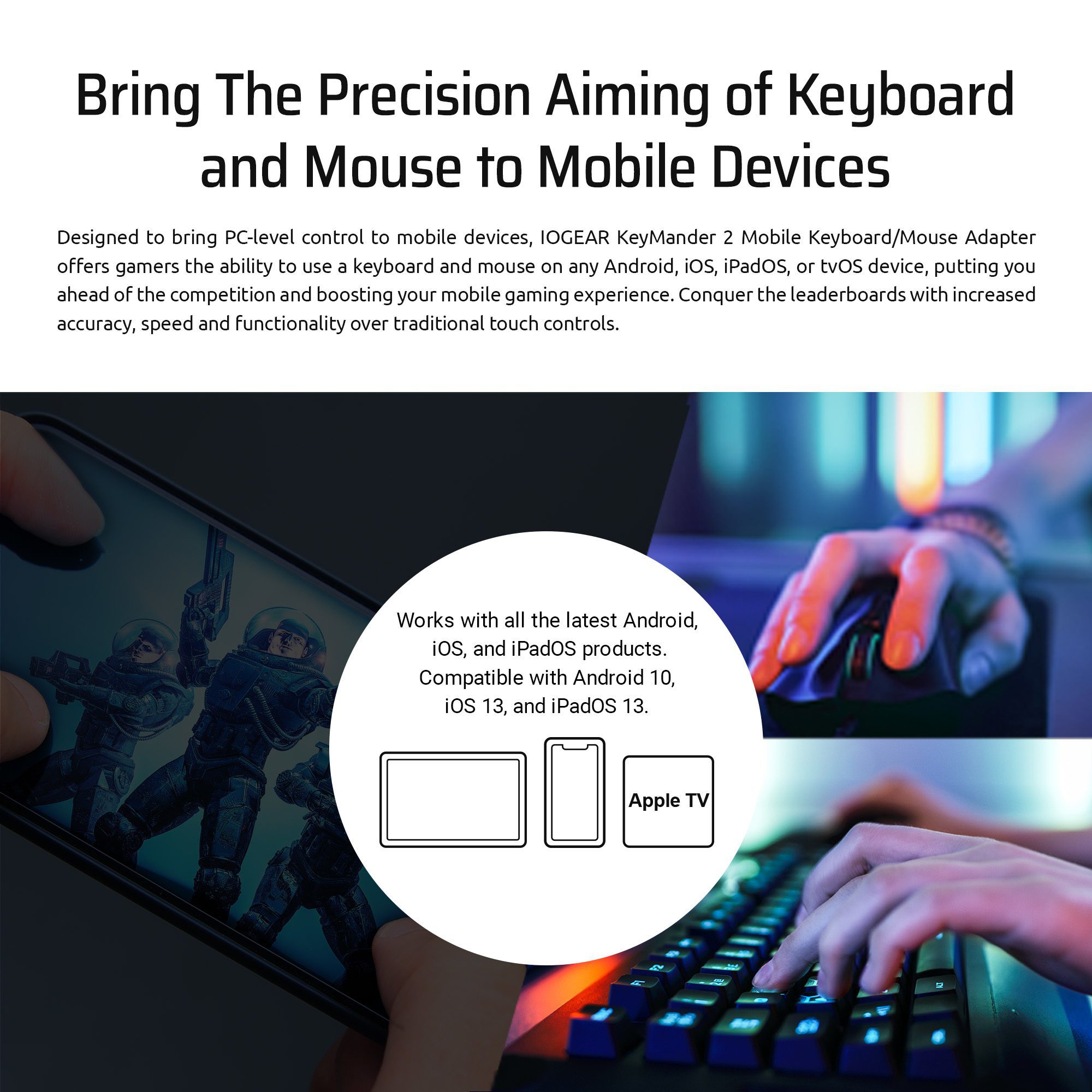
Designed to bring PC-level control to mobile devices, IOGEAR KeyMander 2 Mobile Keyboard/Mouse Adapter offers gamers the ability to use a keyboard and mouse on any Android, iOS, iPadOS, or tvOS device, putting you ahead of the competition and boosting your mobile gaming experience. Conquer the leaderboards with increased accuracy, speed and functionality over traditional touch controls.
Works with all the latest Android, iOS, and iPadOS products.
Compatible with Anroid 10, iOS 13, and iPadOS 13.
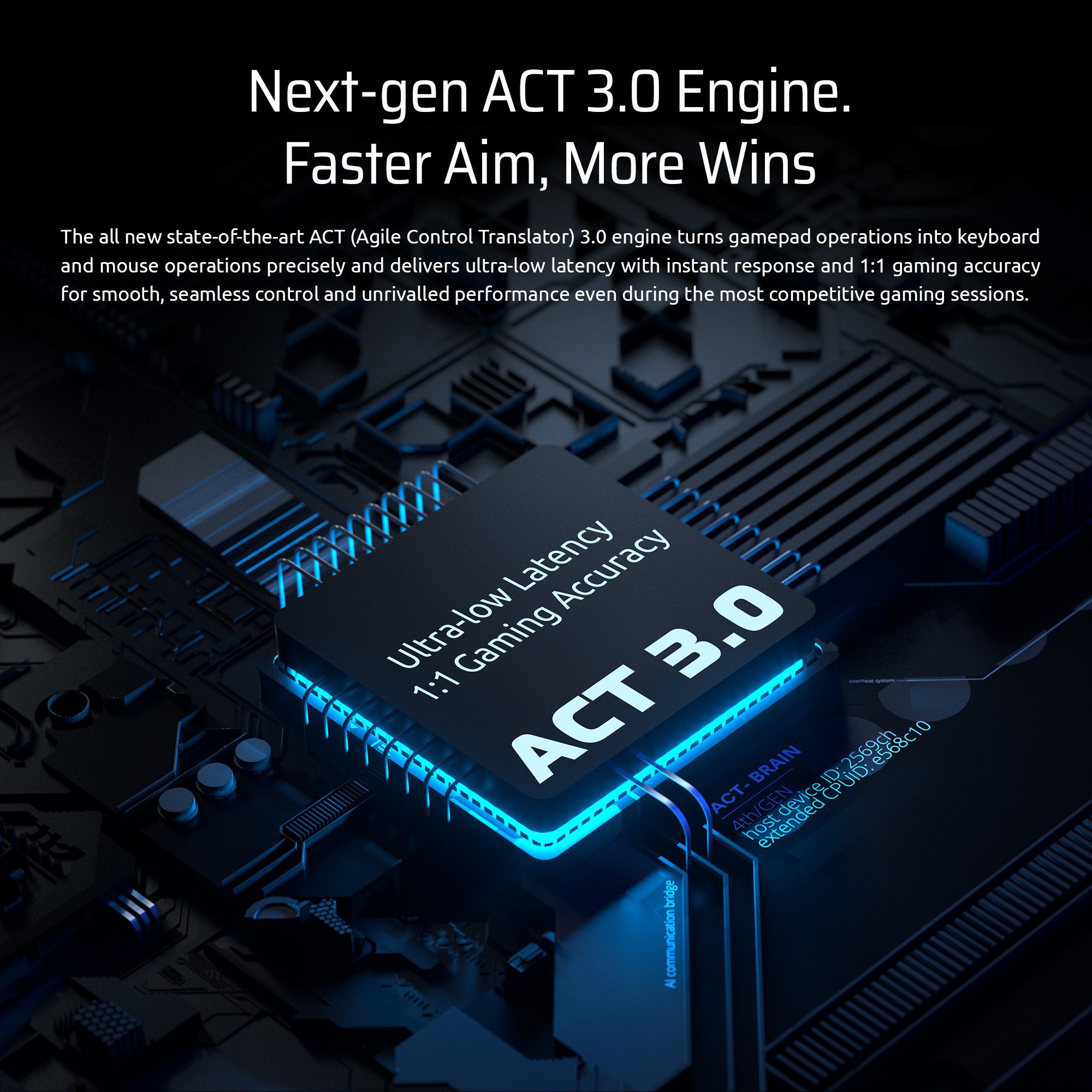
Next-gen ACT 3.0 Engine. Faster Aim, More Wins
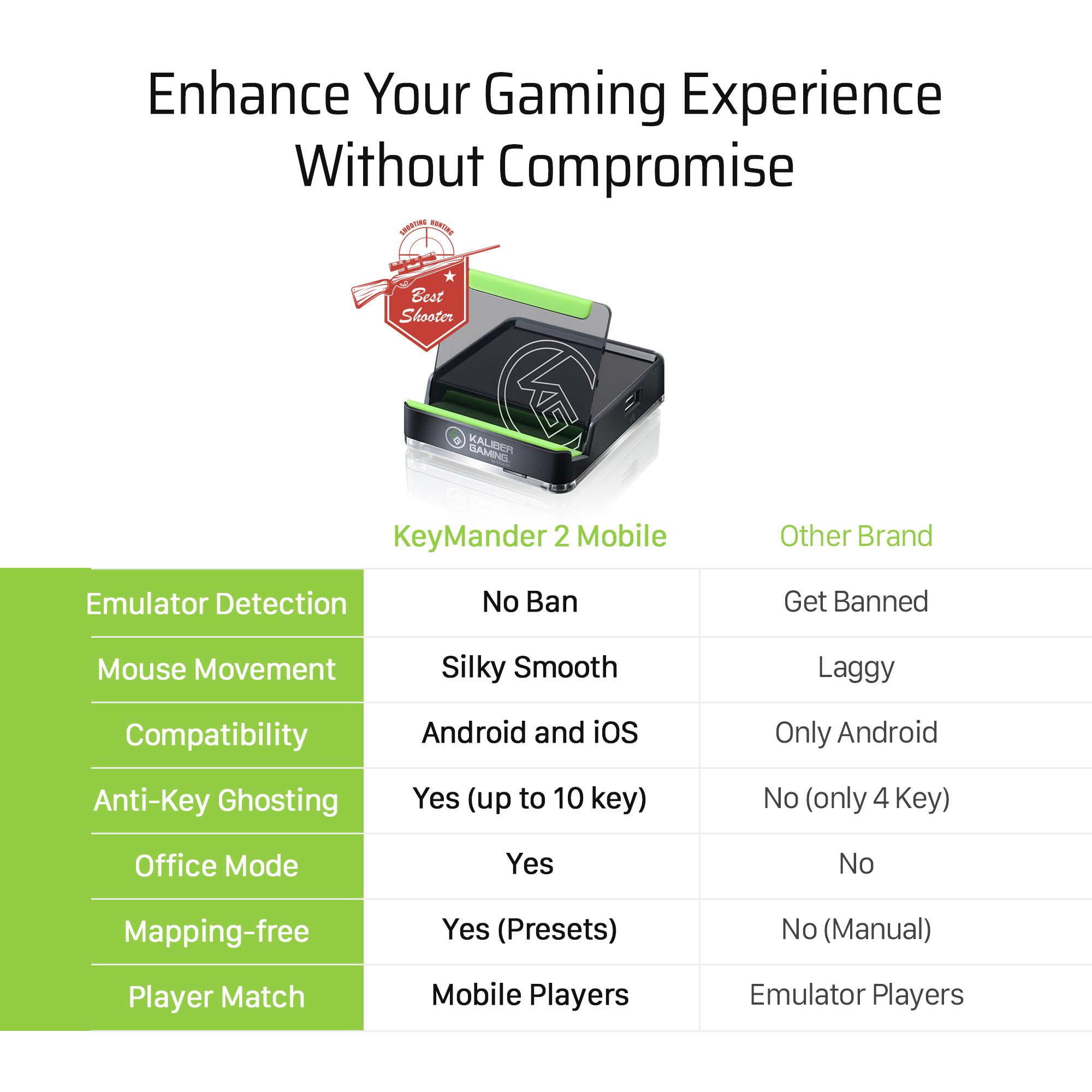
The all-new state-of-the-art ACT (Agile Control Translator) 3.0 engine turns gamepad operations into keyboard and mouse operations precisely and delivers ultra-low latency with instant response and 1:1 gaming accuracy for smooth, seamless control and unrivalled performance even during the most competitive gaming sessions.
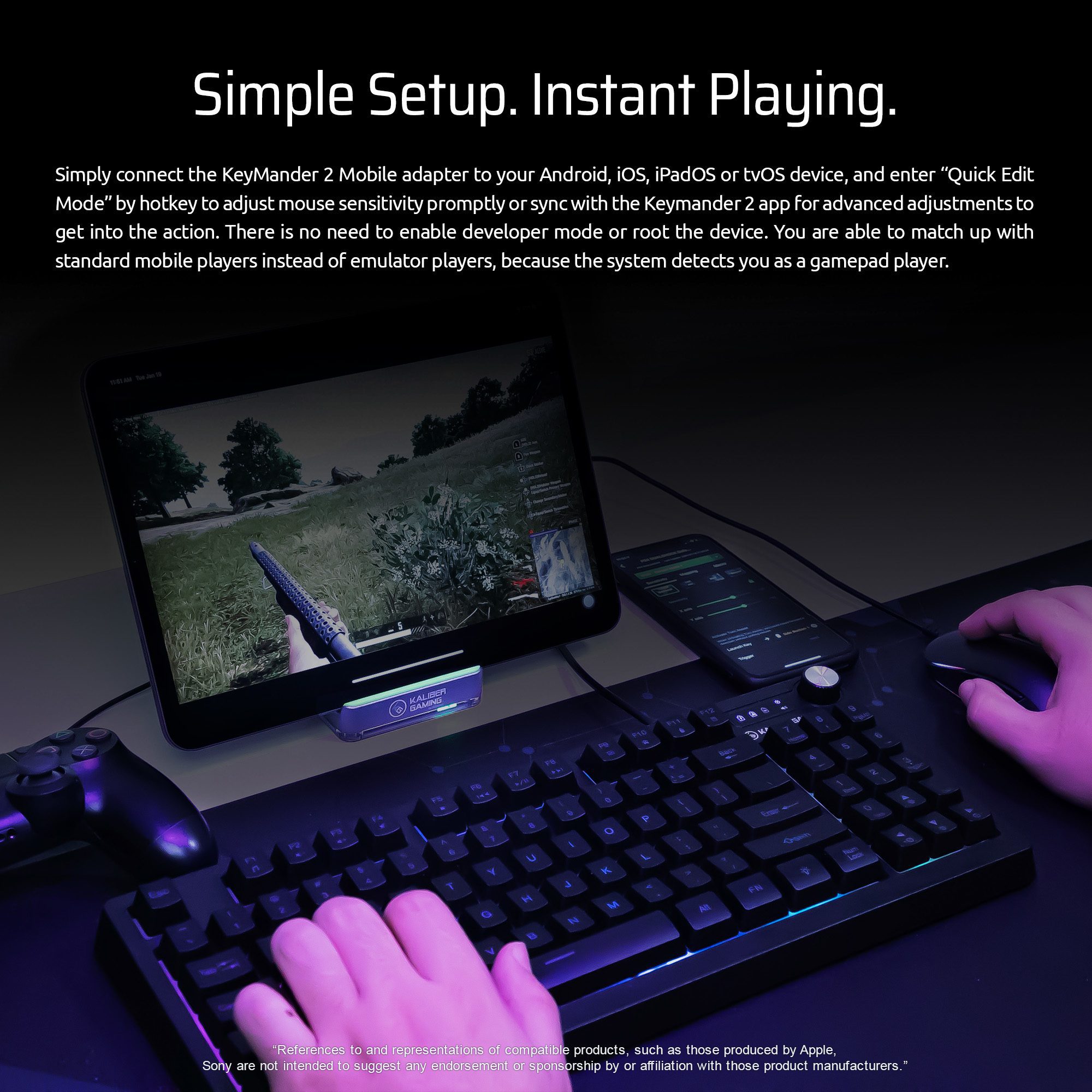
Simple Setup. Instantly Play.
Simply connect the KeyMander 2 Mobile adapter to your Android, iOS, iPadOS or tvOS device, and enter “Quick Edit Mode” by hotkey to adjust mouse sensitivity promptly or sync with the Keymander 2 app for advanced adjustments to get into the action. There is no need to enable developer mode or root the device. You are able to match up with standard mobile players instead of emulator players because the system detects you as a gamepad player.
“References to and representations of compatible products, such as those produced by Apple, Sony is not intended to suggest any endorsement or sponsorship by or affiliation with those product manufacturers.”
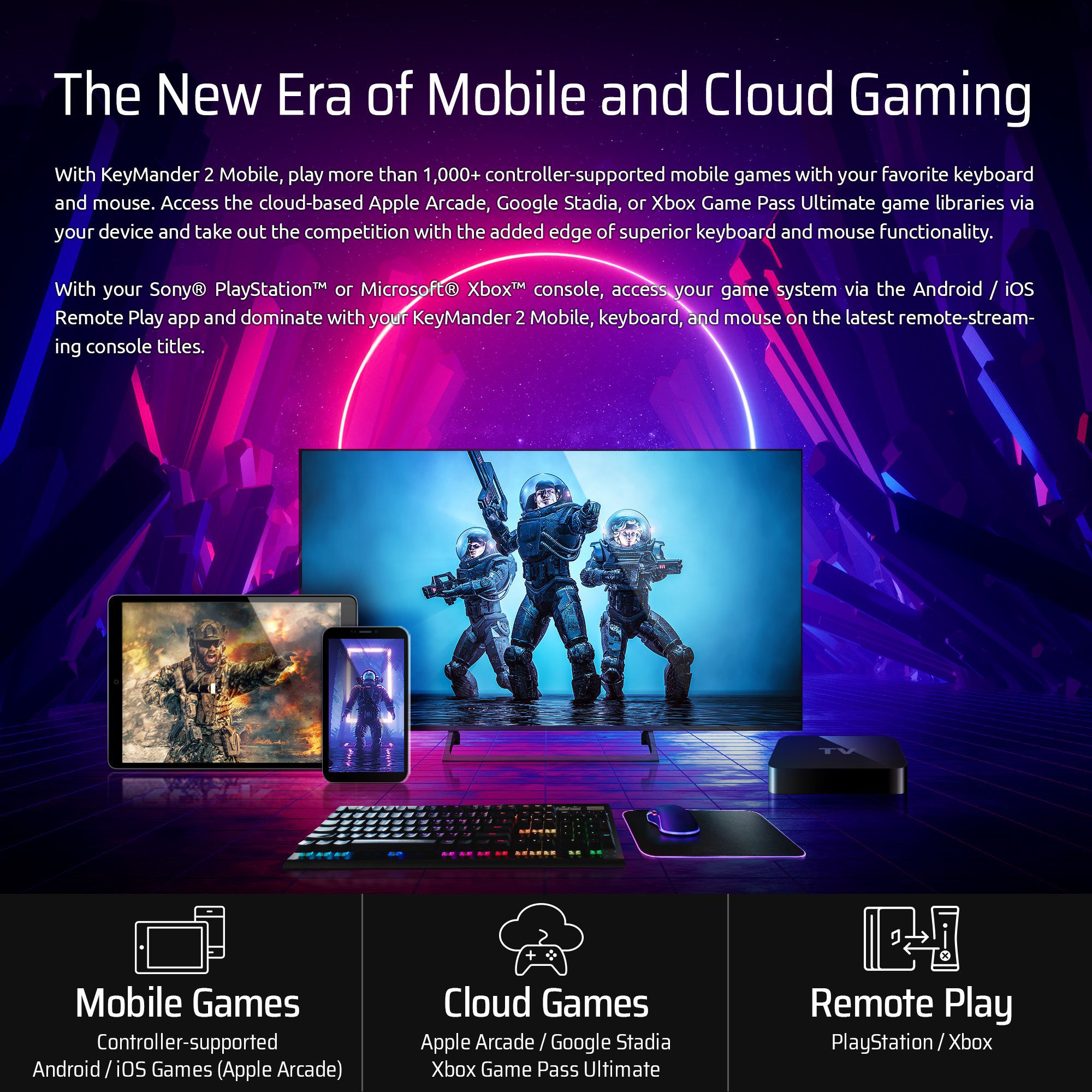
The New Era of Mobile and Cloud Gaming
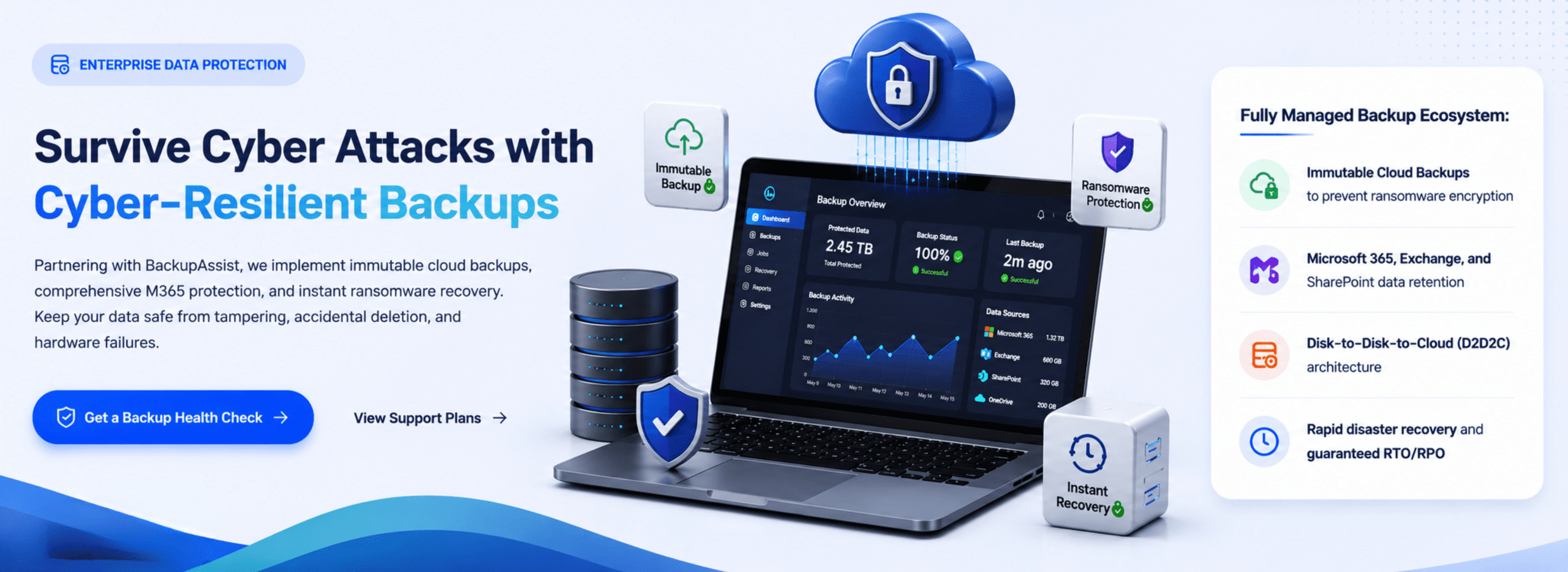
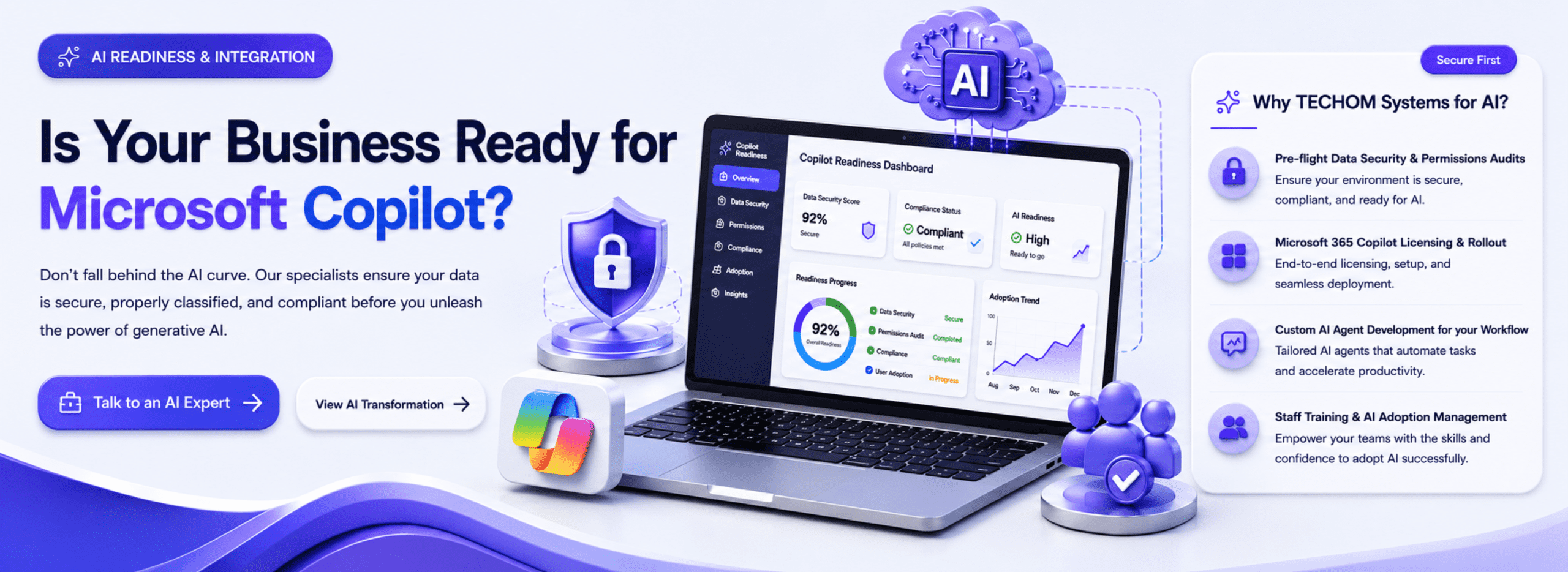
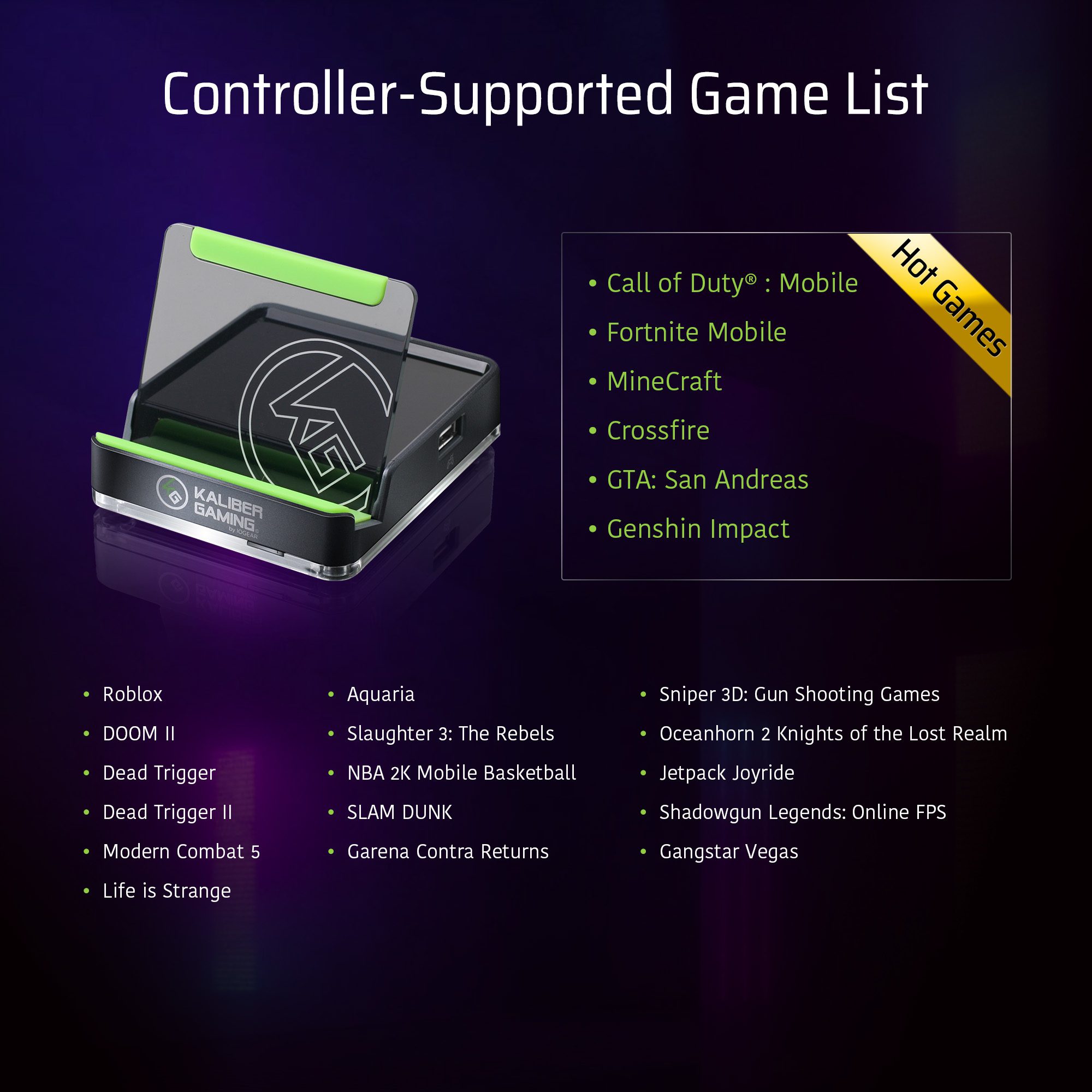
With KeyMander 2 Mobile, play more than 1,000+ controller-supported mobile games with your favourite keyboard and mouse. Access the cloud-based Apple Arcade, Google Stadia, or Xbox Game Pass Ultimate game libraries via your device and take out the competition with the added edge of superior keyboard and mouse functionality.
With your Sony® PlayStation™ or Microsoft® Xbox™ console, access your game system via the Android/ iOS Remote Play app and dominate with your KeyMander 2 Mobile, keyboard, and mouse on the latest remote-streaming console titles.
Mobile Games
Controller-supported Android / iOS Games (Apple Arcade)
Cloud Games
Apple Arcade / Google Stadia / Xbox Game Pass Ultimate
Remote Play
PlayStation / Xbox
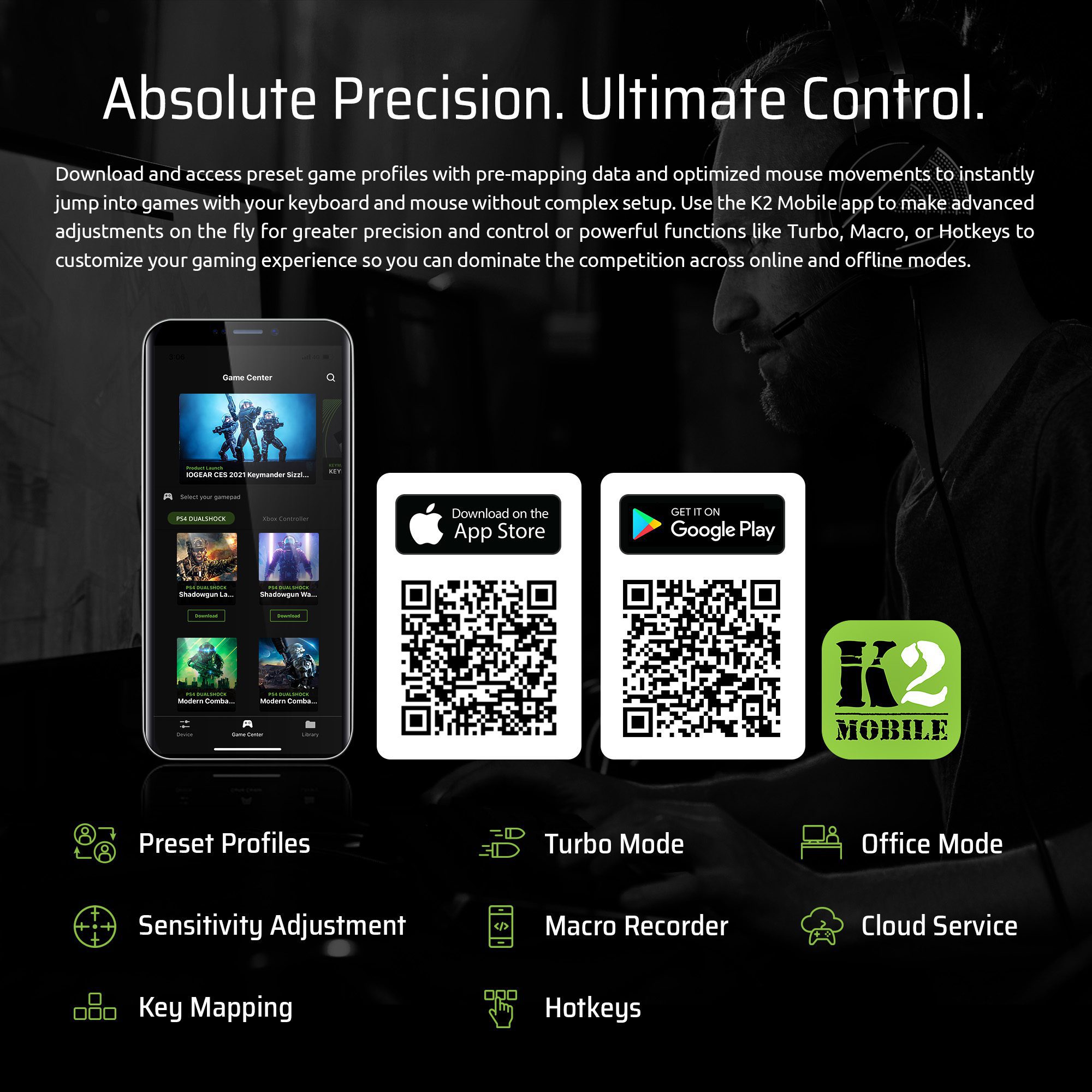
Absolute Precision. Ultimate Control.
Download and access preset game profiles with pre-mapping data and optimized mouse movements to instantly jump into the games with your keyboard and mouse without a complex setup. Use the K2 Mobile app to make advanced adjustments on the fly for greater precision and control or powerful functions like Turbo, Macro, or Hotkeys to customize your gaming experience so you can dominate the competition across online and offline modes.
Preset Profiles
Sensitivity Adjustment
Key Mapping
Turbo Mode
Macro Recorder
Hotkeys
Office Mode
Cloud Service
Play Hardcore. Work Hard.
Beyond gaming, switch to office mode to access productivity tools with keyboard and mouse for email, messaging, drawing, and other apps that don’t officially support keyboard and mouse functionality.