




Nowadays work revolves around displays or screens. Documents, emails, planning tools, video meetings, long-term tasks, these all depend on one thing which is your monitor. However, many offices rely still on displays that were never designed for long term or full day professional use. If your requirement is to work full day on monitor, make sure that you choose the best computer monitors for office work.
Having the best computer monitors will ignore affecting things like comfort, productivity, eye strain, posture and how easily workflows from one task to another. However, the wrong monitor can create small frustration all day long and the right one will disappear into the workflow and can simply support the way you are working.
Here, in this blog post, you will get to know what things you should look for when you are going to buy best computer monitors for office work. Also, you will get to know the mistakes buyers generally make while buying monitors and lot more.

What Matters When Buying Best Computer Monitors For Office Work?

All monitors are not built same. Most of the specifications that look impressive on paper do not always transform into better office performance. Here are some of the major common factors that need to be focused on when you select the best computer monitors for office work:
#Resolution That Keeps Text Sharp
Resolution has a always direct impact on clarity. Work that involves a lot of reading and writing is easier on the eyes when text looks clean and well defined. Soft characters and blurry edges force your eyes to work harder, most specifically over long hours.
So, selecting the best display with high resolution monitors really matters as it determines how sharp text appears at a normal desk distance. This is very noticeable for those who spend most of the time reviewing documents, moving between several applications at once and working with numbers. Some displays that keep the text clear and consistent helps reduce eye pain and make it easy to stay focused even without feeling stressed.
#Screen Size That Matches Real Work
Having bigger screen or monitor is not always better. The ideal size depends on how the monitor will be used.
For most office environments, people use:
- 24-inch monitors work well for single-task or document-focused roles
- 27-inch monitors suit multitasking and detailed work
- Ultra-wide displays are useful for finance, design, or project management
The best computer monitors for office work provide enough screen space so that it can avoid constant window switching without overwhelming the desk or even forcing awkward head movement.
#Panel Quality and Viewing Comfort
Panel type affects colour consistency, brightness, and viewing angles. Office users often view screens from different positions during meetings or collaborative work.
The best monitors for office work used to maintain consistent clarity even when it is viewed slightly off-center. This is especially important in shared offices or meeting spaces. Comfortable viewing angles also reduce the need for constant adjustments during the day.
Why Monitor Choice Matters More Than Ever?
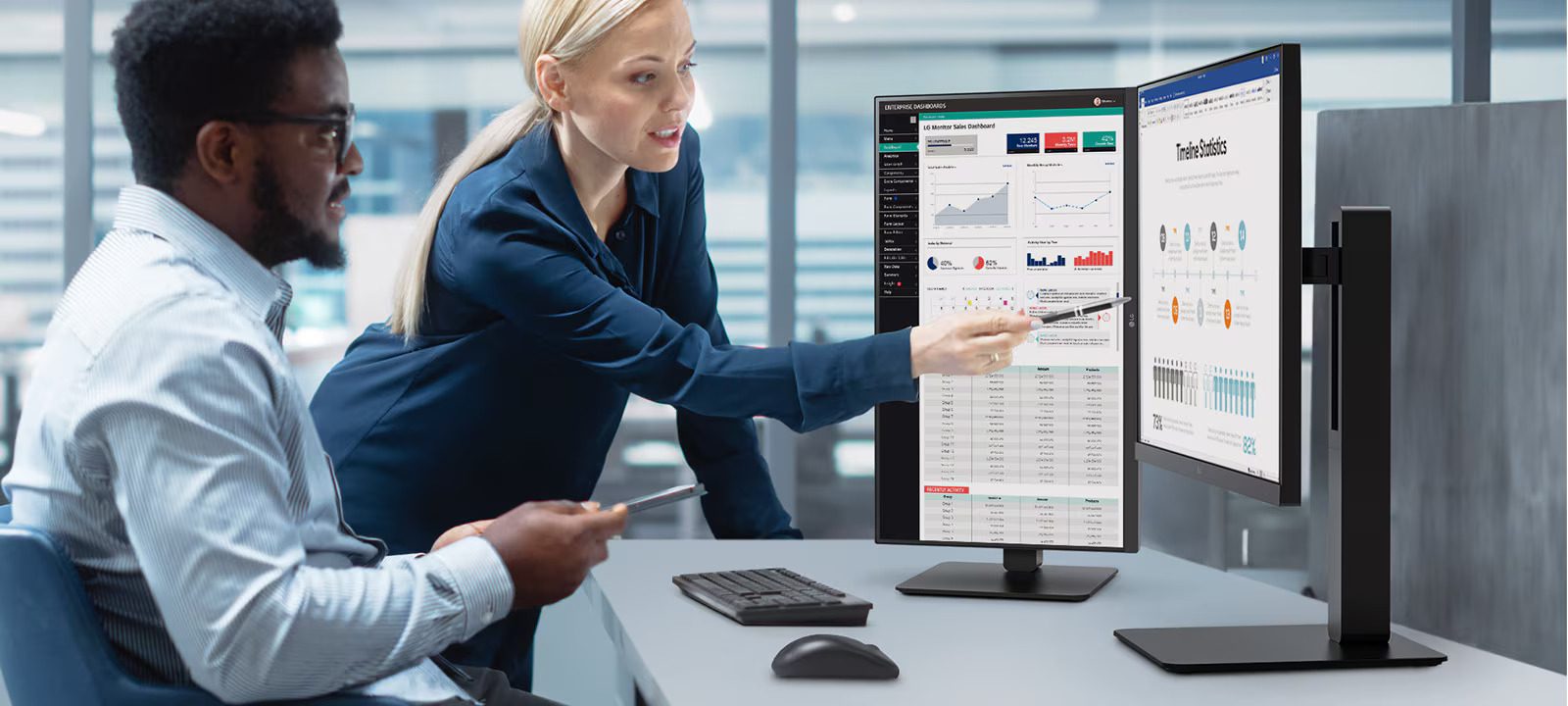
Office work has completely changed as compared to the previous work culture. Now, screens are no longer used just for spreadsheets or emails. Nowadays, they support creative work, multitasking, collaboration and even some times long virtual meetings. Mostly all the professionals now spend more than eight hours a day in front of a monitor.
Businesses who invest in high computer monitors generally see fewer complaints about discomfort, smoother workflows and also better consistency across all teams.
Using the best computer monitors for work improves focus, reduces fatigue and makes every daily tasks feel easier rather than draining. If a monitor chosen is not good, it leads to neck strain, squinting, constant window resizing and unnecessary breaks that interrupt concentration.
Common Mistakes Buyers Make When Choosing Office Monitors
Most of the time, even some experienced buyers make some mistakes while selecting best computer monitors. One can avoid these pitfalls and it can save time, money and frustration:
- Buying Gaming Monitors For Office Desks: Gaming screens are built for speed and visuals, not for reading text all day. High refresh rates don’t help much when most of the work involves emails, documents, and meetings.
- Not Thinking About The Desk Setup: A monitor can look good online but feel wrong once it is on the desk. Screens that do not match the available viewing distance or space quickly generally leads to awkward constant and posture adjustments.
- Going For The Cheapest Option: It is easy to assume a monitor is a monitor, especially when budgets are tight. The problem is that low-cost screens often skip basic comfort features, which becomes obvious after a few long workdays.
- Trusting Specs More Than Real Use: The best computer monitors for office work are the ones that stay comfortable throughout the day, not just impressive on paper.
- Forgetting How People Actually Work
Office screens should suit everyday tasks like reading, multitasking, and video calls. Choosing a monitor without thinking about daily habits usually leads to regret later.
Best Computer Monitors For Office Work You Should Buy:
Here are the lists of the best monitors for office work you can buy in bulk to set up your office or the existing office with some heavy specifications that let your team sit for log hours and work stress free:
#1: PHILIPS B1-SERIES 27″ (16:9) QHD IPS LED, USB-C DOCK, HDMI, DP, H/ADJ, SPKR, 4YR (SKU: 276B1/75)
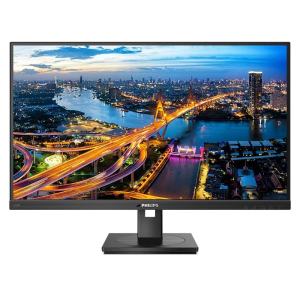
The PHILIPS B1-SERIES 27-inch QHD IPS LED Monitor is built for professionals who want precision with comfort. Its QHD resolution delivers crisp visuals with vibrant colors that make tasks like design presentations or data work more enjoyable. With USB-C docking you can connect and charge your laptop using a single cable which keeps your desk clean. The adjustable height design supports better posture throughout the day.
#2: PHILIPS B2-SERIES 27″ (16:9) QHD IPS LED, USB-C DOCK, HDMI(2), DP, H/ADJ, SPKR, 4YR (SKU: 27B2U3601/75)
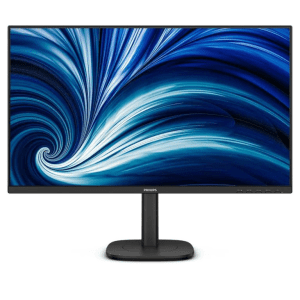
The PHILIPS B2-SERIES 27-inch QHD IPS LED Monitor offers a balance of clarity and performance for professional and hybrid environments. With built-in speakers and height adjustment, this monitor supports work efficiency with comfort. Dual HDMI ports allow you to easily connect more devices while USB-C docking simplifies your desk setup.
#3: PHILIPS B1-SERIES 27″ (16:9) UHD IPS LCD, USB-C DOCK, HDMI, DP, H/ADJ, SPKR, PIVOT, 4YR (SKU: 27B1U3900/75)
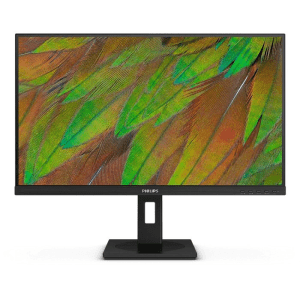
The PHILIPS B1-SERIES 27-inch UHD IPS LCD Monitor offer perfect 4K clarity which seems perfect for multitaskers with visual-heavy workloads. This monitor comes with pivot adjustment which helps you to rotate the screen vertically which is ideal for coding or long documents. The USB-C docking keeps the setup simple while the IPS panel ensures uniform and vivid colors from every angle.
Why Businesses Trust TECHOM Systems Shop for Office Displays?
Choosing the right display is only part of the equation. Where you buy from matters just as much. TECHOM Systems Shop offers a selected range of computer monitors which are designed specifically for professional environments. Rather than overwhelming buyers with unnecessary options, the focus is on monitors that perform well in real office conditions.
By browsing the display category at TECHOM Systems Shop, businesses can find reliable options that suit different workstyles, budgets and office sizes. Genuine products, local availability and professional support make the buying process even simpler and more confident. If you have already planned or thinking of planning to upgrade or standardize your office setup then exploring the display range at TECHOM Systems Shop is a practical next step.
Planning to buy best computer monitor for office work? A quick enquiry can help narrow down the right option without overcommitting.
Frequently Asked Questions
Q1: Higher Resolutions Are Better For Office Use Or Nor?
Ans: Higher resolution monitors can reduce eye strain with text clarity, especially for long working hours. The best computer monitors for office work use resolution to enhance comfort, not just visual appeal.
Q2: Where To Buy Reliable Office Monitors In Australia From?
Ans: TECHOM Systems Shop offers a great professional range of office-ready monitors or displays with local support and clear product information in order to help businesses choose confidently.
Q3: What Is The Best Screen Type For Office Work?
Ans: For professionals focused on comfort, focus, and daily productivity, IPS remains the most practical and reliable choice for office environments. IPS screens are actually designed to work for long hours in front of a monitor. They provide sharp, clear text, stable brightness and wide viewing angles, so the image does not transform when you share or move your screen with others.
Q4: Which Is Better, A 24 Or 27 Monitor?
Ans: In general, 24-inch or 27-inch screens offer the best balance between comfort and space for the professionals. If you value space efficiency and simplicity, 24-inch usually works better. If you want extra workspace and multitasking ease, 27-inch is worth considering.
Final Thoughts
Having the best computer monitors for office work used to support better focus, less fatigue and a more comfortable workday. I the display works properly then productivity itself improves naturally without added stress. If you are planning to upgrade your office workspace, explore the professional display range available at TECHOM Systems Shop. Choosing the right monitor today can make every workday noticeably better. You can simply contact TECHOM Systems Shop and order monitors for office work in bulk for your office.

Peter Pawlak, Director of Sales and Customer Advocate, brings over 15 years of experience helping ambitious business owners grow with confidence. His mission is to empower people to start, build, and run their businesses successfully, turning ideas into thriving ventures. Peter’s passion for business transformation and his results-driven approach have been key to guiding entrepreneurs toward faster and smarter growth.