





Microsoft 365 vs Google Workspace represents a critical decision for businesses evaluating cloud-based productivity solutions. Many organizations consider a Microsoft 365 Subscription to access a familiar and comprehensive set of tools that support collaboration, communication, and efficient workflow management. The choice between these platforms often comes down to how well they integrate into existing business processes and support long-term growth.
A closer comparison of features, security frameworks, and integration capabilities helps organizations make informed decisions. While Google Workspace emphasizes simplicity and real-time collaboration, Microsoft offers a more extensive ecosystem through its tools and services. Flexible Microsoft 365 Licensing options further enable businesses to scale and customize their solutions, ensuring the platform adapts to their evolving operational needs.
Microsoft 365 vs Google Workspace: Core Feature Comparison
Both platforms offer core productivity tools, but their implementation differs significantly. Microsoft 365 Software emphasizes enterprise-grade collaboration with Microsoft Teams and a fully integrated suite of applications, while Google Workspace prioritizes real-time document editing through Google Workspace for Education and Google Workspace for Business. The choice between these platforms ultimately depends on specific use cases and scalability requirements.
1. Productivity Suite Capabilities
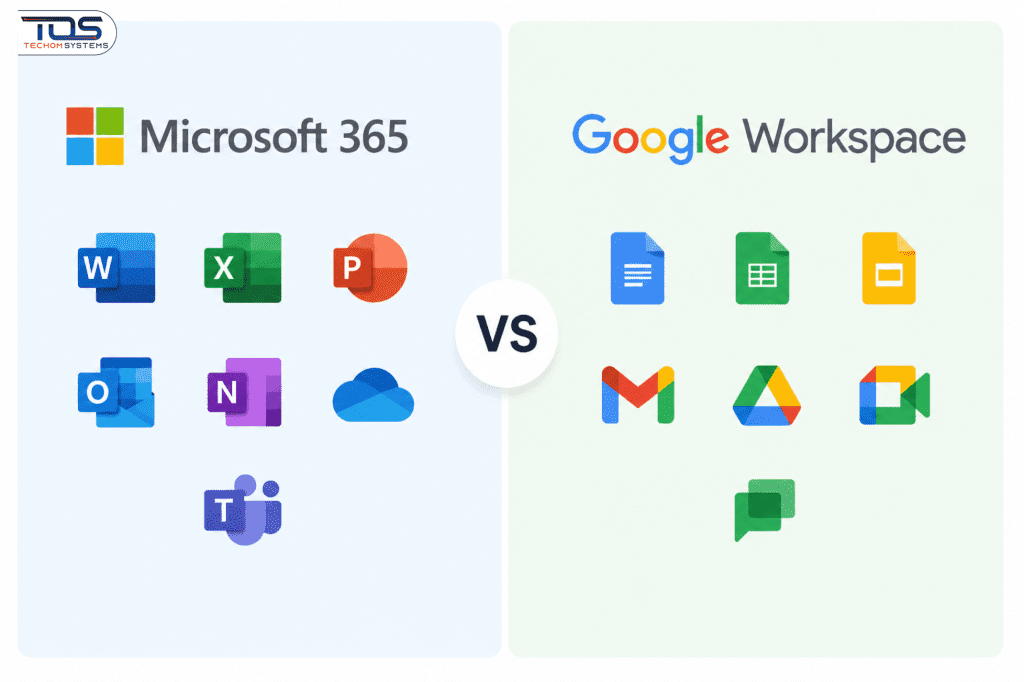
Microsoft 365 Software includes powerful tools such as Word, Excel, PowerPoint, and Outlook, enhanced with AI features like Editor and Ideas. Google Workspace offers Docs, Sheets, and Slides with strong collaboration functionality. While both provide mobile apps, Microsoft stands out with advanced tools like Power BI for analytics.
2. Collaboration and Real-Time Editing
Google Workspace is known for seamless real-time editing, allowing multiple users to collaborate simultaneously on documents. Microsoft 365 offers similar features through Teams and SharePoint, but with more structured collaboration and controlled document management.
3. Communication and Workflow Integration
Microsoft 365 integrates communication through Teams, enabling chats, meetings, and file sharing in one place. Google Workspace uses tools like Gmail and Meet for communication, offering simplicity but fewer advanced workflow controls compared to Microsoft’s ecosystem.
4. Security and Compliance Frameworks
Microsoft 365 provides advanced security solutions such as Microsoft Defender and Azure Information Protection, making it a strong choice for organizations that rely on a secure Microsoft 365 Subscription for their daily operations. Google Workspace also ensures robust protection with encryption and compliance certifications like SOC 2 and ISO 27001. Both platforms support multi-factor authentication, helping businesses strengthen their overall security posture and protect sensitive data.
5. Data Governance and Control
Microsoft 365 offers more detailed data governance and administrative controls, making it suitable for enterprises with strict compliance needs. With flexible Microsoft 365 Licensing, businesses can scale and customize their environment, while Google Workspace focuses on ease of use with simplified management options.
Technical Architecture and Integration Capabilities
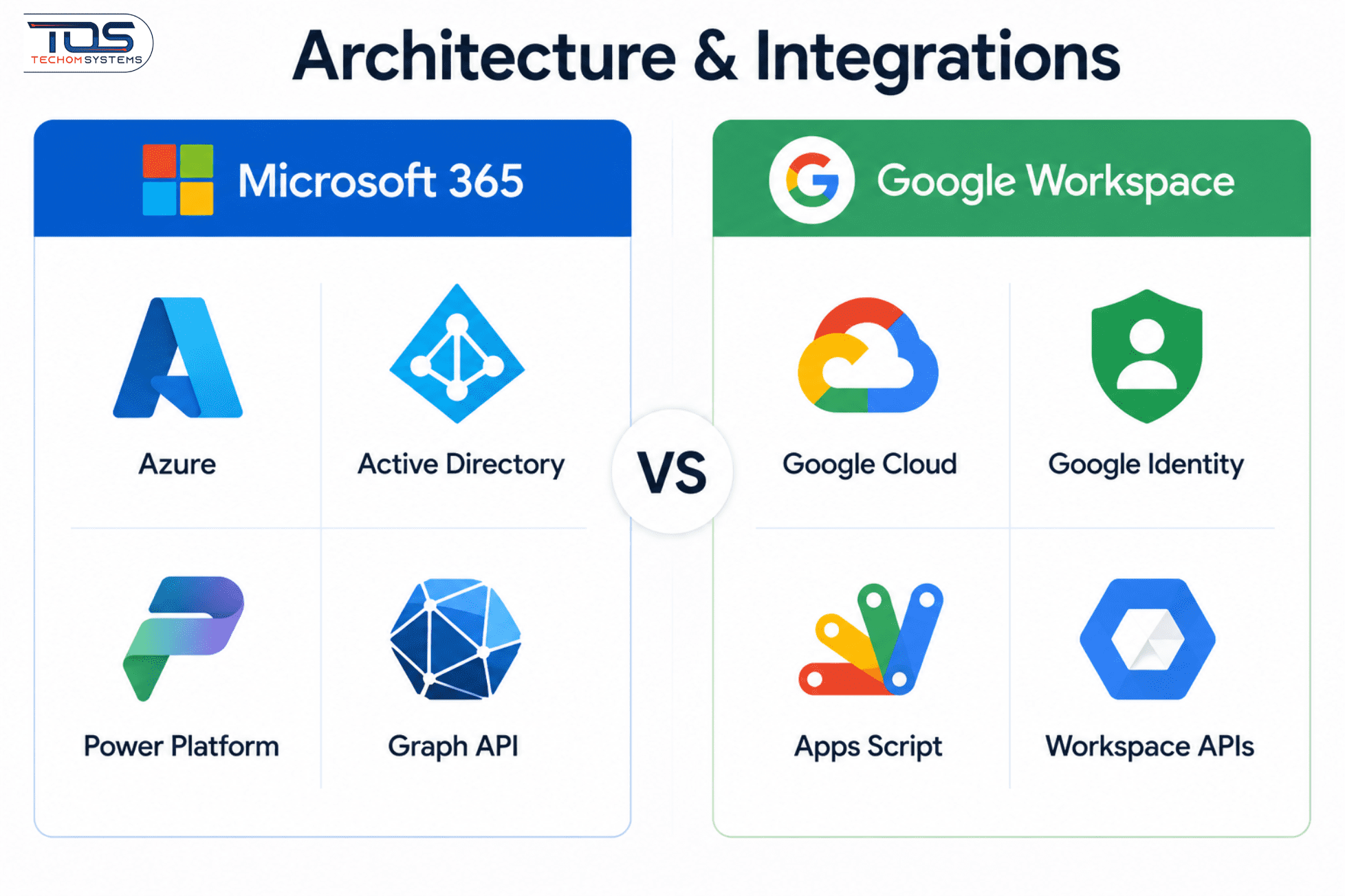
Microsoft 365’s integration with Azure cloud services provides deeper infrastructure connectivity for enterprise environments, enabling advanced identity management, security, and hybrid cloud capabilities, with offerings tied to SKUs such as XP7-00012, EP2-83143, and EP2-29791. Google Workspace’s integration with Google Cloud Platform offers seamless data flow and scalability for organizations already leveraging Google services and infrastructure. While both platforms support API access for extensibility and automation, Microsoft 365’s ecosystem remains more tightly integrated with Microsoft’s broader enterprise solutions, including Dynamics 365, Power Platform, and Azure Active Directory.
1. Third-Party Tool Compatibility
Microsoft 365 offers a wide range of third-party integrations through its AppSource marketplace, making it especially strong for enterprise applications. Google Workspace also provides integrations via its Marketplace, but it is more optimized for tools within the Google ecosystem. Both platforms support single sign-on (SSO) and identity management, ensuring secure and seamless access across applications.
2. Scalability and Deployment Options
Microsoft 365 provides flexible deployment models, including hybrid setups with on-premises solutions like Exchange Server. This makes it suitable for organizations with complex infrastructure needs. In contrast, Google Workspace follows a cloud-only approach, offering simplicity but limited customization for hybrid environments.
3. Cost Structure and Licensing Models
Microsoft 365 uses a tiered pricing model with different feature sets, allowing businesses to choose plans based on their needs. Google Workspace follows a more straightforward pricing structure with fewer customization options. While both offer volume discounts, Microsoft’s model gives organizations more control over user access, features, and resource allocation.
Subscription Plans and Feature Sets
Subscription plans and feature sets define how businesses access tools within a Microsoft 365 Subscription, varying in pricing, scalability, and capabilities to match organizational needs, budgets, and long-term operational goals.
| Feature | Microsoft 365 | Google Workspace |
|---|---|---|
| Basic Email | Yes (Exchange Online) | Yes (Gmail) |
| Real-Time Collaboration | Yes (Teams, SharePoint) | Yes (Docs, Sheets, Slides) |
| Advanced Security | Yes (Microsoft Defender) | Yes (Advanced Protection) |
| Customizable Admin Controls | Yes (Azure AD) | Yes (Admin Console) |
| Integration with Cloud Services | Yes (Azure, Office 365) | Yes (Google Cloud) |
Industry Perspectives and Use Case Analysis
Industry insights highlight clear trends in platform adoption across different business segments. According to Gartner, a majority of enterprises prefer Microsoft 365 due to its seamless integration with existing Microsoft infrastructure and enterprise-grade capabilities. In contrast, many small and medium-sized businesses lean toward Google Workspace for its ease of use, quick setup, and cost-effectiveness.
Research from Forrester (2023) further shows that Google Workspace is especially popular in creative and collaborative industries, where real-time editing and flexibility are key. Meanwhile, Microsoft 365 continues to dominate sectors such as finance and large enterprises, where advanced security, compliance features, and structured workflows are critical for operations.
Technical Example: Hybrid Cloud Deployment
“For organizations requiring hybrid cloud capabilities, Microsoft 365’s integration with on-premises Exchange Server provides greater flexibility,” explains John Carter, IT Architect at TechCorp. “Google Workspace’s cloud-only model is sufficient for smaller businesses but lacks the hybrid deployment options needed for complex enterprise environments.”
Why TEHCOM SHOP is the Right Choice?
TEHCOM SHOP stands out as a reliable partner for businesses seeking efficient and scalable digital solutions. With a strong focus on customer needs, TEHCOM SHOP delivers tailored services that align with modern business requirements, ensuring seamless implementation and long-term value.
- Expert Guidance: Professional support to help you choose the right solutions for your business needs.
- Flexible Solutions: Scalable options, including Microsoft 365 Subscription plans, designed to grow with your organization.
- Competitive Pricing: Cost-effective offerings without compromising on quality or features.
- Reliable Support: Dedicated assistance to ensure smooth operations and quick issue resolution.
- Trusted Service: Commitment to delivering secure, efficient, and high-quality solutions for businesses of all sizes.
TEHCOM SHOP combines expertise, affordability, and customer-centric service to help organizations succeed in their digital transformation journey.
Frequently Asked Questions
1. Which platform is better for real-time collaboration?
Google Workspace excels in real-time document editing with its suite of Google Docs, Sheets, and Slides. Microsoft 365 offers comparable functionality through SharePoint and Teams, but with more structured project management capabilities.
2. How do their security frameworks compare?
Microsoft 365 provides advanced security with Azure Information Protection and Microsoft Defender. Google Workspace offers robust encryption and compliance certifications but lacks the granular control of Microsoft’s enterprise security suite.
3. Which platform is more cost-effective?
Google Workspace’s flat-rate pricing model is generally more cost-effective for small businesses. Microsoft 365’s tiered pricing offers greater flexibility for organizations with varying needs and resource requirements.
4. Can these platforms integrate with other cloud services?
Both platforms support integration with third-party cloud services, but Microsoft 365’s ecosystem is more tightly integrated with Azure and other Microsoft services, providing deeper infrastructure connectivity.
Conclusion
Choosing between Microsoft 365 and Google Workspace ultimately depends on your organization’s priorities, size, and operational needs. Microsoft 365 stands out for its advanced security, enterprise-grade tools, and deep integration across applications, making it ideal for large organizations and regulated industries. On the other hand, Google Workspace offers simplicity, ease of use, and strong real-time collaboration, which appeals to startups and creative teams.
To make the right decision, businesses should carefully evaluate features, scalability, and long-term costs using a detailed Microsoft 365 Licensing Guide. This helps in selecting the most suitable plan, ensuring optimal performance, security, and value for your organization’s growth.
Ready to upgrade your business productivity and collaboration? Choose the right solution with confidence. Explore flexible plans, expert support, and seamless setup tailored to your needs. Get started now with the perfect Microsoft 365 solution for your business!

Peter Pawlak, Director of Sales and Customer Advocate, brings over 15 years of experience helping ambitious business owners grow with confidence. His mission is to empower people to start, build, and run their businesses successfully, turning ideas into thriving ventures. Peter’s passion for business transformation and his results-driven approach have been key to guiding entrepreneurs toward faster and smarter growth.