





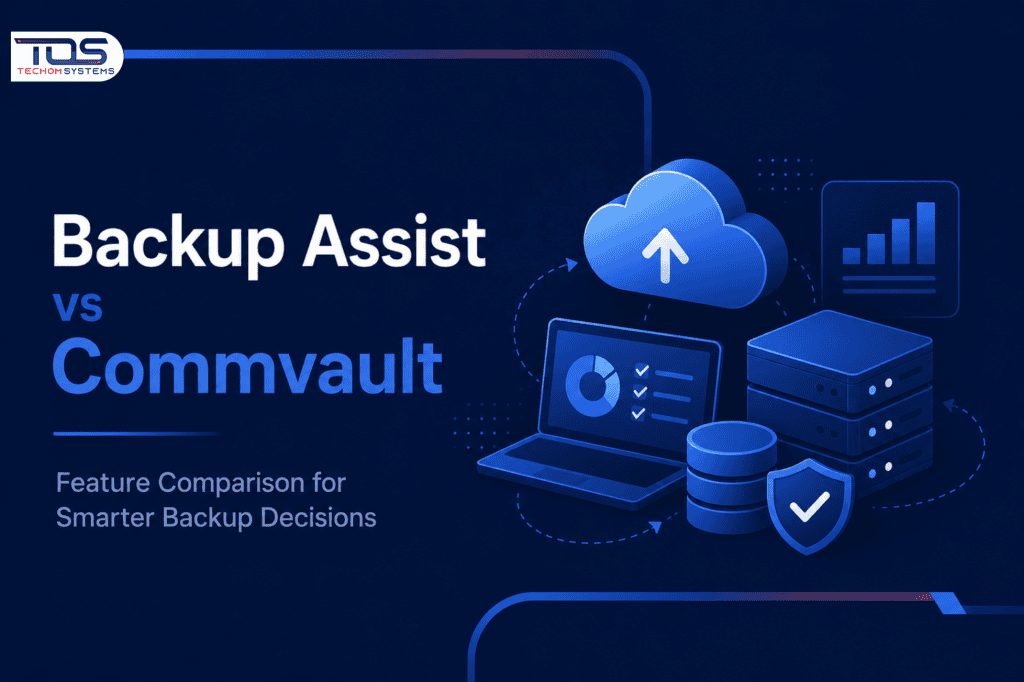
Choosing the right Disaster Recovery Software is essential for businesses that want to protect critical data and ensure uninterrupted operations. When comparing Backup Assist Software and Commvault, organizations must evaluate factors such as backup performance, ease of deployment, security features, and recovery capabilities. Both solutions are designed to strengthen data protection strategies, but they cater to different business requirements and IT environments.
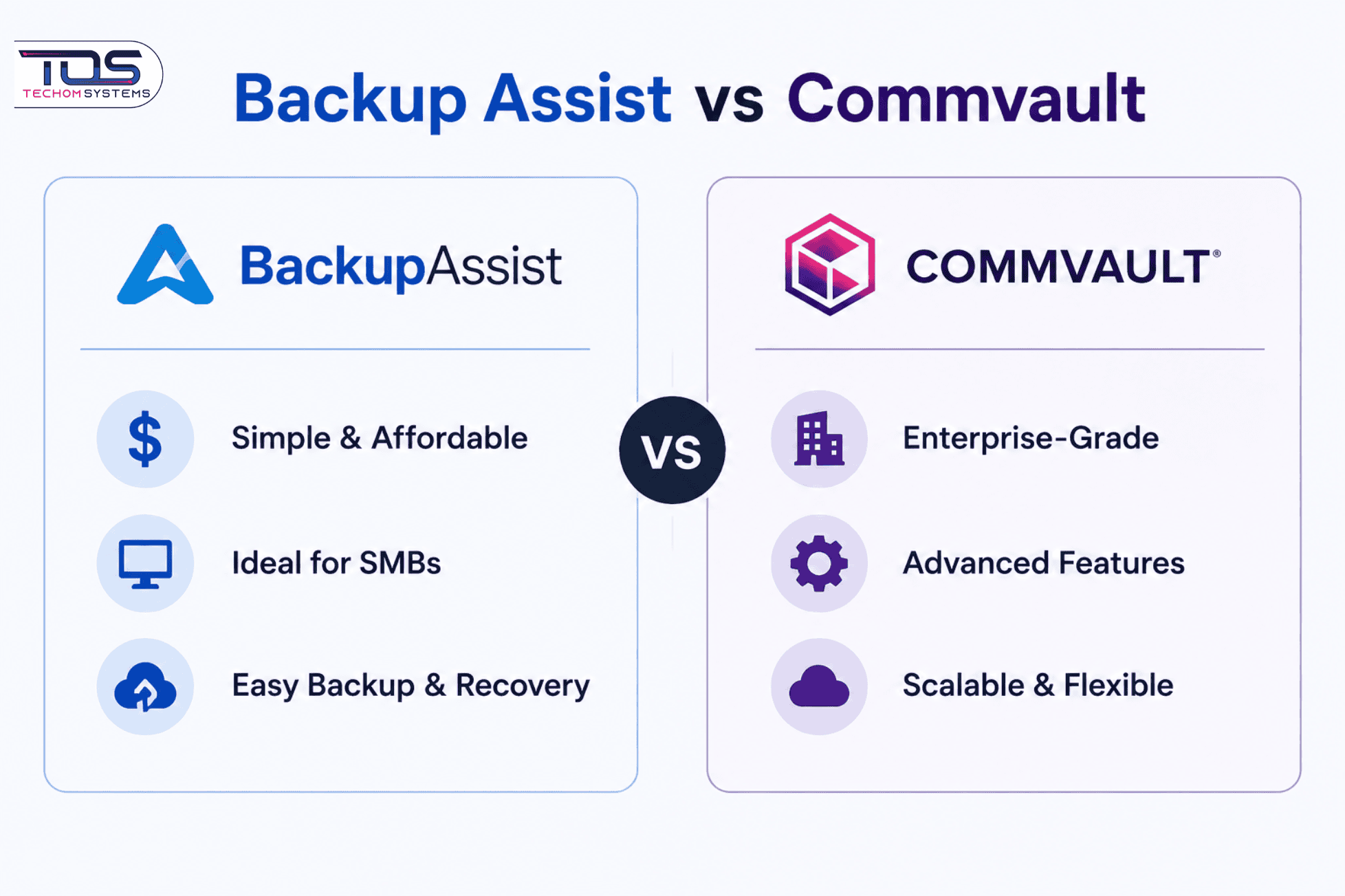
Understanding the Importance of Data Protection is key when selecting a backup and recovery platform. Backup Assist Software is known for its simplicity, affordability, and suitability for small to medium-sized businesses, while Commvault offers advanced enterprise-grade features for complex infrastructures. By examining their core functionalities, scalability, security measures, and overall value, businesses can determine which solution best aligns with their operational and disaster recovery objectives.
Feature Analysis of Backup Assist Software vs Commvault
Backup Assist specializes in simplicity and rapid deployment, offering a lightweight agent-based solution ideal for small-to-midsize businesses. Its intuitive interface reduces training overhead, while Commvault focuses on enterprise complexity with modular architecture supporting hybrid cloud environments. Both platforms provide granular recovery options, but Commvault’s virtual machine backup capabilities outperform Backup Assist in virtualized environments.
- Easy Deployment and Management: Backup Assist Software is designed for quick setup and simple management, making it an excellent choice for small and medium-sized businesses. In contrast, Commvault offers a more complex enterprise-grade platform with extensive management capabilities.
- Architecture and Flexibility: Backup Assist uses an agent-based backup approach that works well for traditional IT environments. Commvault leverages a cloud-ready architecture that supports physical, virtual, and cloud workloads, providing greater flexibility for modern infrastructures.
- Virtualization Support: While both solutions protect business-critical data, Commvault delivers advanced support for virtual machines and large-scale virtual environments, making it suitable for organizations with extensive virtualization needs.
- Advanced Recovery Options: Commvault provides granular recovery features, allowing users to restore individual files, databases, emails, and application components. Backup Assist Software focuses on straightforward and efficient recovery processes for everyday business requirements.
- Disaster Recovery and Data Protection: Both solutions emphasize the Importance of Data Protection through reliable backup and recovery capabilities. However, Backup Assist excels in fast full-system restoration, while Commvault offers comprehensive recovery options for complex enterprise Disaster Recovery Software strategies.
Choosing the Right Disaster Recovery Software for Growth
Backup Assist scales to 500+ endpoints but faces limitations in large-scale environments due to its agent-based model. Commvault’s modular architecture scales to thousands of endpoints, with enterprise editions supporting PB-level data protection. For organizations with 500+ servers, Commvault’s scalability advantages become significant.
- Scalability for Growing Organizations: Backup Assist is a practical solution for small and medium-sized businesses, while Commvault is designed to handle large-scale environments with thousands of endpoints and extensive data protection requirements.
- Hybrid Cloud Support: Commvault offers broader integration with major cloud platforms, making it an excellent Disaster Recovery Software option for organizations operating across hybrid and multi-cloud environments. Backup Assist provides cloud backup support but with fewer native integrations.
- Disaster Recovery Automation: Commvault includes advanced features such as automated failover testing and multi-site replication, helping organizations reduce downtime and streamline recovery processes. Backup Assist takes a more straightforward approach that may require additional manual intervention.
- Importance of Data Protection: As businesses continue to generate and store larger volumes of critical information, the Importance of Data Protection cannot be overlooked. Both solutions provide reliable backup and recovery capabilities, but the ideal choice depends on an organization’s size, infrastructure, and business continuity goals.
How Backup Assist and Commvault Protect Business Data
Both platforms encrypt data at rest and in transit, but Commvault’s built-in compliance modules for GDPR, HIPAA, and SOC2 provide deeper regulatory support. Backup Assist requires third-party tools for full compliance reporting, creating potential gaps in audit readiness.
- Regulatory Compliance Support: Both solutions prioritize data security, but Commvault offers built-in tools for meeting regulatory requirements such as GDPR, HIPAA, and SOC 2. Backup Assist may require additional third-party solutions for comprehensive compliance reporting and auditing.
- Advanced Data Encryption: Protecting sensitive information is a critical aspect of the Importance of Data Protection. Both platforms support AES-256 encryption, but Commvault provides integrated key management capabilities that simplify security administration.
- Access Control and User Management: Commvault delivers more granular role-based access controls (RBAC), allowing organizations to define detailed user permissions. Backup Assist offers a simpler user-role structure that is easier to manage but less flexible for complex environments.
- Security for Business Continuity: As a trusted Disaster Recovery Software solution, Commvault provides advanced security and governance features for enterprise environments. Backup Assist delivers reliable protection for smaller organizations that need strong security without added complexity.
Backup Assist vs Commvault: Feature Comparison at a Glance
This comparison table highlights the key differences between Backup Assist and Commvault, covering scalability, security, cloud support, recovery capabilities, and deployment options to help businesses choose the right data protection solution.
| Feature | Backup Assist | Commvault |
|---|---|---|
| Agent-Based Architecture | Yes | No |
| Cloud Integration | Basic | Comprehensive |
| Disaster Recovery Automation | Manual | Automated |
| Compliance Modules | Third-Party Only | Built-In |
| Scalability Limit | 500+ Endpoints | Thousands of Endpoints |
| Cost Structure | Per Endpoint | Subscription-Based |
Why Choose TECHOM Shop for Data Protection Solutions
When evaluating BackupAssist vs Commvault, selecting the right technology partner is just as important as choosing the right solution. At TECHOM Shop, we help businesses navigate their backup and recovery options with confidence, providing access to trusted software that aligns with their operational, security, and compliance requirements.
Our team is committed to helping organizations understand the Importance of Data Protection and implement the most effective Disaster Recovery Software for their unique needs. Whether you’re considering BackupAssist for its simplicity or Commvault for its enterprise-grade capabilities, TECHOM Shop delivers expert guidance, reliable solutions, and dedicated support to help keep your critical data secure.
Expert Perspective: Choosing the Right Solution
“For organizations with complex hybrid environments, Commvault’s architecture provides unmatched flexibility. However, its complexity requires dedicated resources. Backup Assist remains the best option for SMBs prioritizing simplicity over advanced features,” says John Carter, Senior IT Architect at TechNova Solutions.
Frequently Asked Questions
1: What is the main difference between Backup Assist and Commvault?
Backup Assist Software helps businesses protect critical data through automated backups, recovery tools, and business continuity features. It is widely used by small and medium-sized organizations looking for a cost-effective data protection solution.
2: Which solution is better for Disaster Recovery Software?
As a Disaster Recovery Software solution, Commvault offers advanced automation, replication, and failover capabilities. Backup Assist Software focuses on simplicity and fast recovery, making it a suitable choice for smaller IT environments.
3: Why is the Importance of Data Protection increasing for businesses?
The Importance of Data Protection has increased due to cyberattacks, data breaches, and compliance requirements. Reliable backup solutions help organizations secure valuable information, maintain business continuity, and minimize operational disruptions.
4: Does Backup Assist support cloud backups?
Yes, Backup Assist supports cloud backup capabilities through selected integrations and storage options. However, Commvault provides broader support for hybrid and multi-cloud environments, making it a stronger choice for businesses with extensive cloud infrastructure requirements.
5: Which solution offers better scalability?
Backup Assist works well for small to mid-sized environments, while Commvault is built to scale across thousands of endpoints and large data volumes. Organizations expecting rapid growth often choose Commvault for its enterprise-level scalability and management features.
Conclusion
Choosing between Backup Assist Software and Commvault ultimately depends on your organization’s size, budget, and data protection requirements. Backup Assist Software is a practical choice for small and medium-sized businesses that need a simple, cost-effective, and reliable backup solution with straightforward recovery capabilities.
For larger enterprises with complex infrastructures, hybrid cloud environments, and advanced compliance needs, Commvault offers greater scalability, automation, and comprehensive recovery features. Regardless of the solution selected, the Importance of Data Protection cannot be overlooked. Investing in the right Disaster Recovery Software helps businesses safeguard critical data, reduce downtime, maintain compliance, and ensure long-term operational resilience in an increasingly data-driven world.
Choose the right Disaster Recovery Software with TECHOM Shop and keep your critical data secure. Explore our solutions, strengthen your data protection strategy, and connect with TECHOM Shop today for reliable backup and recovery solutions.

Peter Pawlak, Director of Sales and Customer Advocate, brings over 15 years of experience helping ambitious business owners grow with confidence. His mission is to empower people to start, build, and run their businesses successfully, turning ideas into thriving ventures. Peter’s passion for business transformation and his results-driven approach have been key to guiding entrepreneurs toward faster and smarter growth.