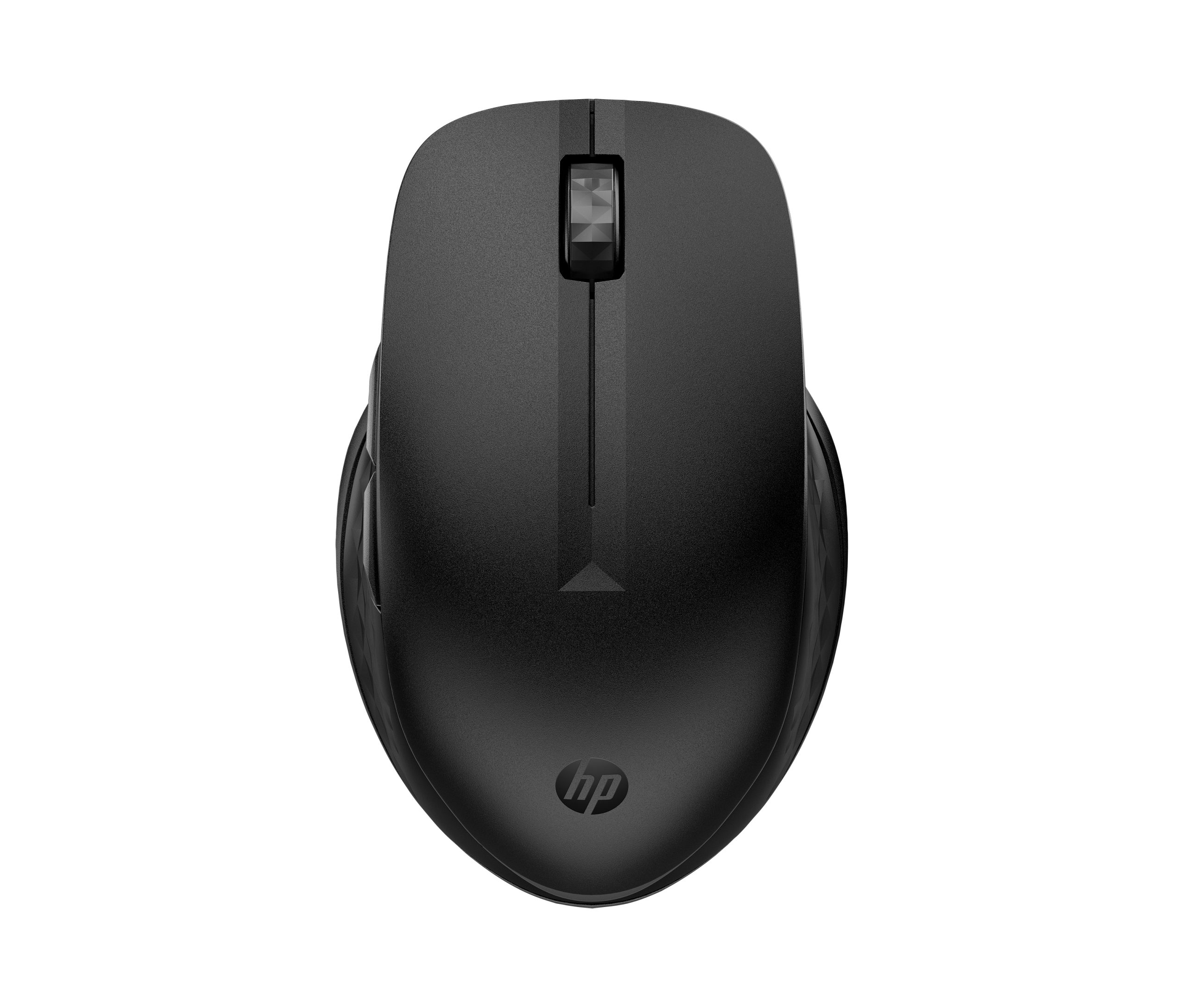




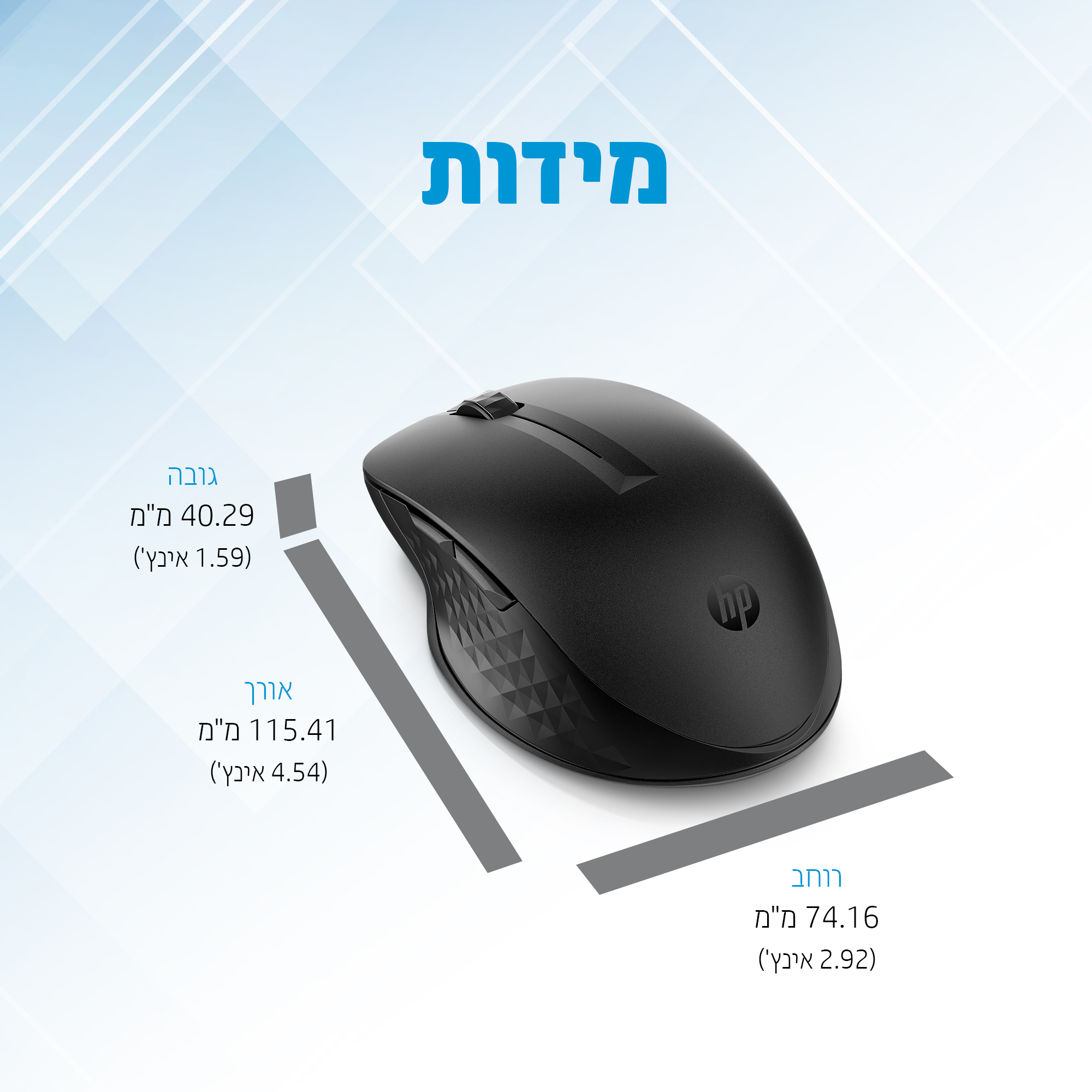
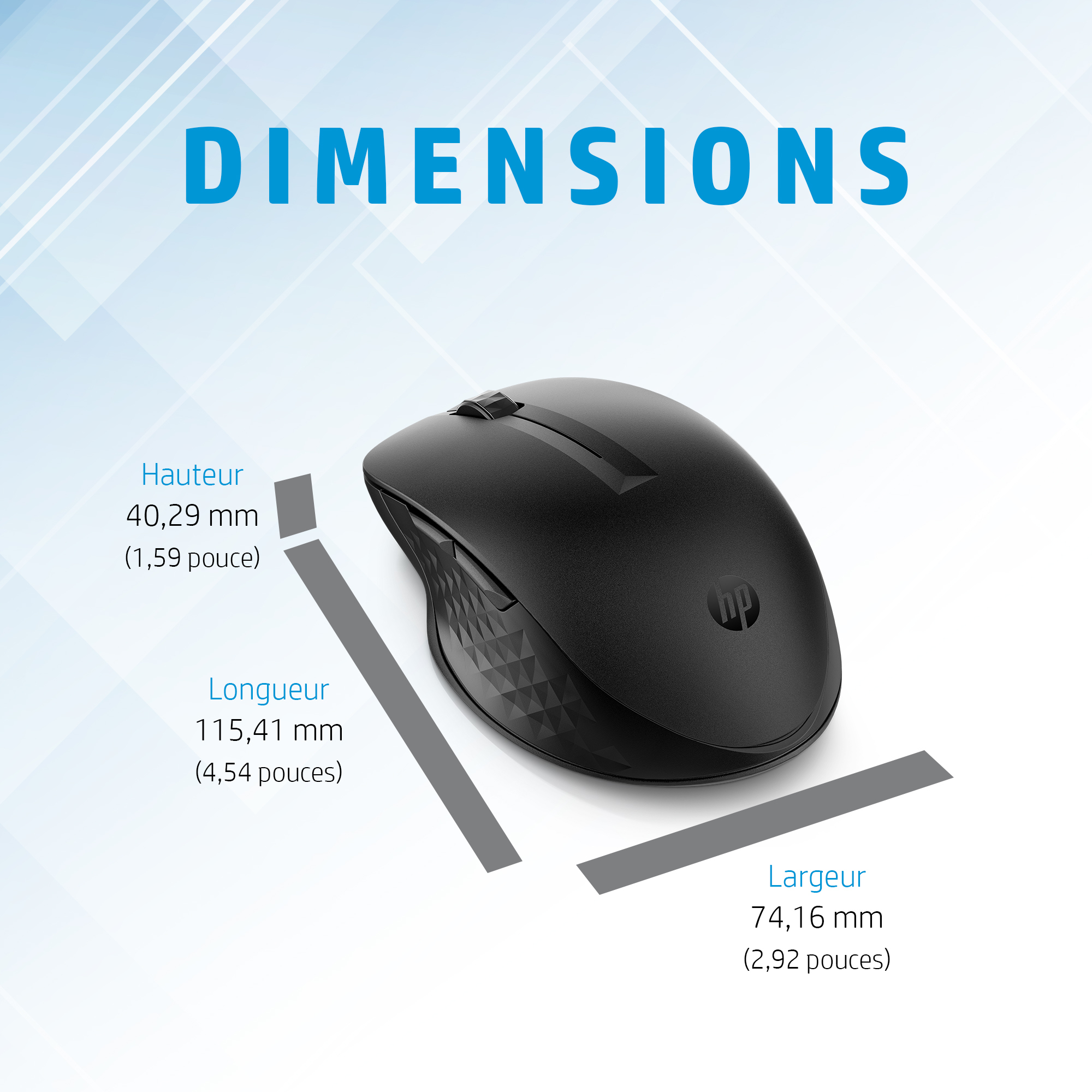
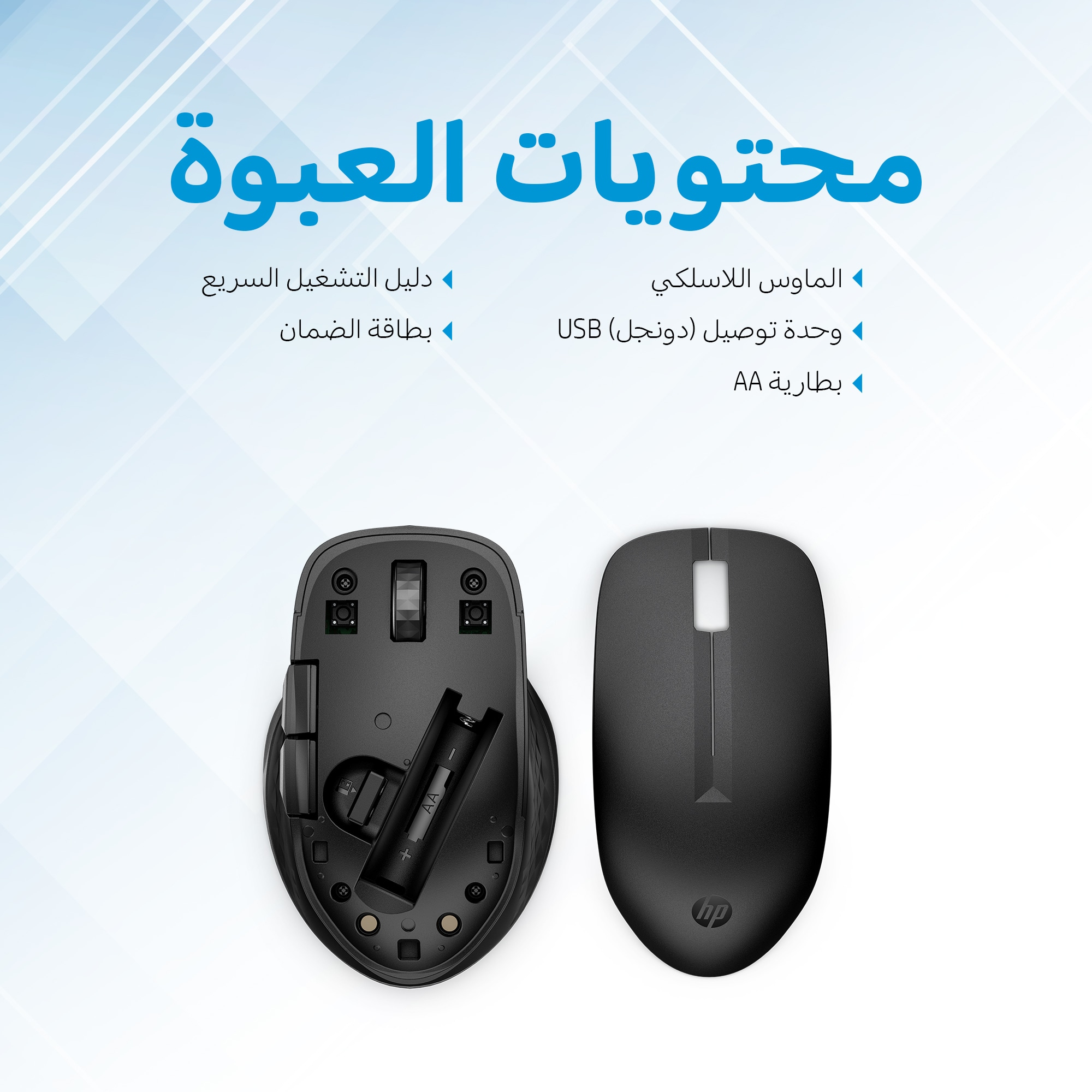
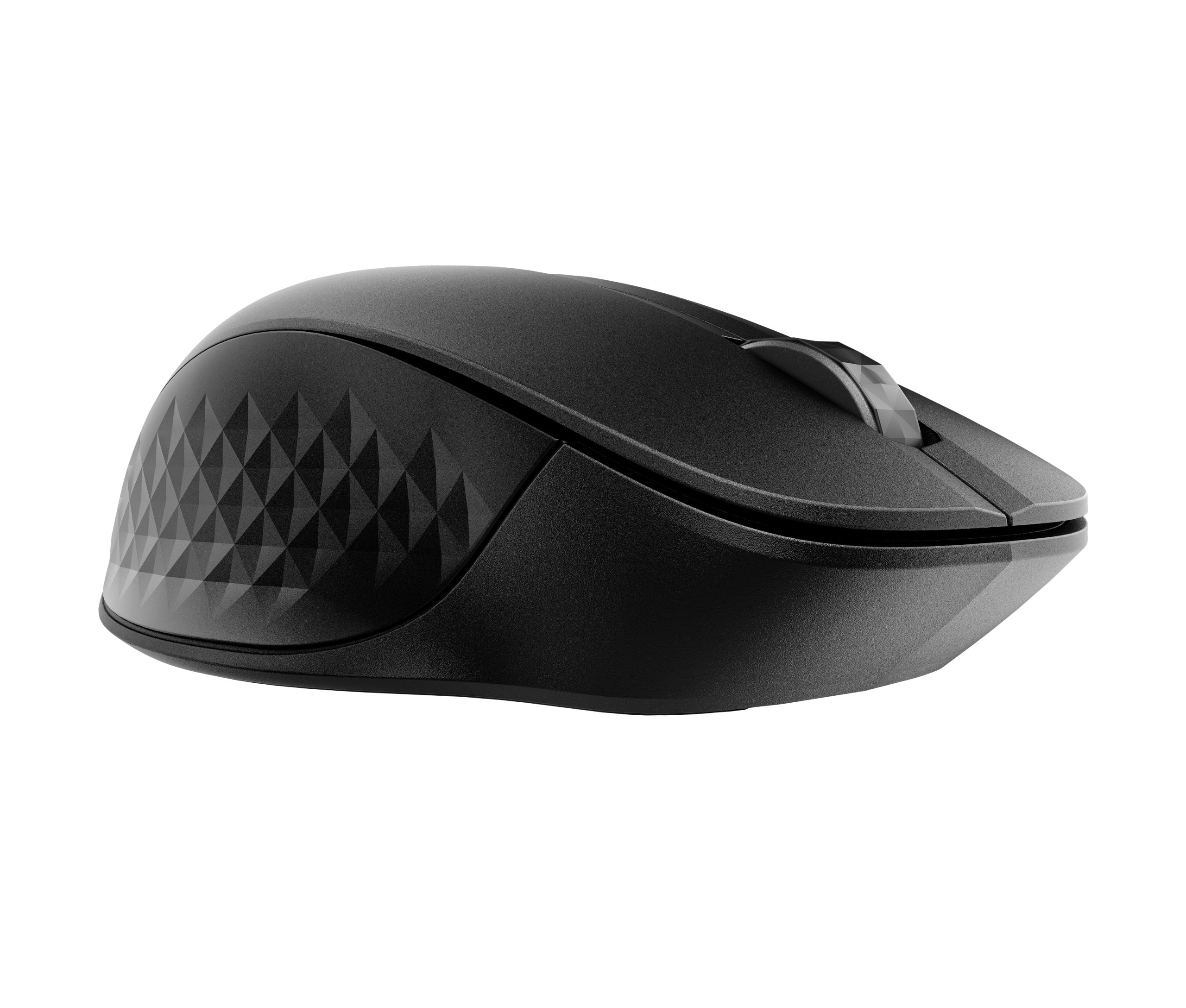







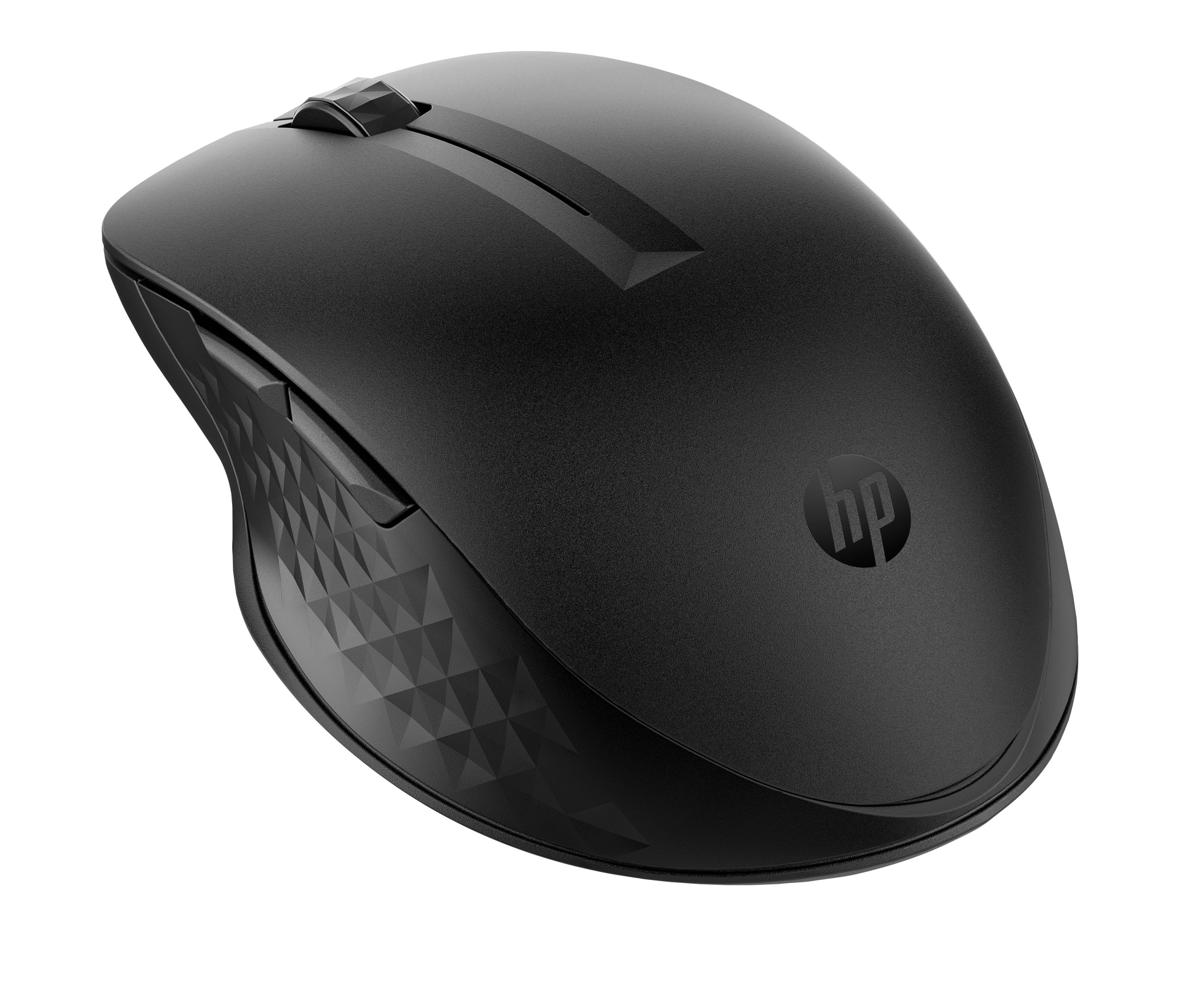
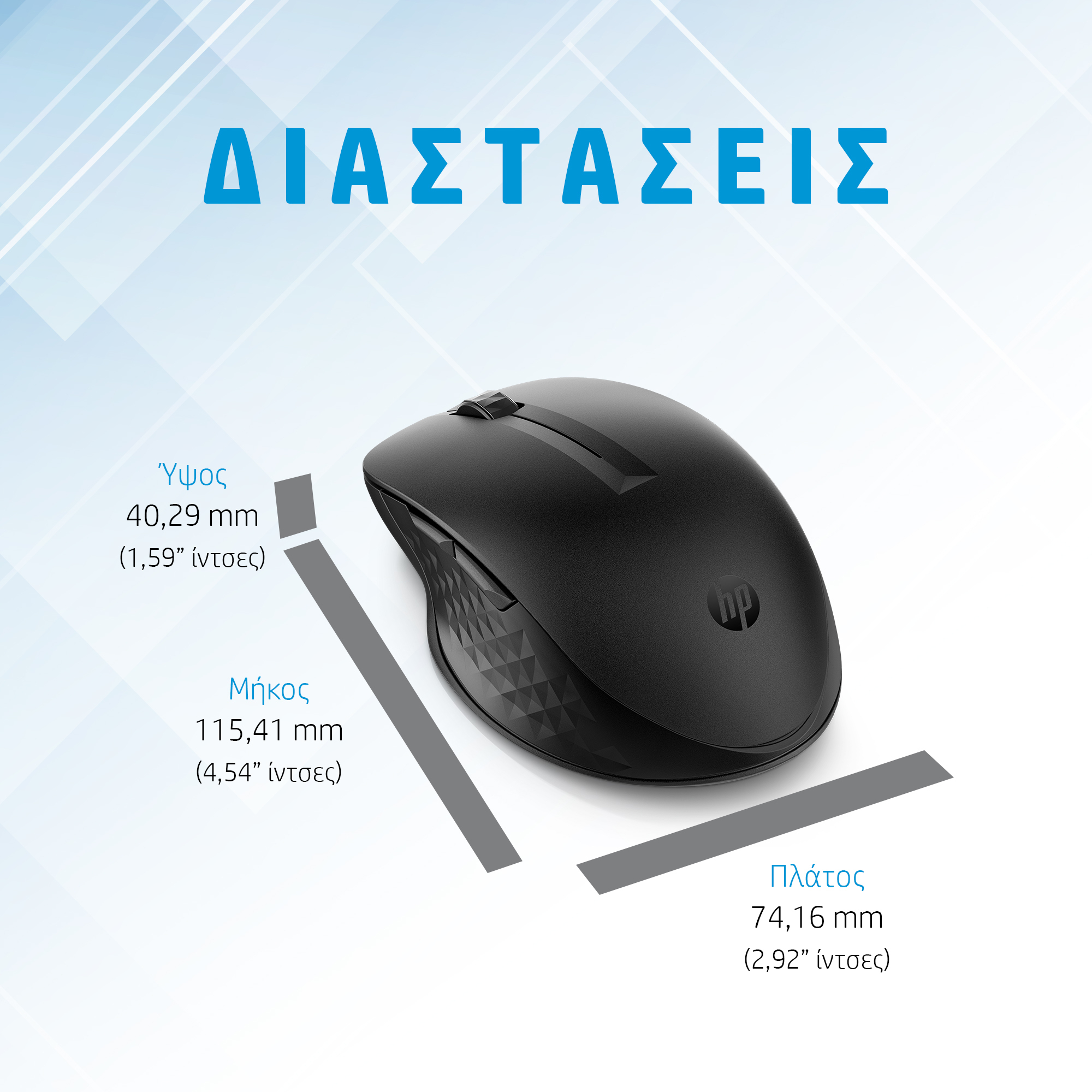


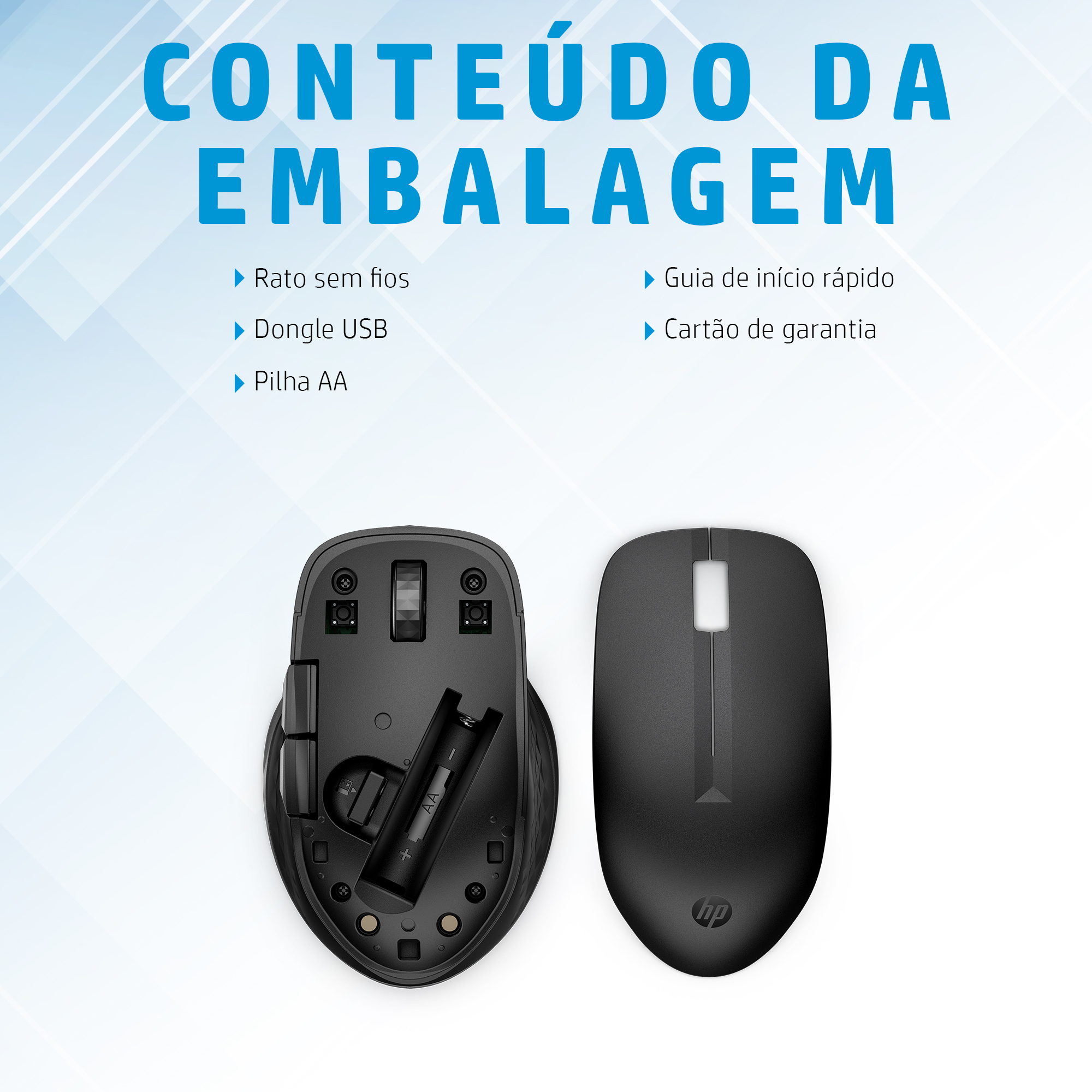
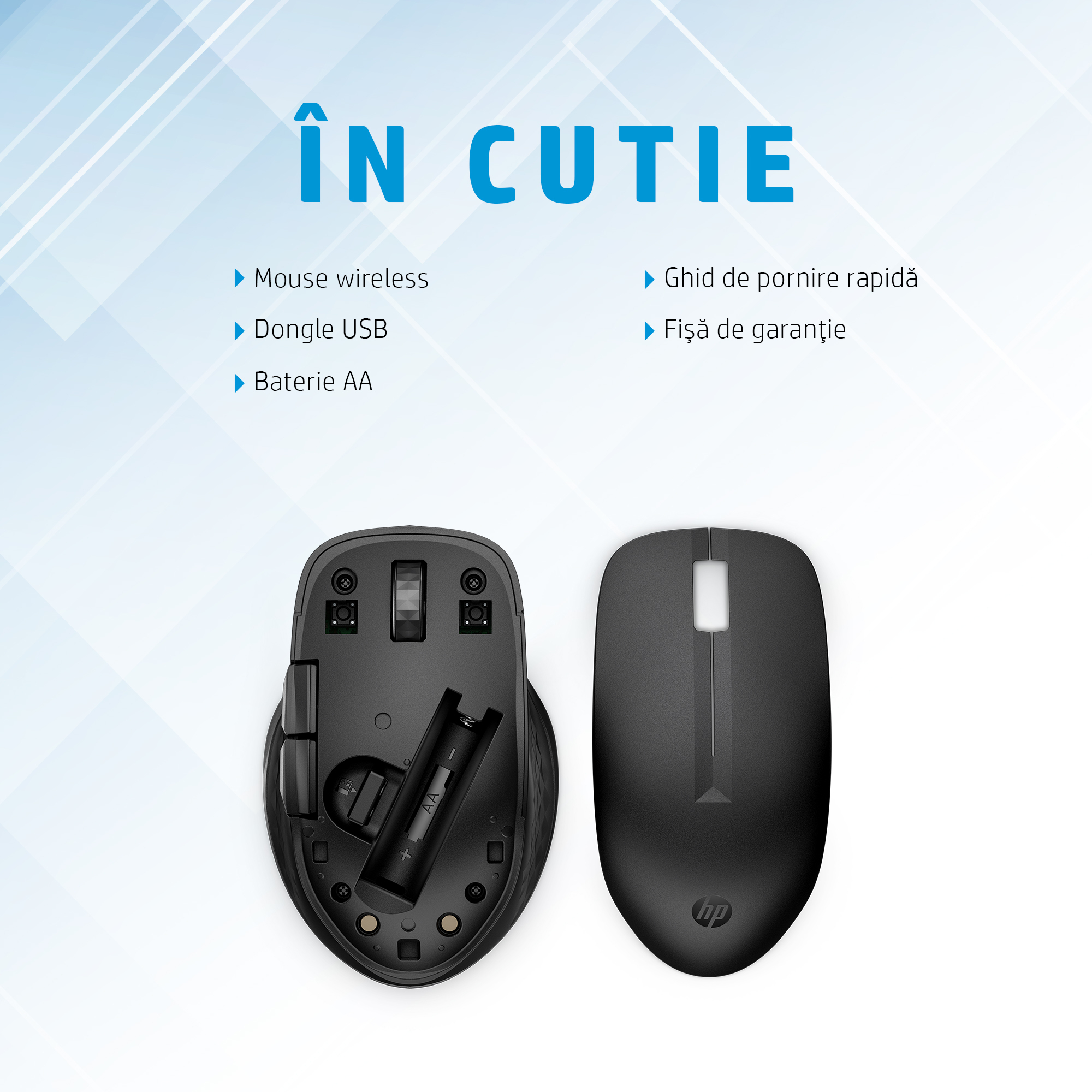











HP 3B4Q5UT – Wireless Mouse for Enterprise Productivity
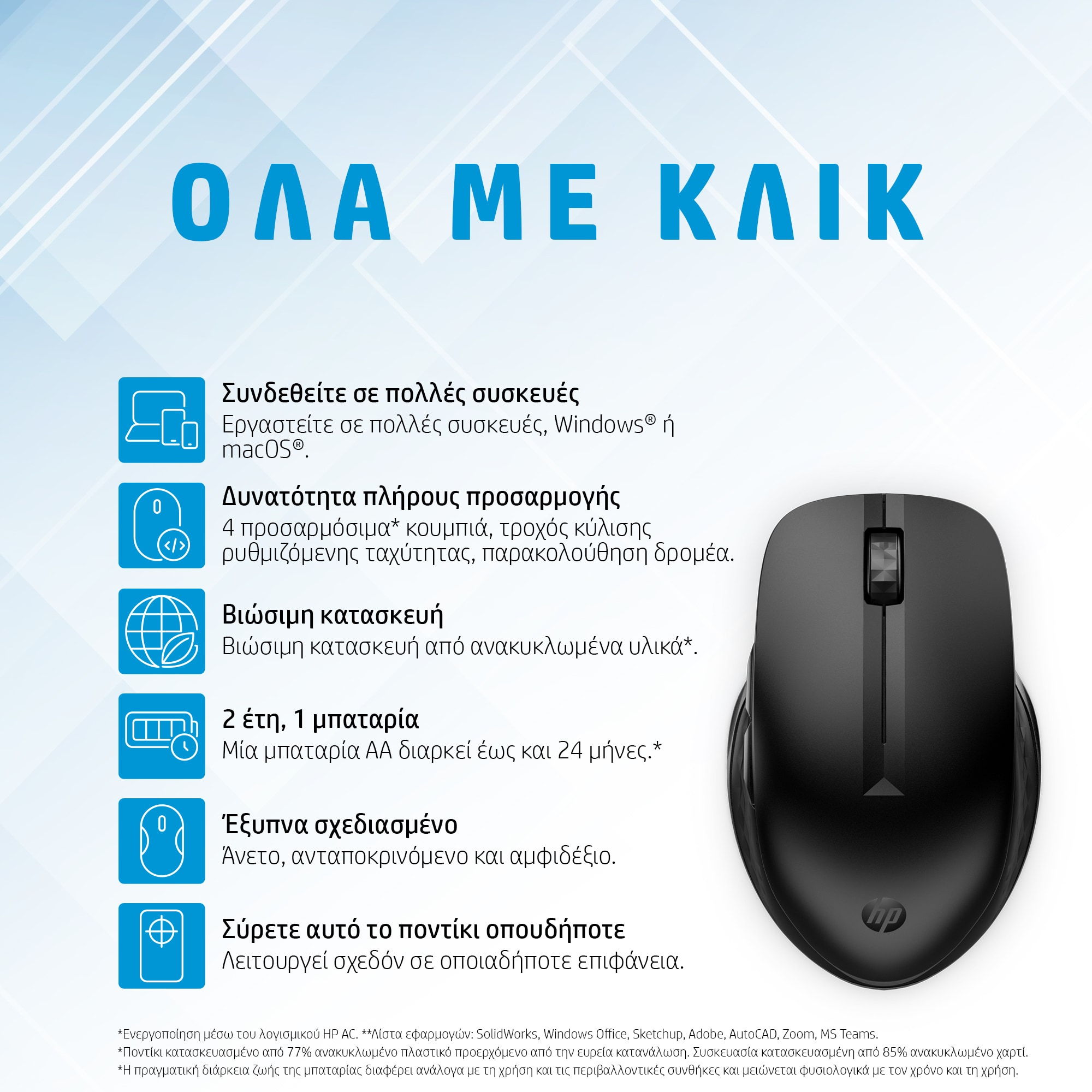
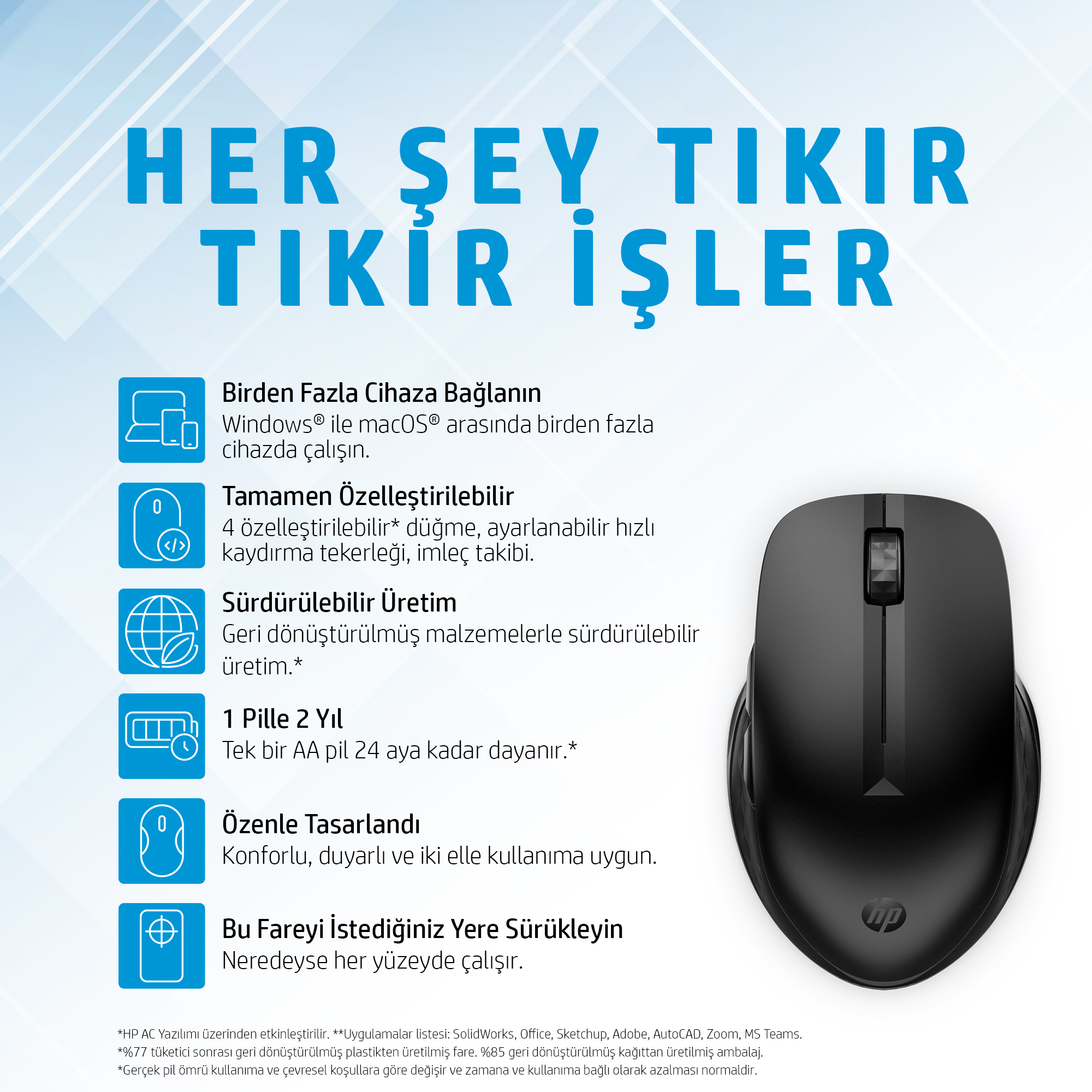
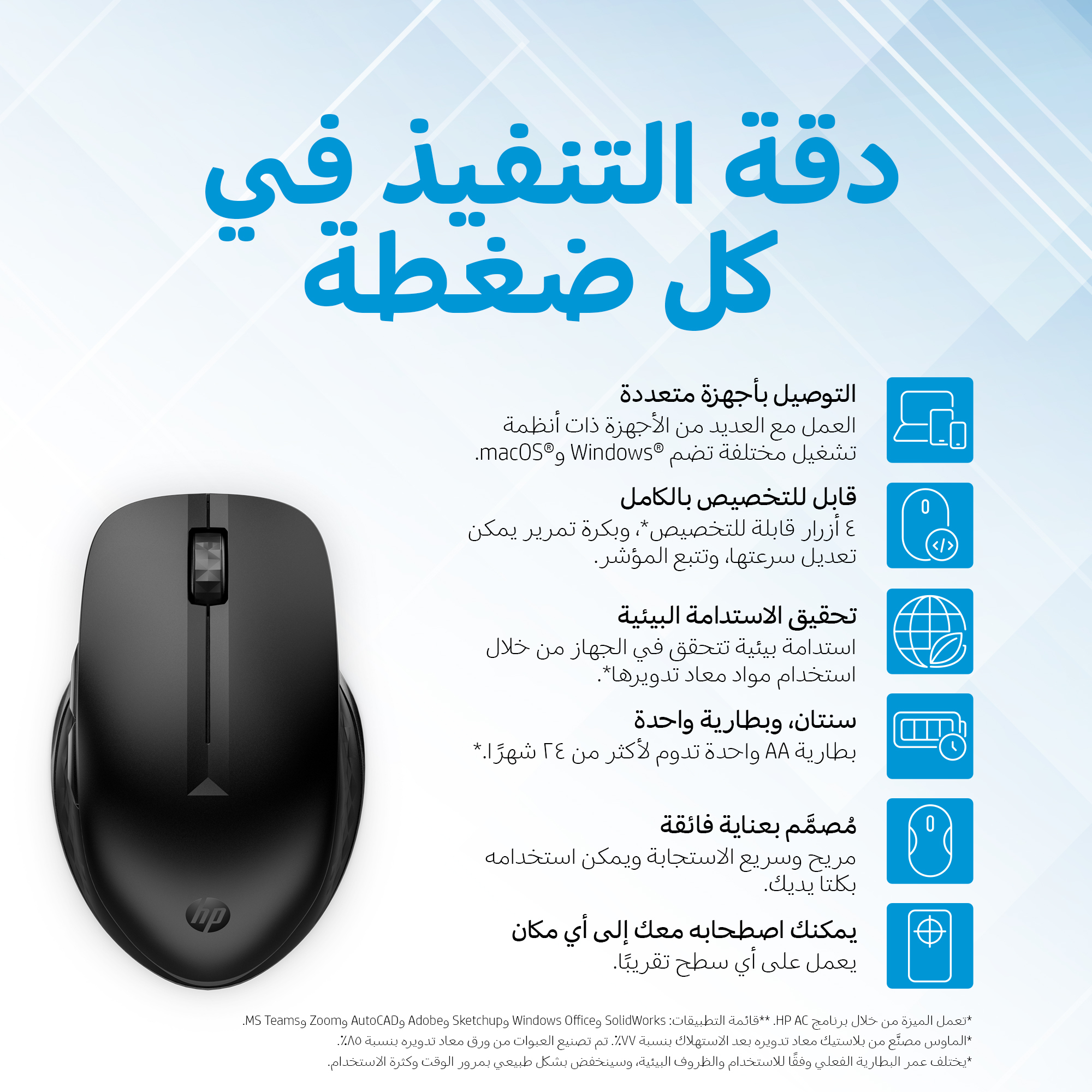
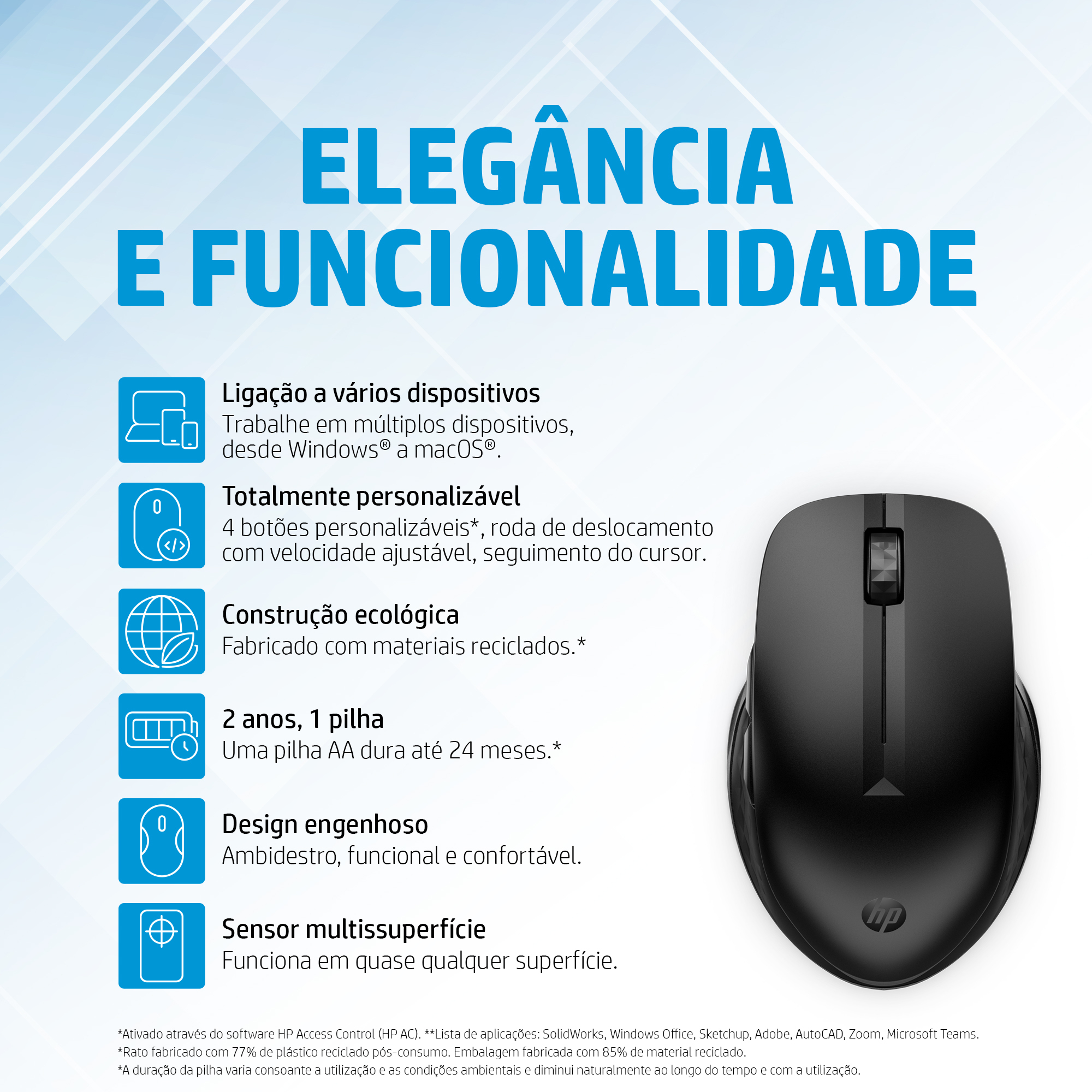
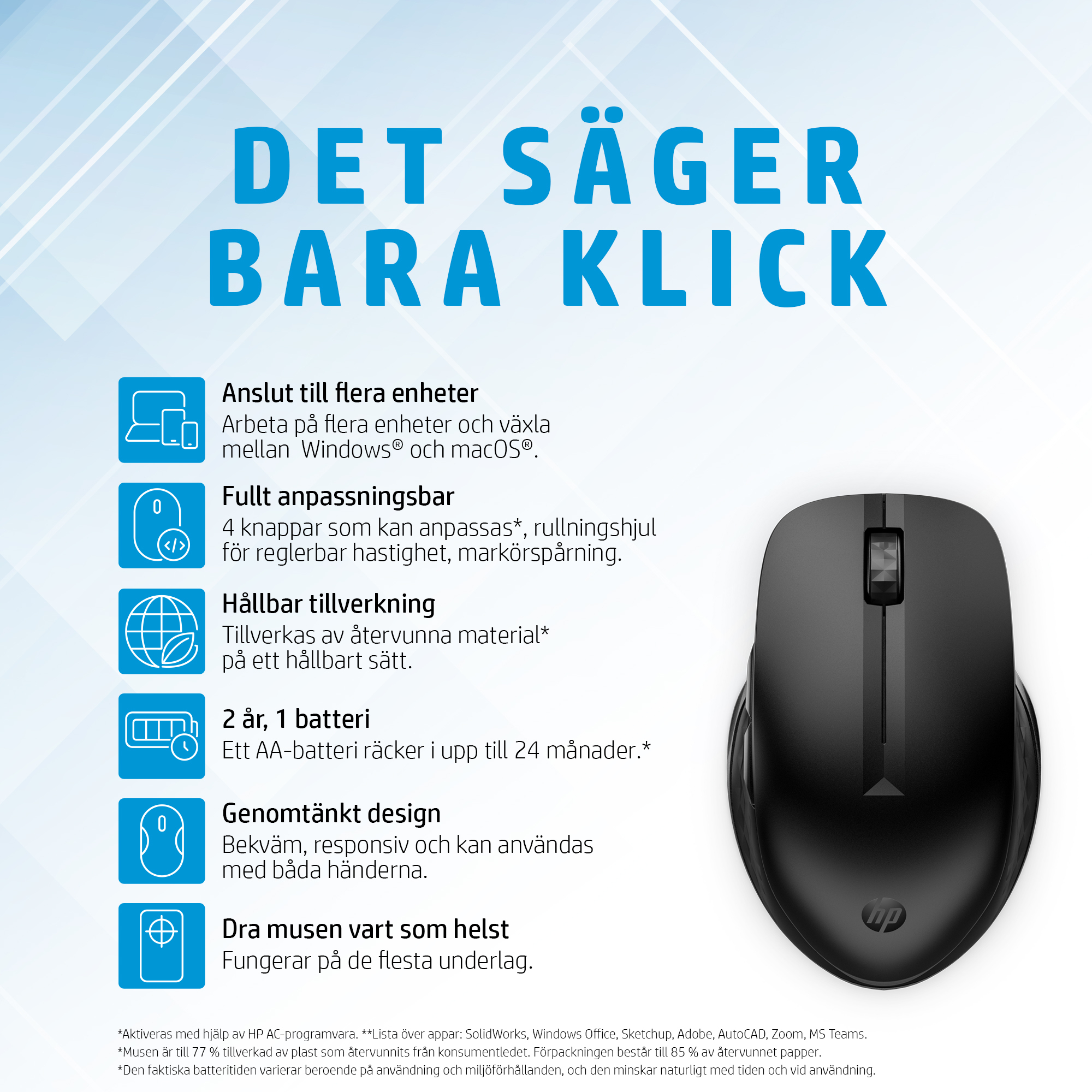
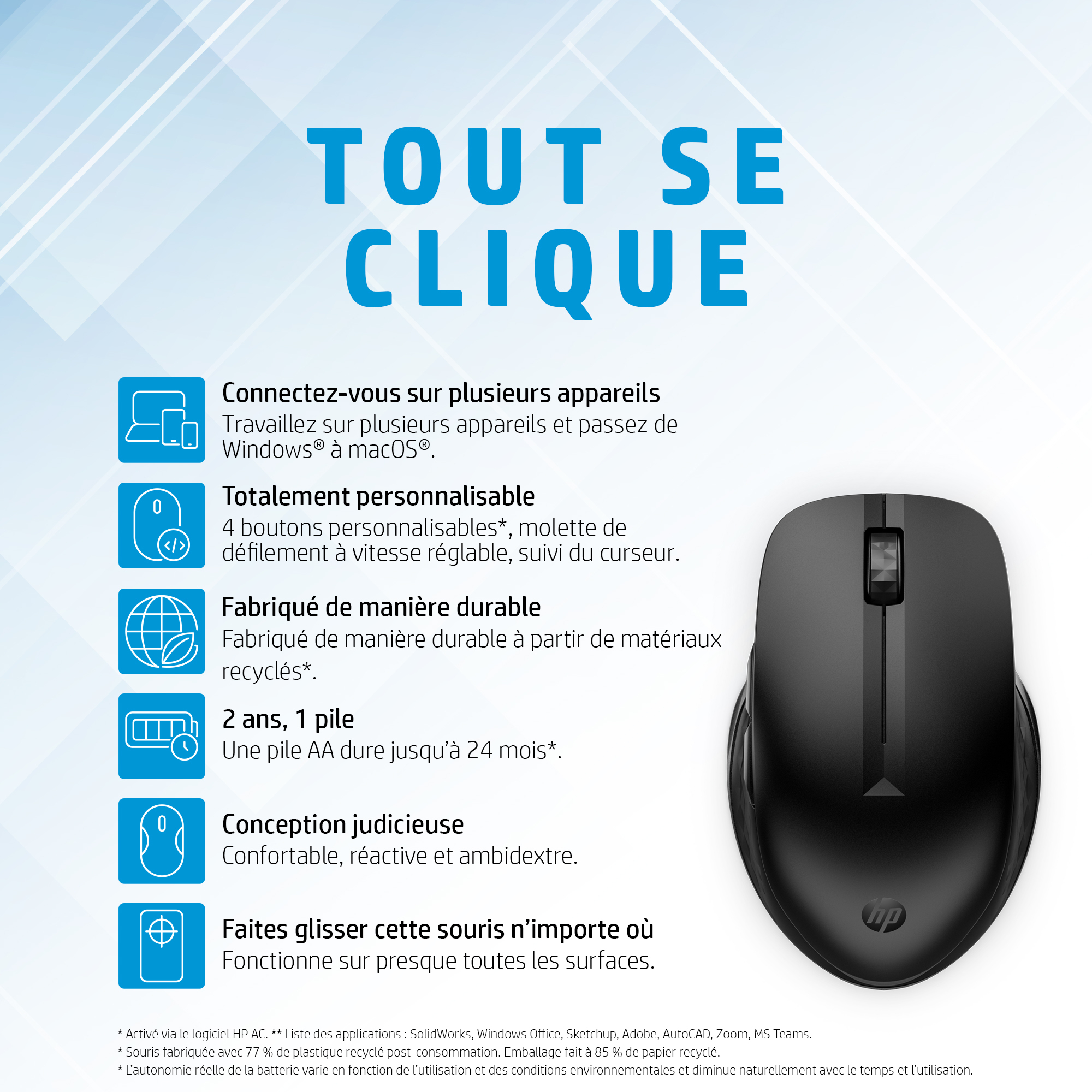
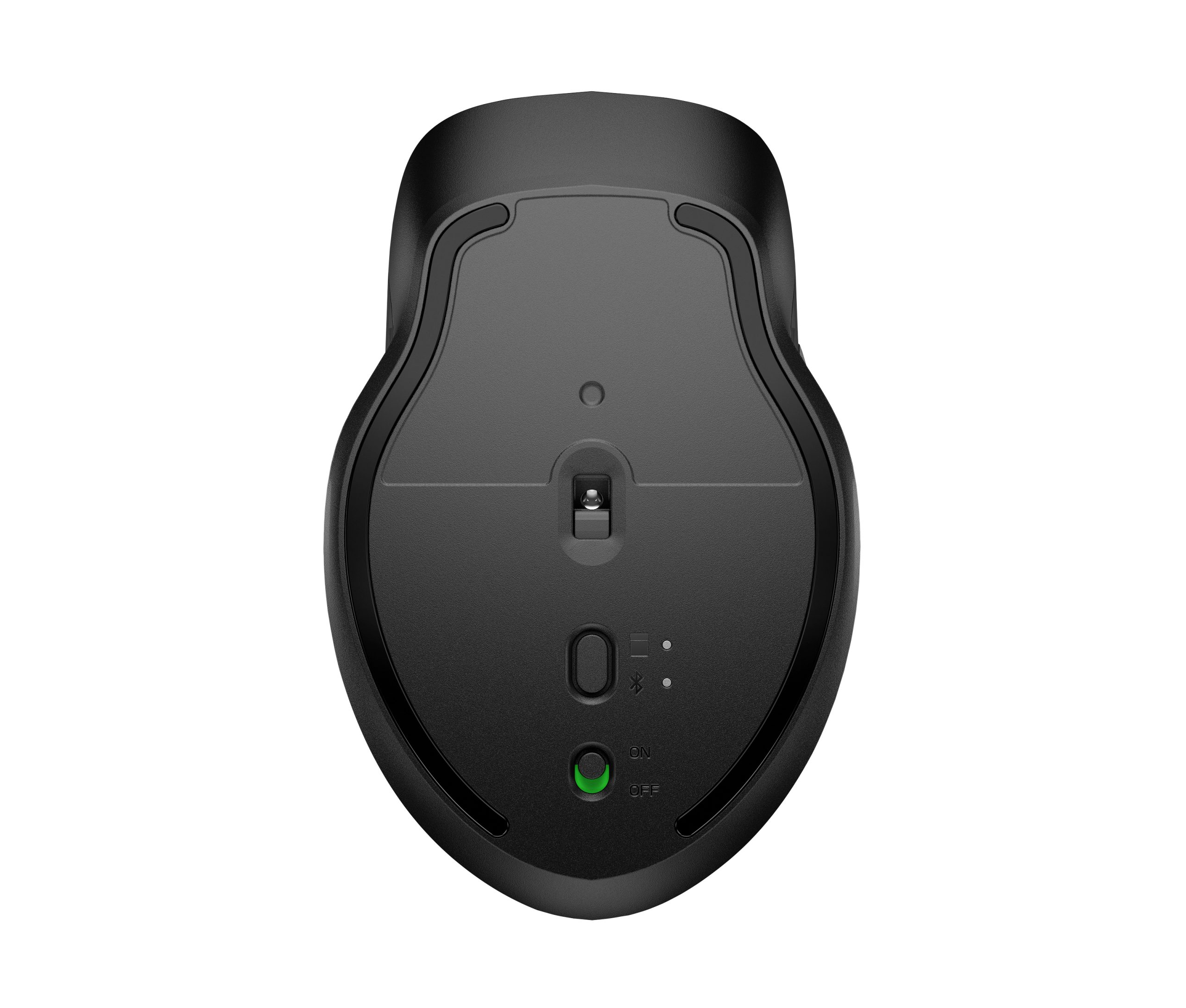
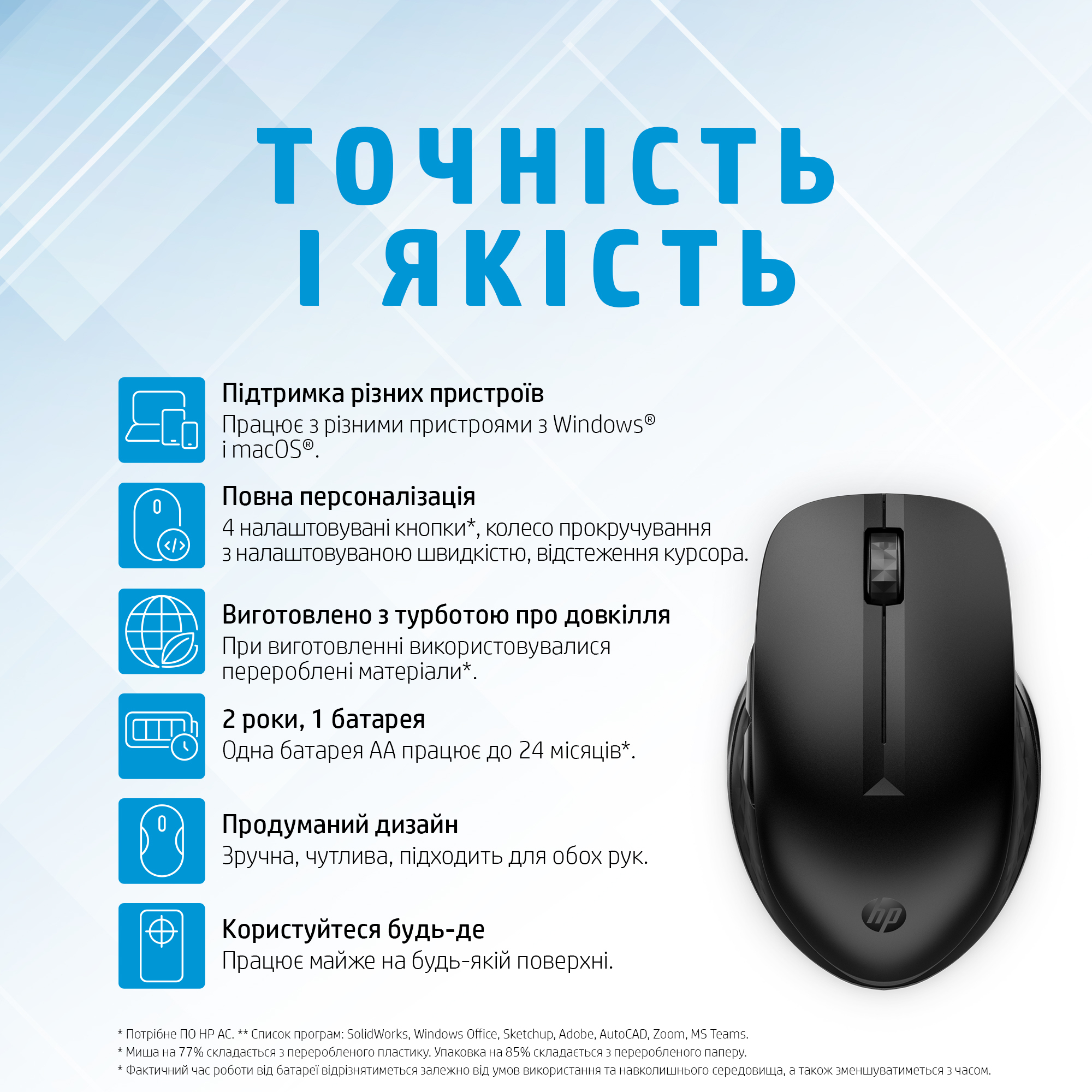
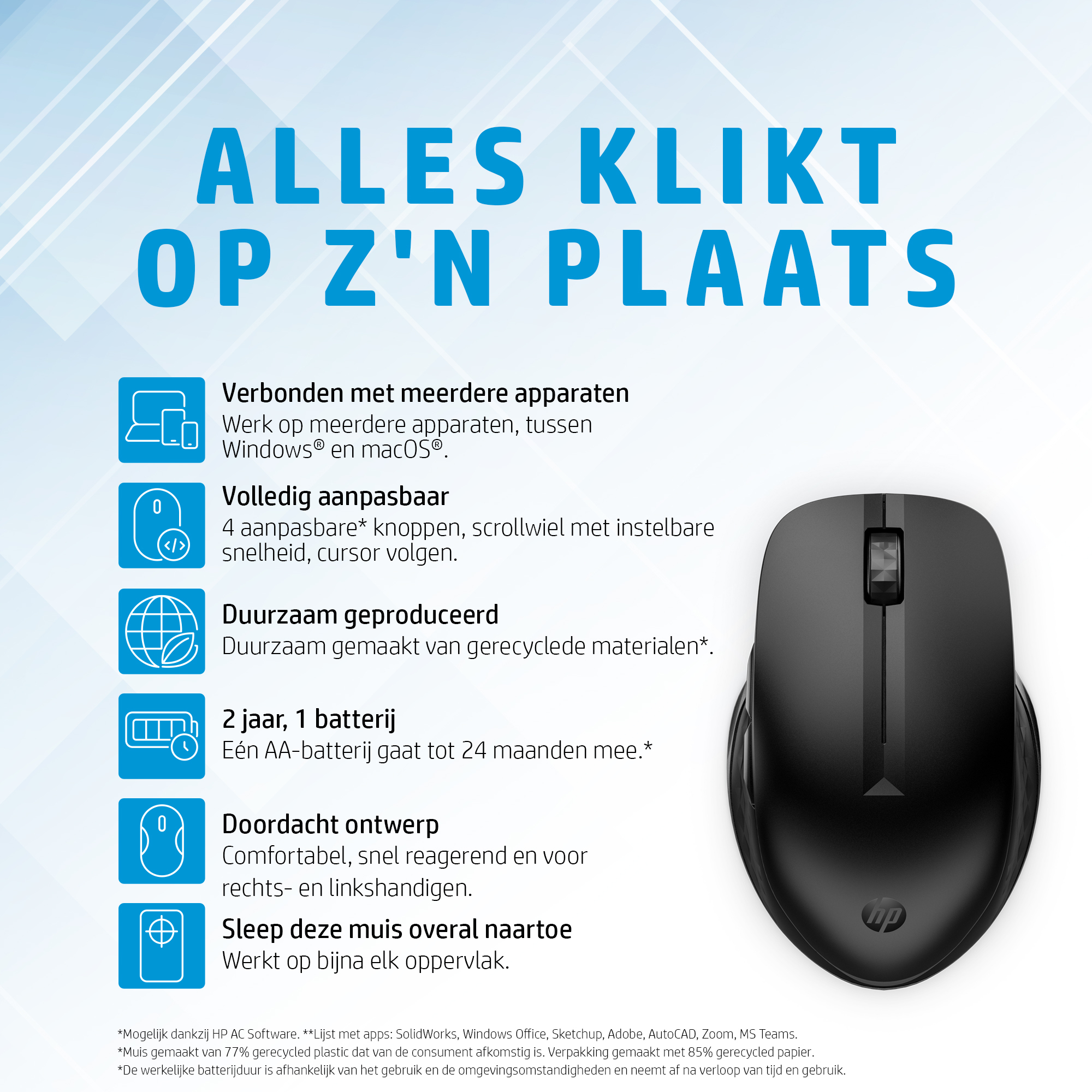
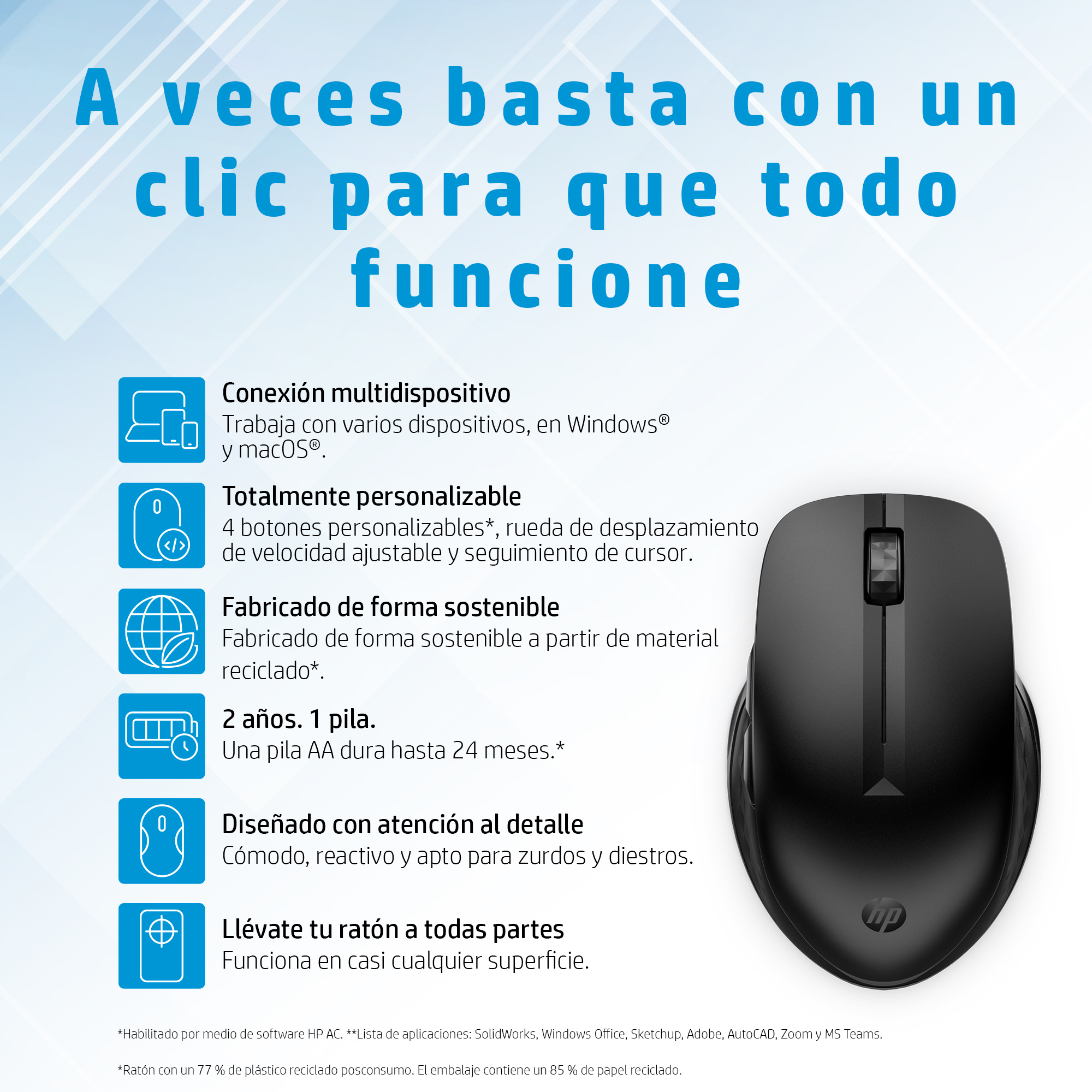
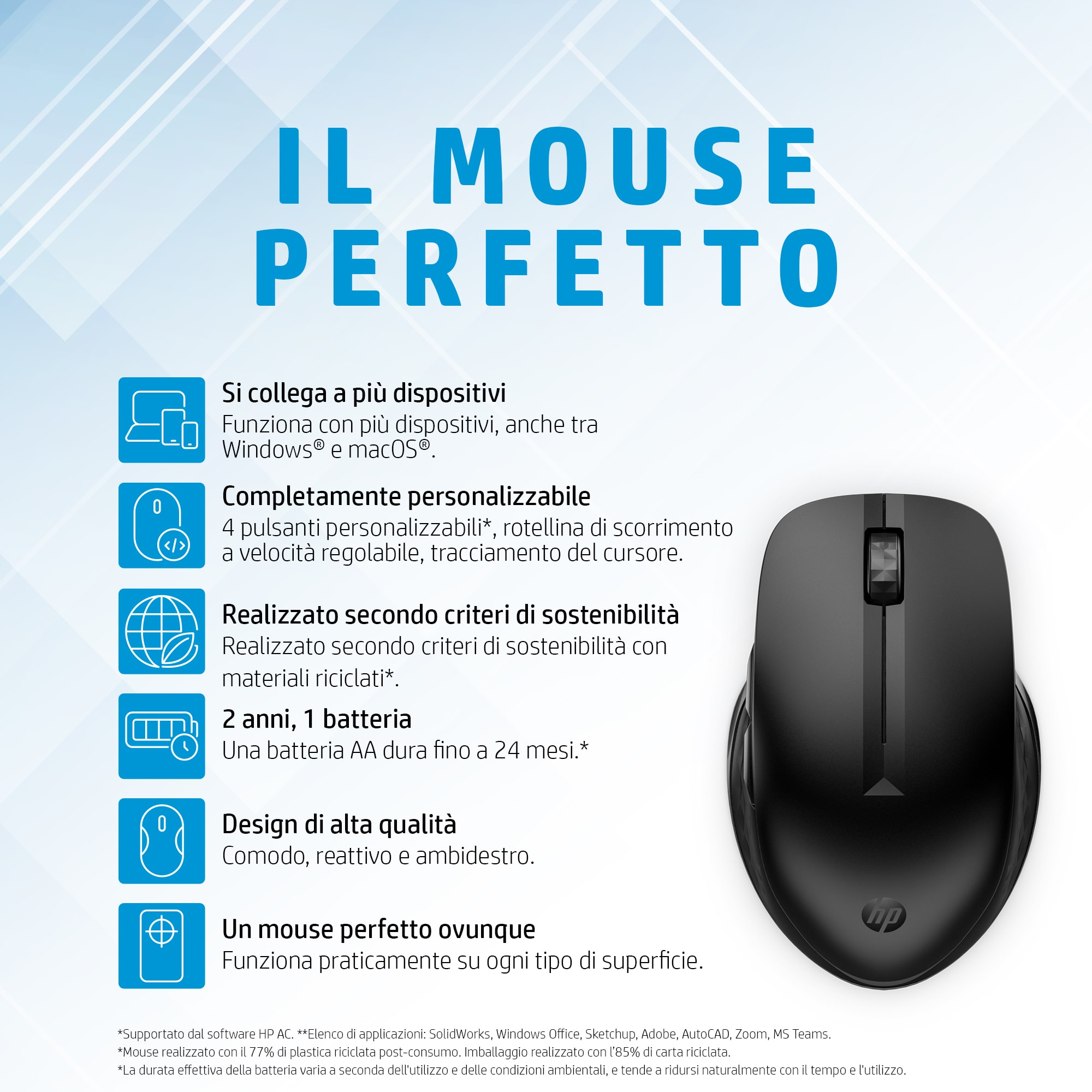
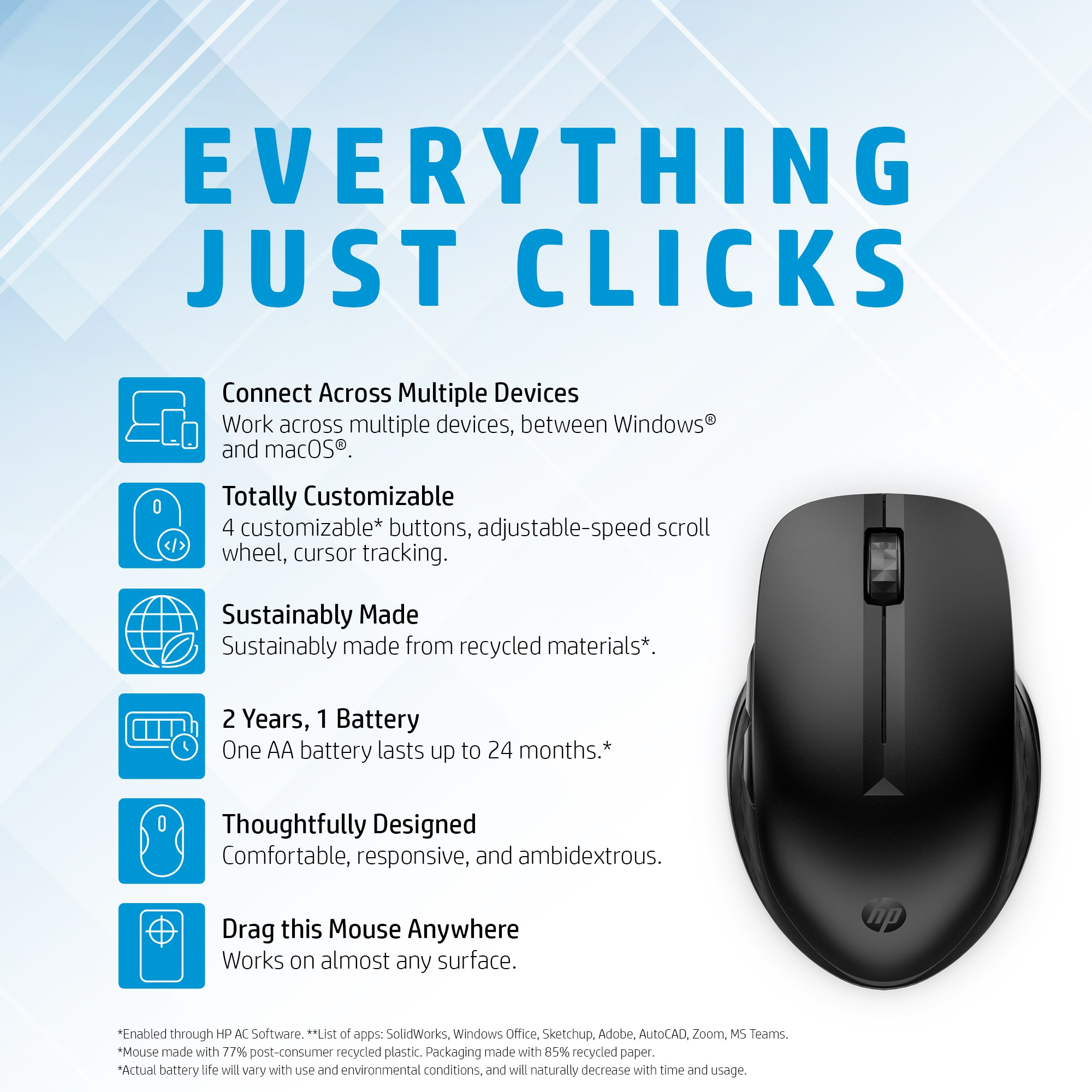
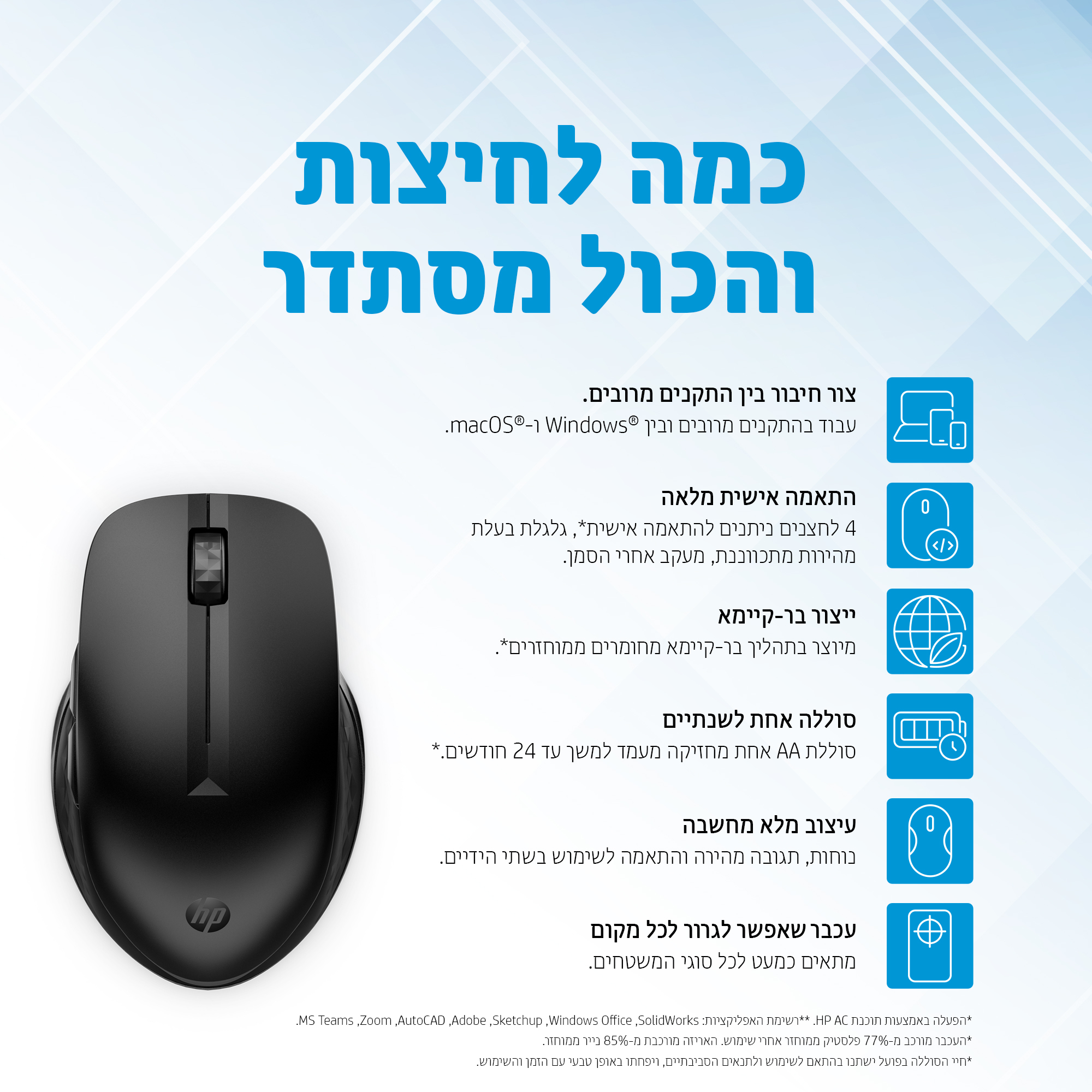
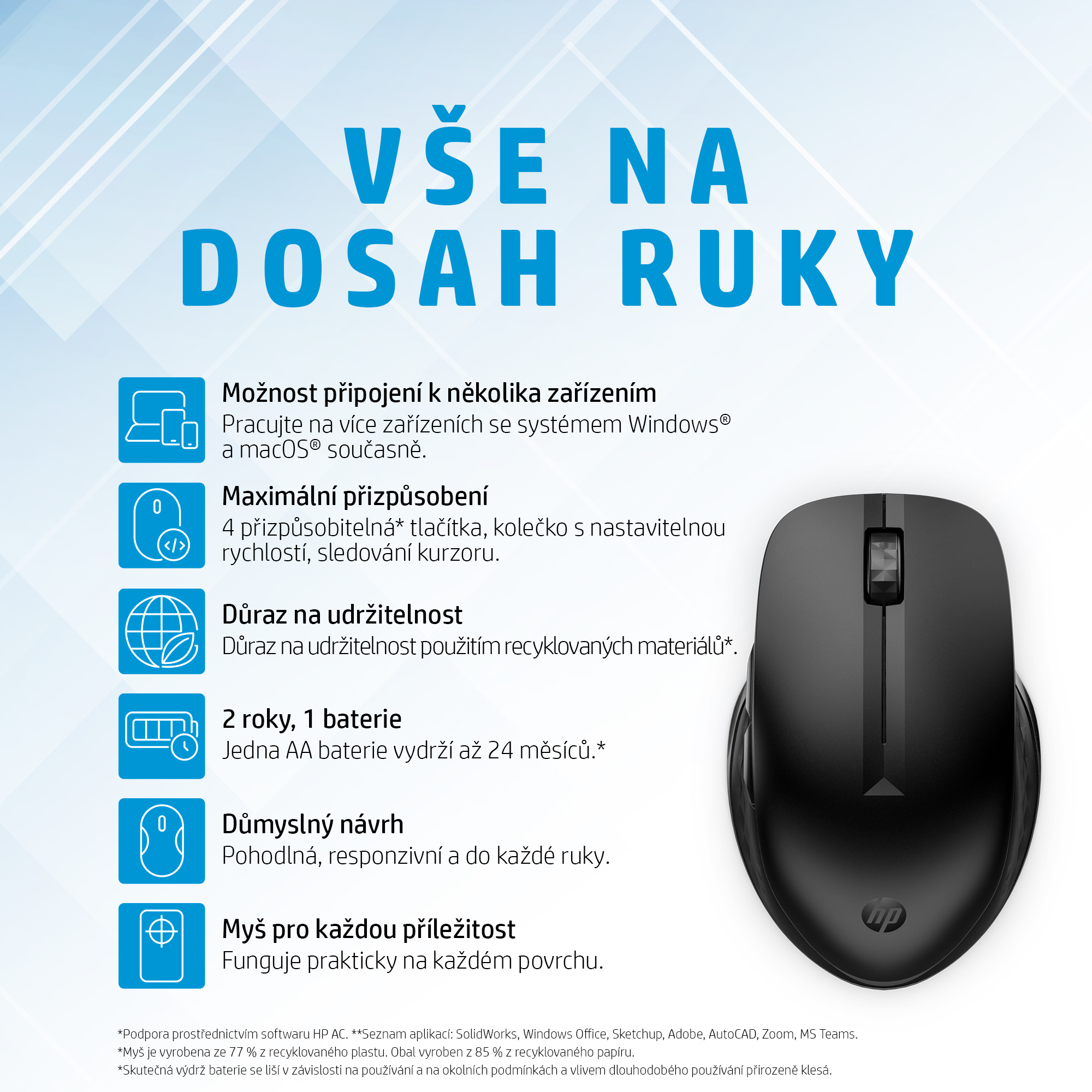
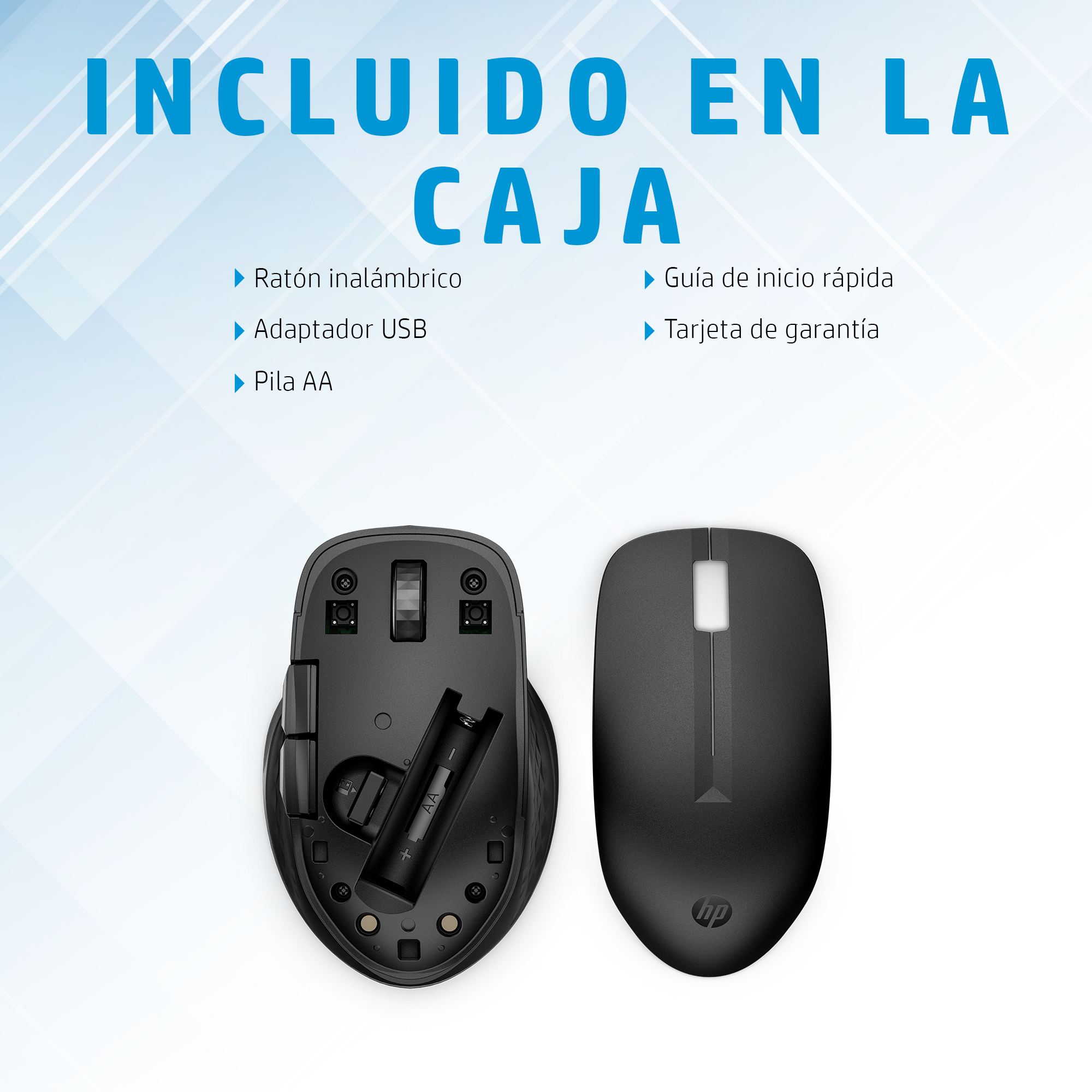
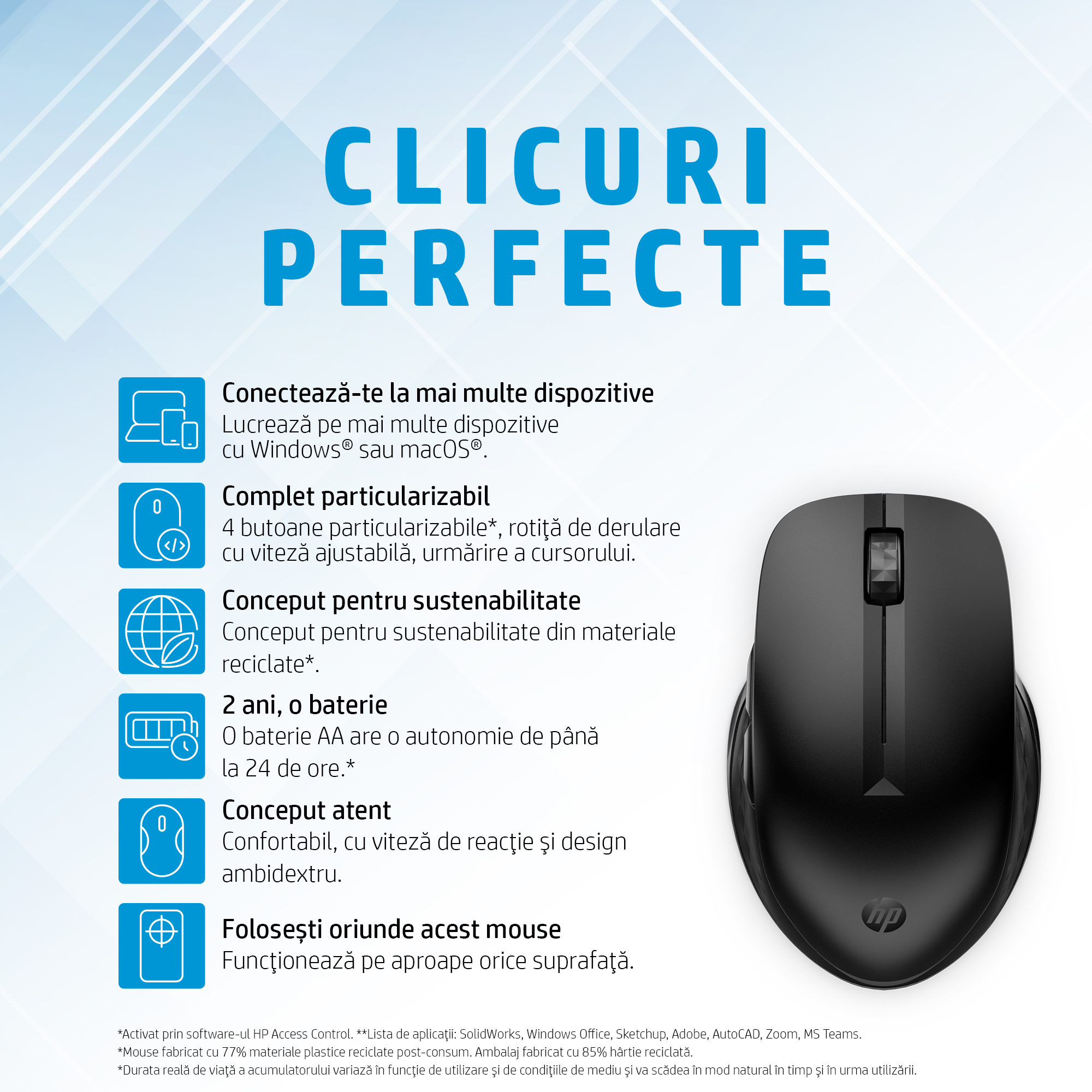
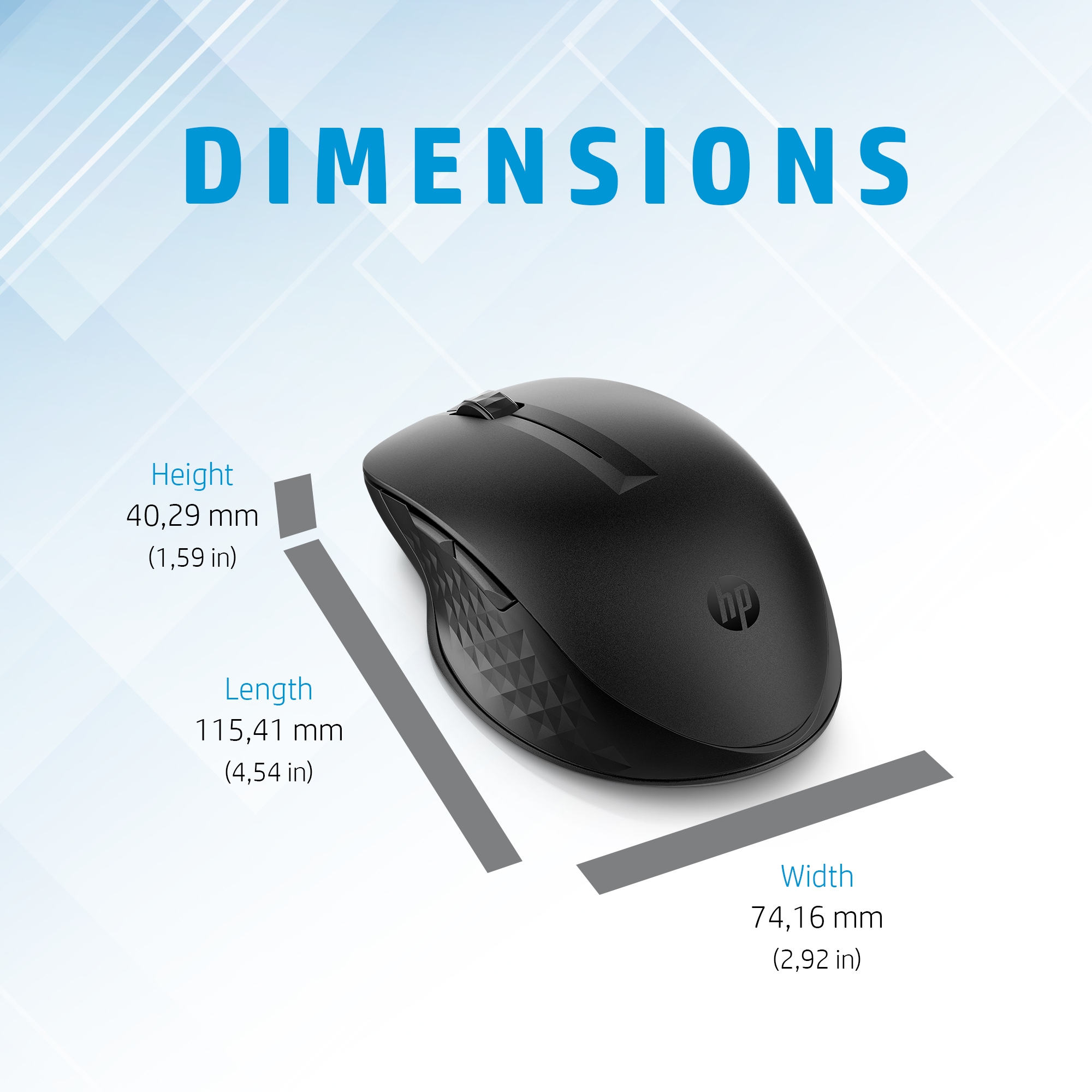
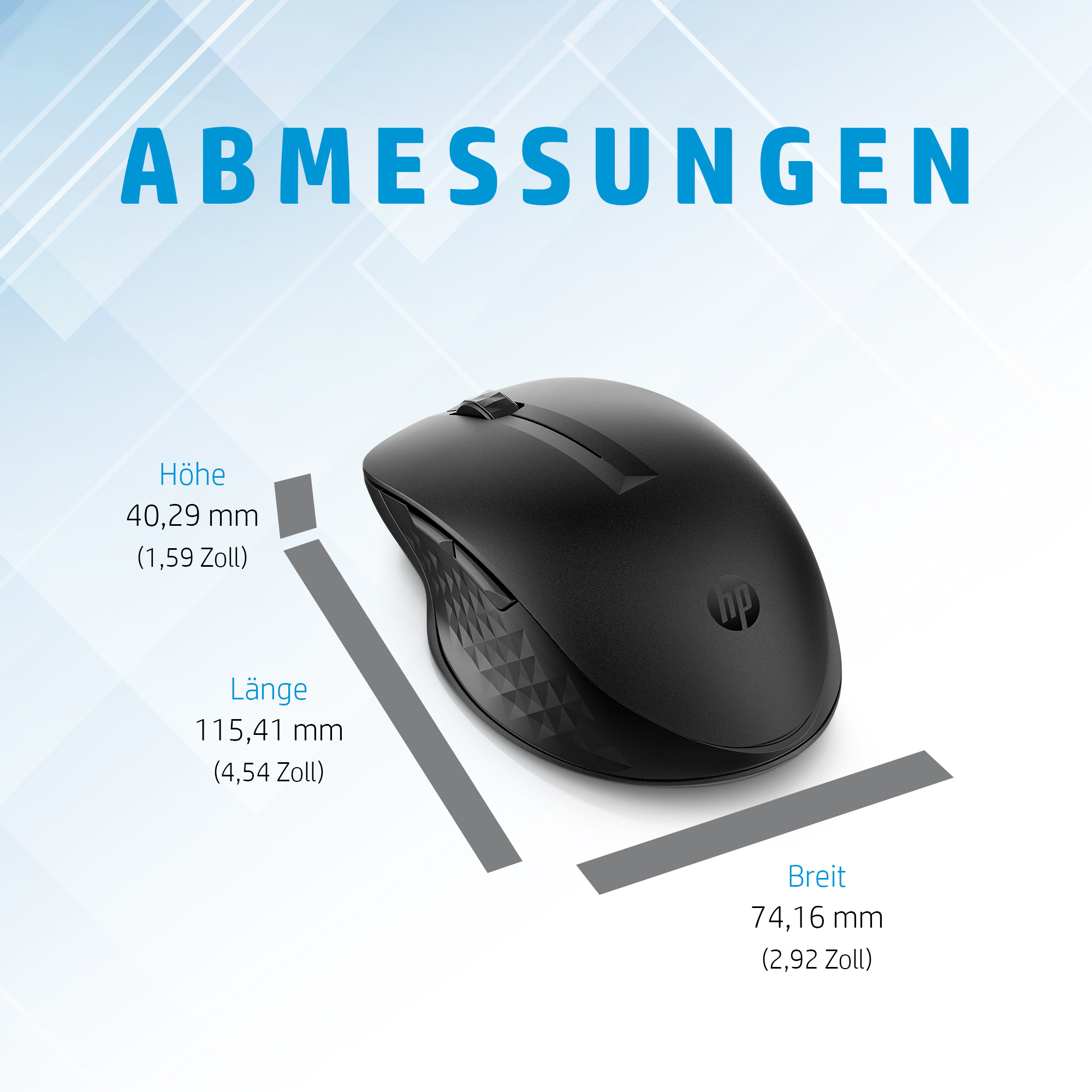
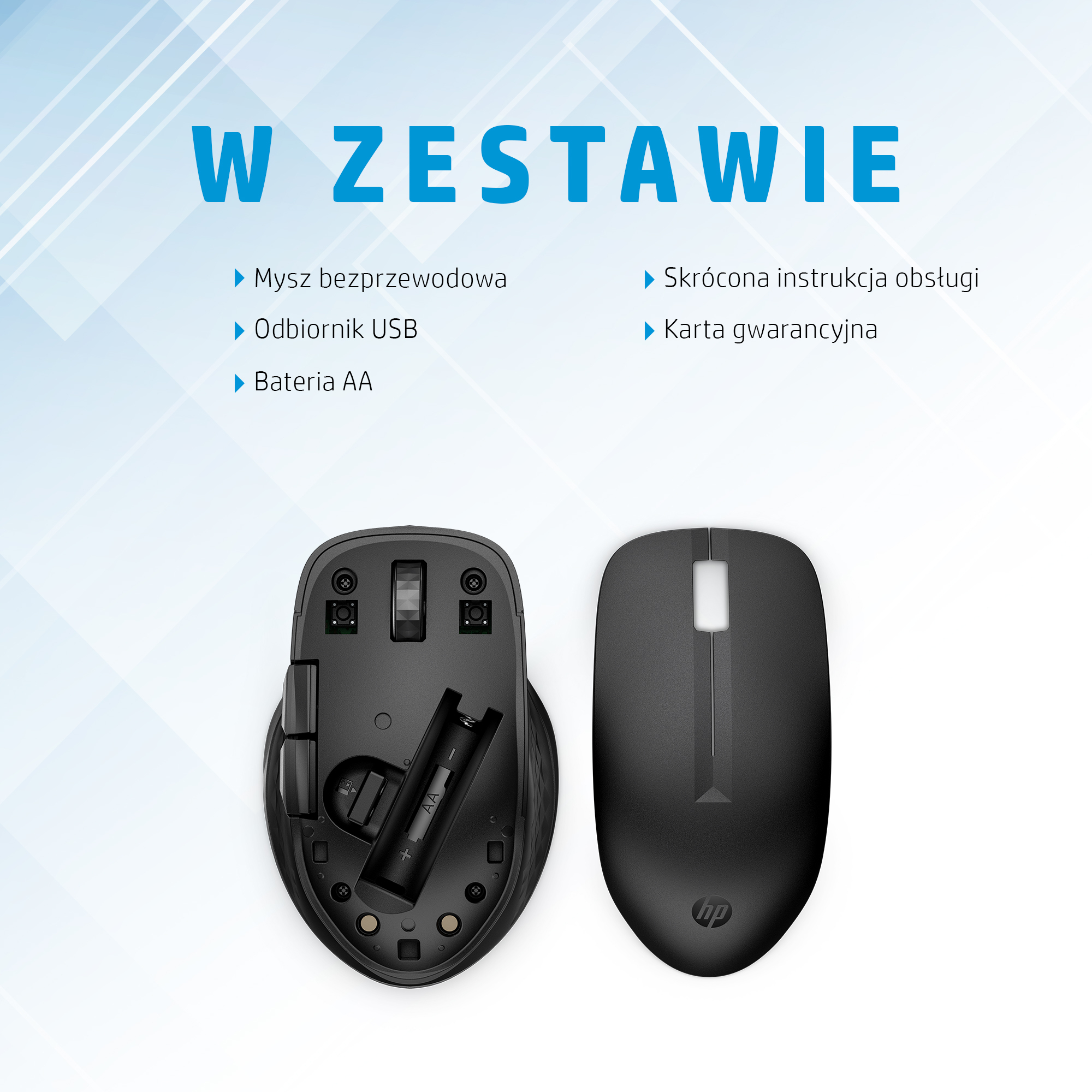
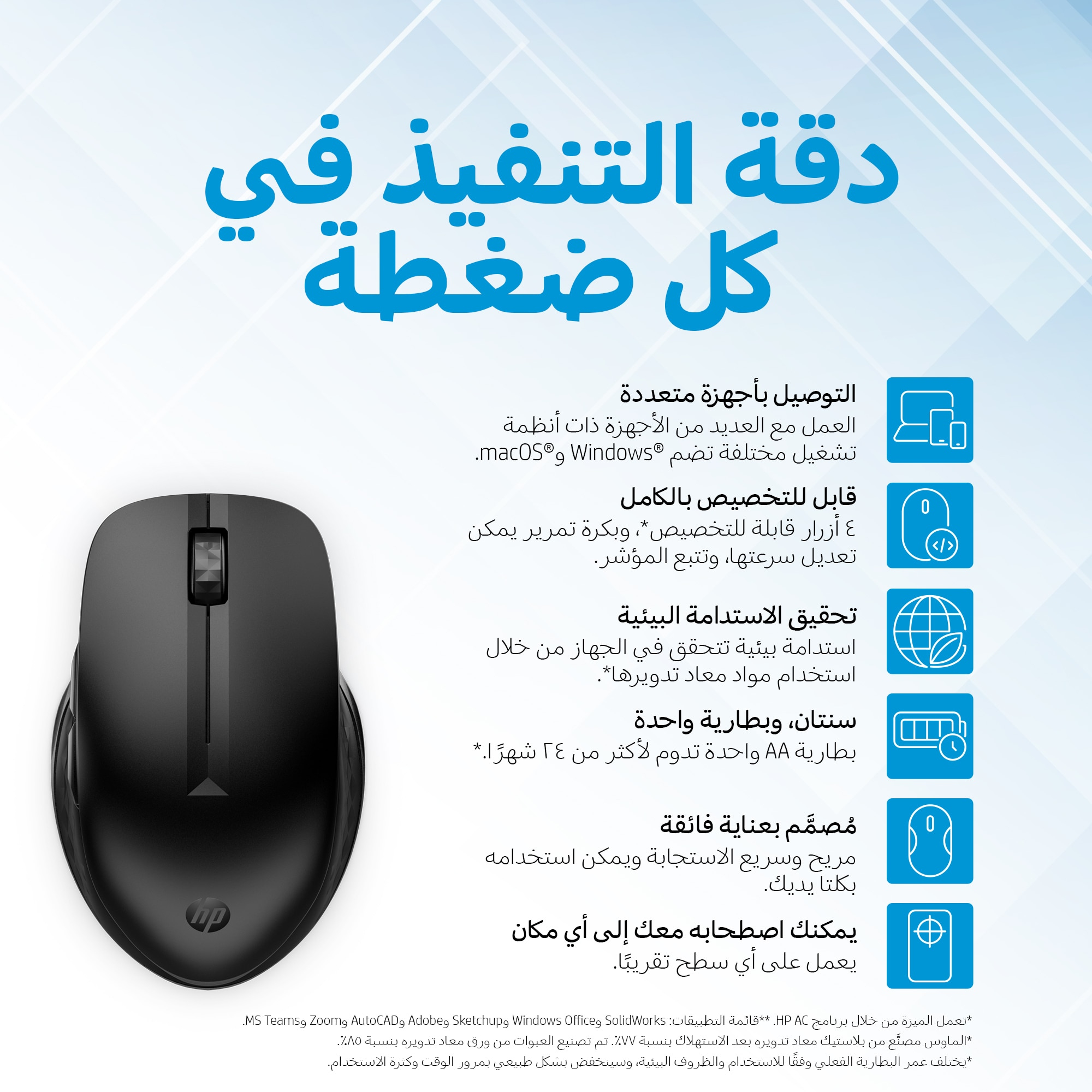
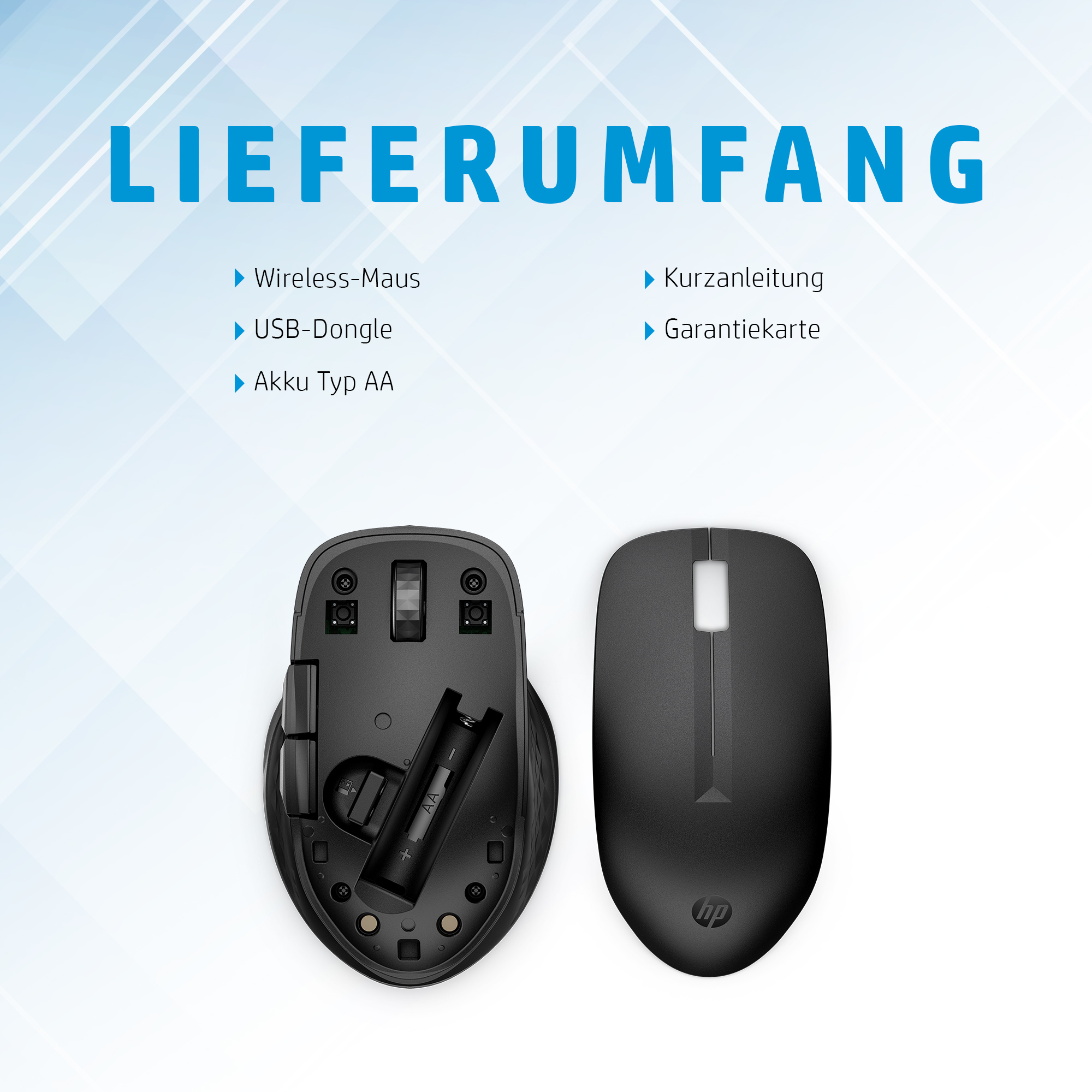
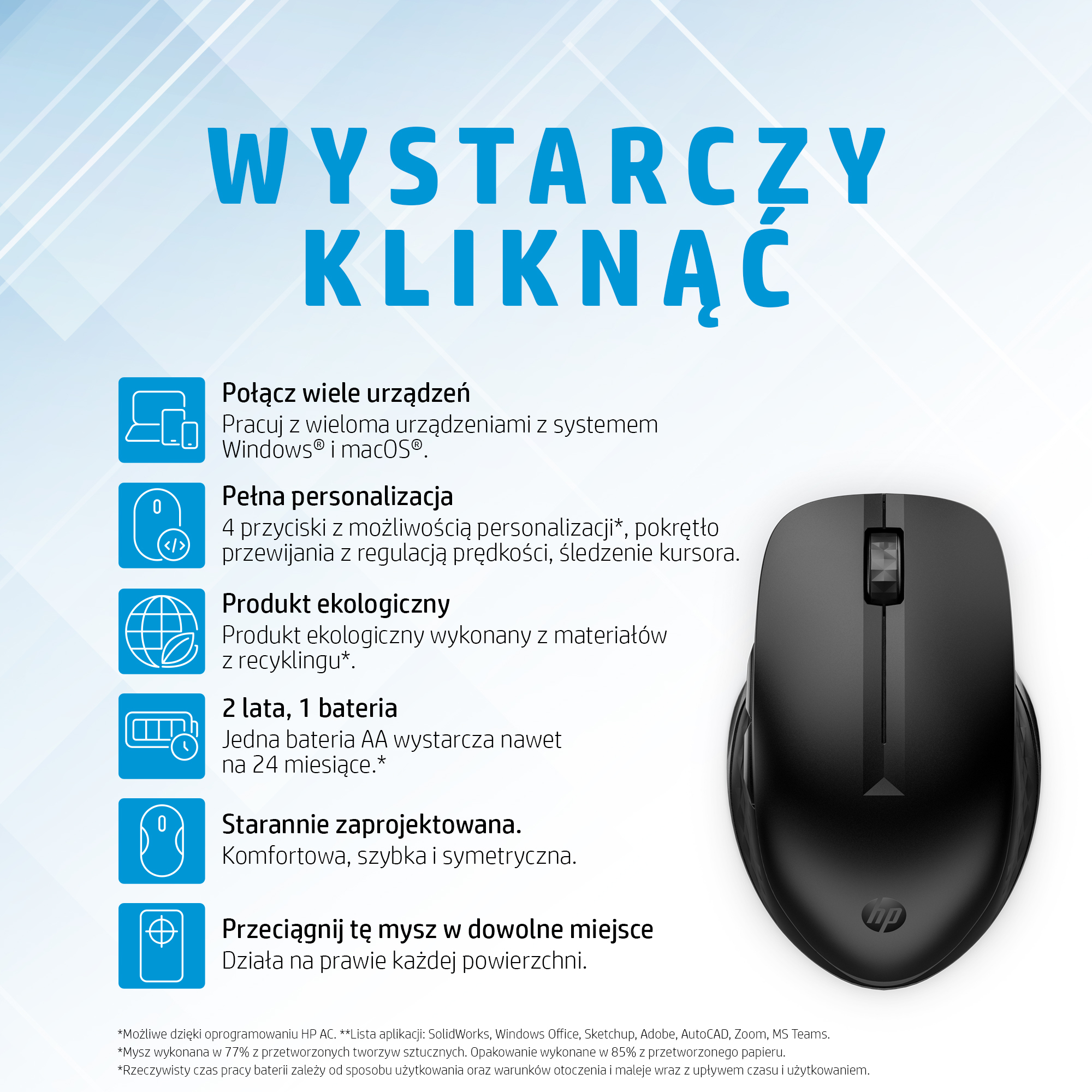
The HP 435 MltDvc WRLS Mouse is designed to provide seamless navigation and control for enterprise users. This wireless mouse offers a reliable connection, allowing users to work efficiently without the constraints of a cord. Its ergonomic design ensures comfort during extended use, reducing the risk of fatigue and discomfort. In a multi-device environment, this mouse can easily switch between different computers, streamlining workflows and enhancing productivity. For IT administrators, this device offers a convenient solution for managing a fleet of devices, reducing the complexity of endpoint management.
The mouse’s wireless technology provides a stable connection, minimizing the risk of dropped connections and ensuring uninterrupted work. This is particularly important in environments where users rely on multiple devices to access different applications and data. By providing a reliable and efficient navigation solution, this mouse helps to boost user productivity and reduce downtime.
In addition to its technical features, this mouse is also designed with security in mind. Its wireless technology is secure and encrypted, protecting sensitive data from unauthorized access. This provides IT administrators with peace of mind, knowing that their users’ data is protected.
Technical Specifications
| Brand | HP |
| SKU | 3B4Q5UT |
| Category | Computers |
| Device Type | Wireless Mouse |
| Connection Type | Wireless |
| View all HP Products → | |
Challenges Solved by this Solution
For many enterprises, managing a fleet of devices can be a significant challenge. IT administrators often struggle with bottlenecked deployment workflows, infrastructure scalability limits, and security compliance gaps. This can lead to reduced productivity, increased downtime, and a higher risk of security breaches. The HP 435 MltDvc WRLS Mouse offers a strategic technical investment for enterprises, providing a reliable and efficient navigation solution that can help to mitigate these risks. By streamlining workflows and enhancing productivity, this device can help to reduce IT overhead and improve operational efficiency.
 Australian Logistics & B2B Support
As a 100% Aussie-owned and operated business, we are a trusted partner for HP. We empower enterprise procurement with dedicated B2B account support and flexible payment options.
Frequently Asked Questions
What is the typical range of a wireless mouse in an office environment?
The typical range of a wireless mouse in an office environment is around 10-15 feet, depending on the specific device and environmental factors.
Can I use this mouse with multiple devices?
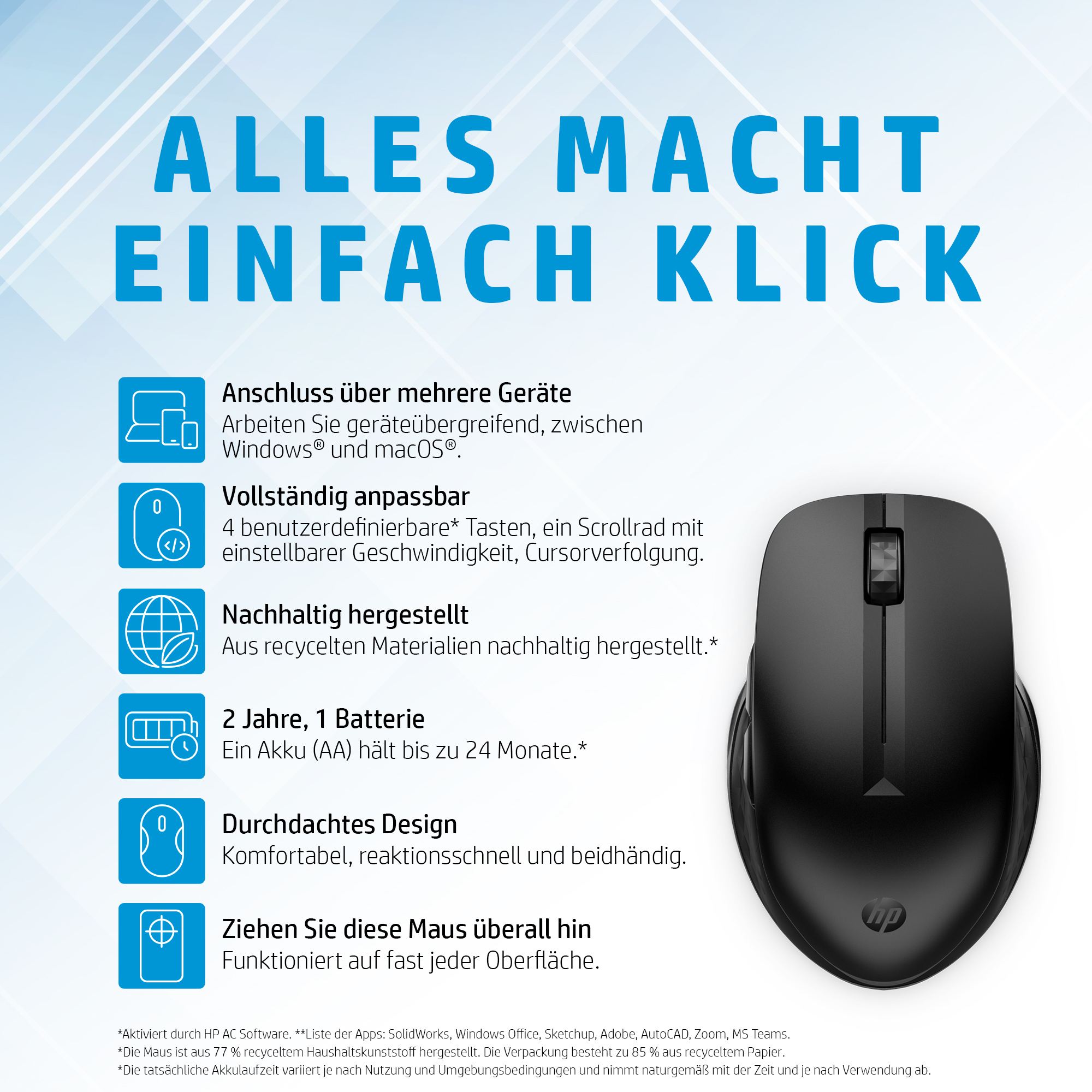
Yes, this mouse can easily switch between different computers, streamlining workflows and enhancing productivity.
How do I troubleshoot connectivity issues with my wireless mouse?
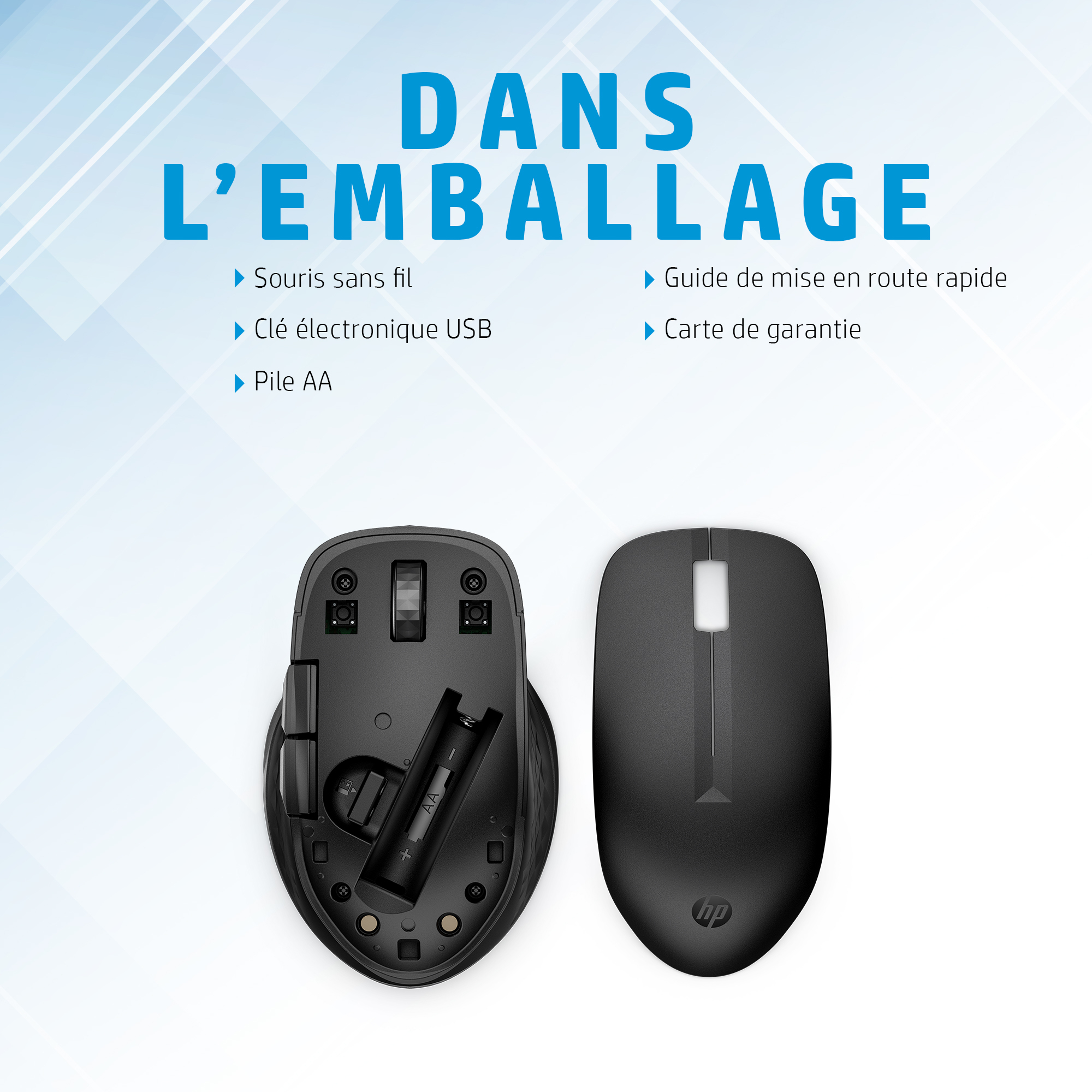
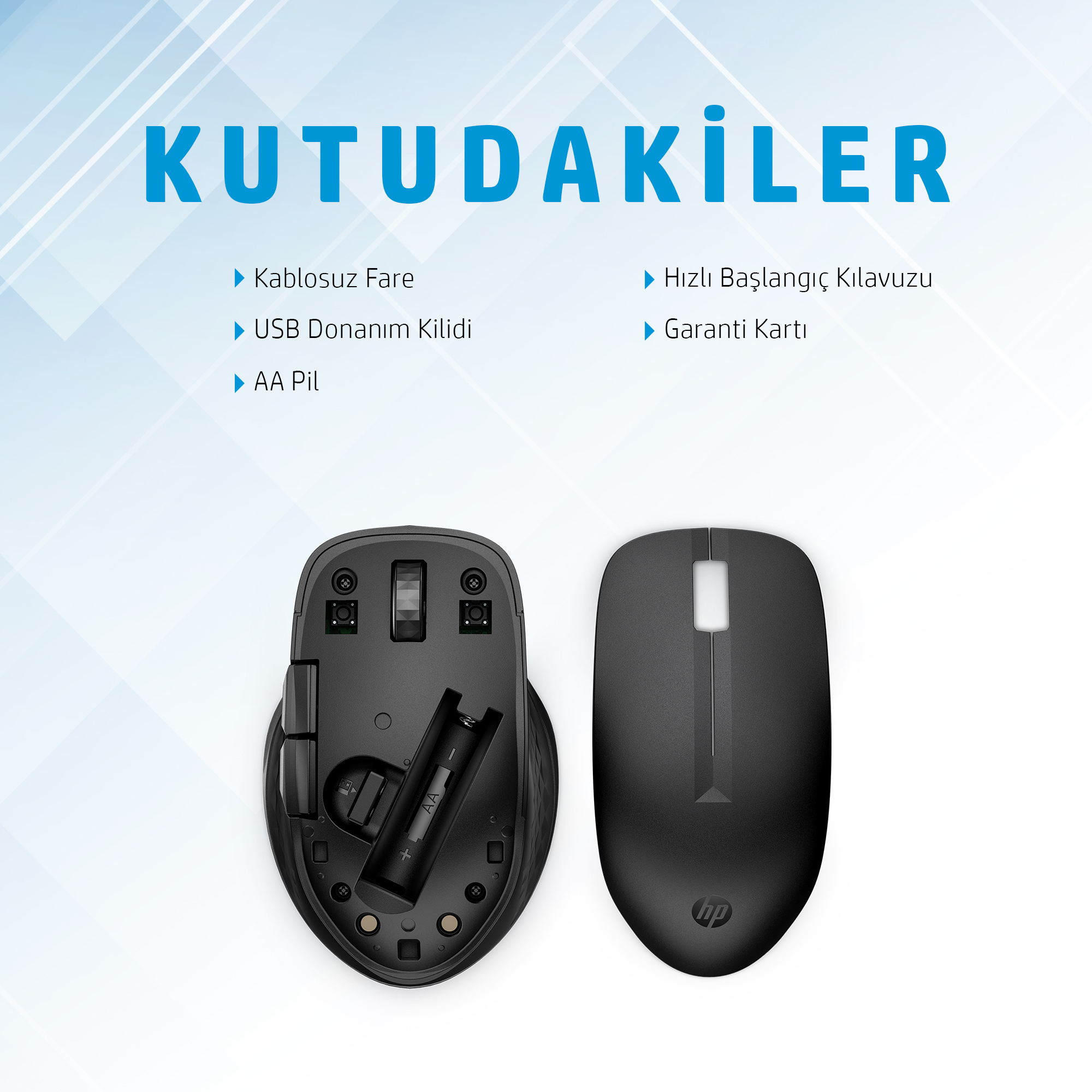
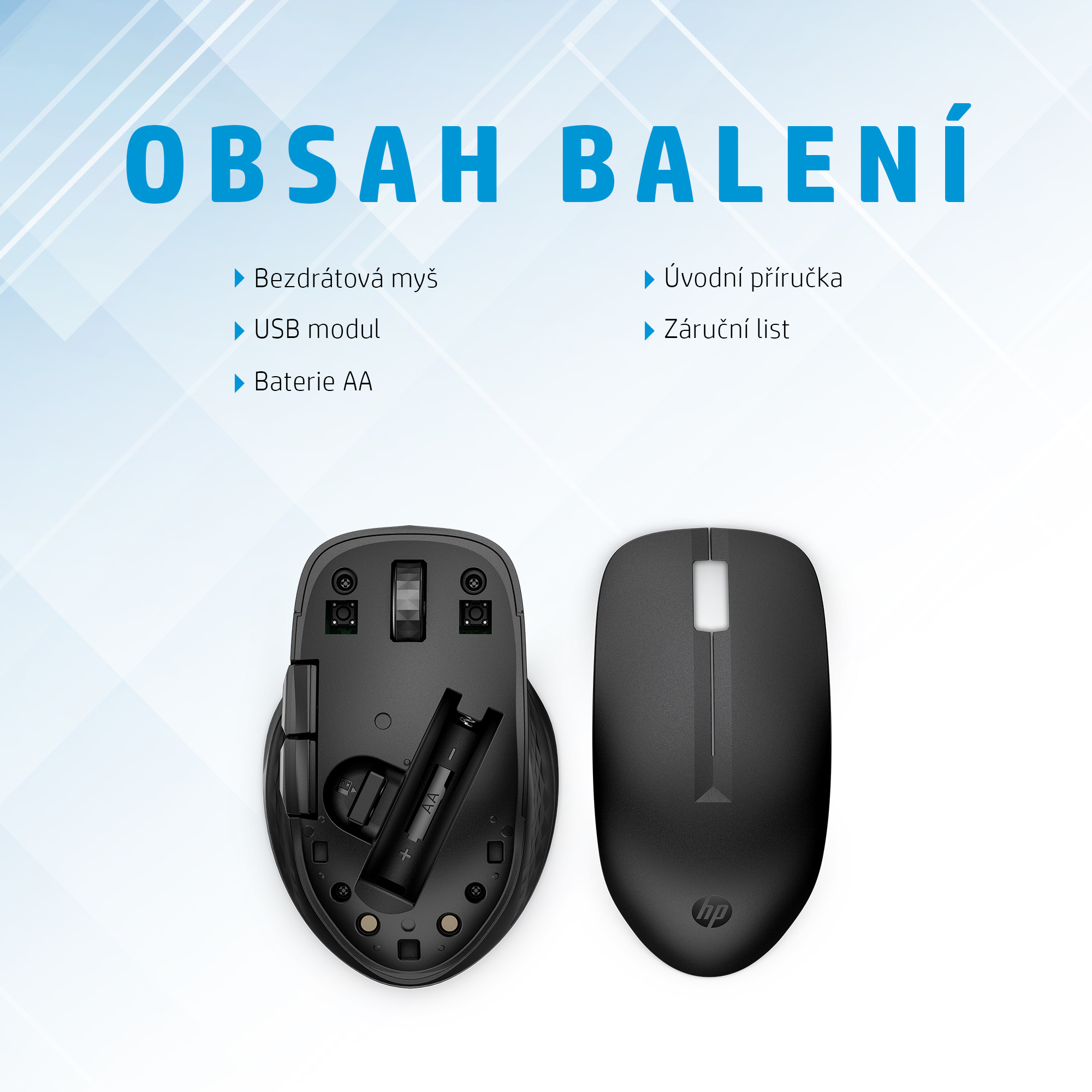
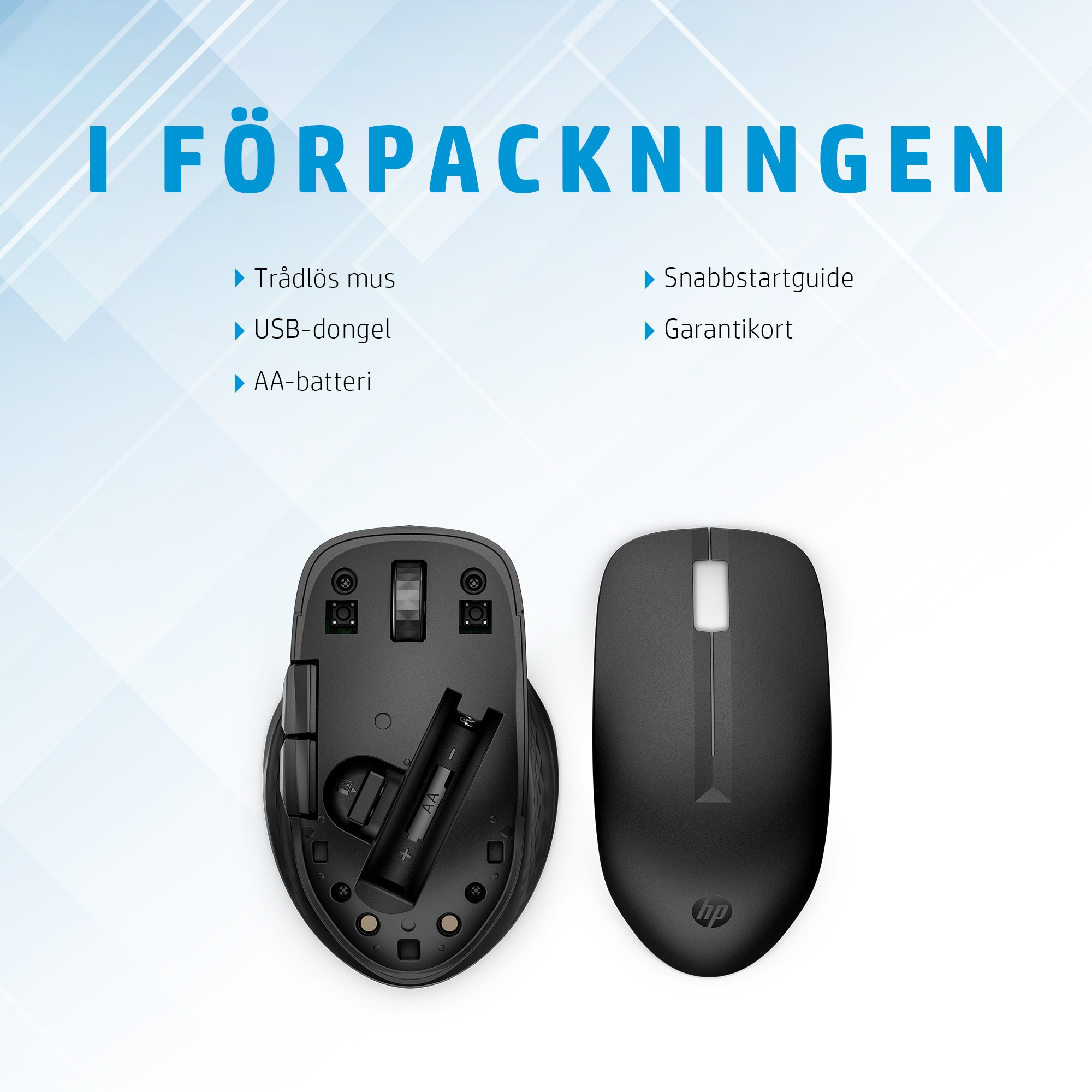
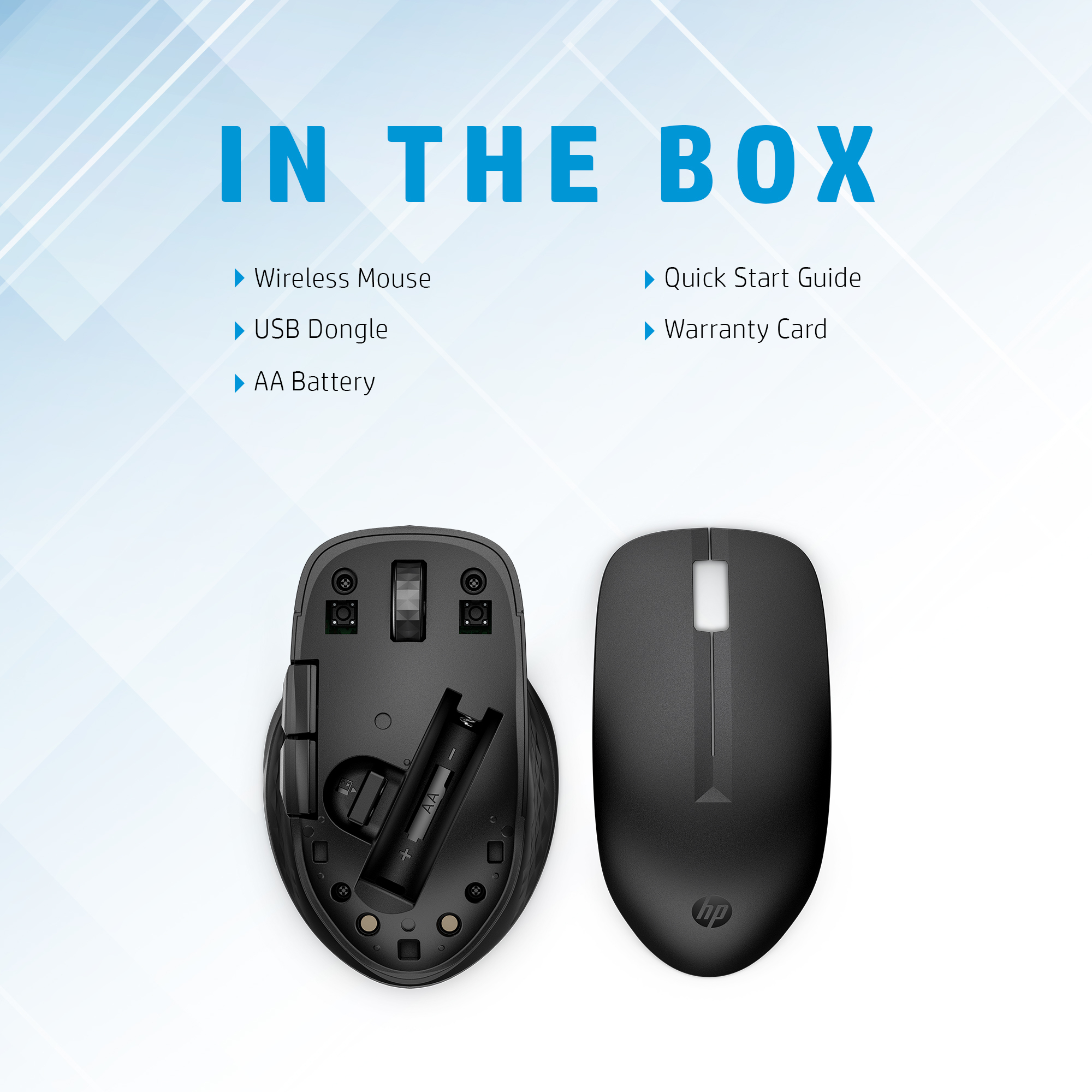
If you’re experiencing connectivity issues with your wireless mouse, try restarting the device, checking the battery level, and ensuring that the receiver is properly plugged in.
Can the TECHOM Systems Sales team help me with installation support for my new wireless mouse?
Yes, the TECHOM Systems Sales team can provide installation support and answer any questions you may have about your new wireless mouse.
Is this mouse compatible with both Windows and macOS operating systems?
Yes, this mouse is compatible with both Windows and macOS operating systems, making it a versatile solution for enterprise environments.
Ready to Deploy HP 435 Mltdvc Wrls Mouse (3B4Q5UT)?
Product Ref: TOS-192095 • Get enterprise pricing, volume discounts, and Australian support.