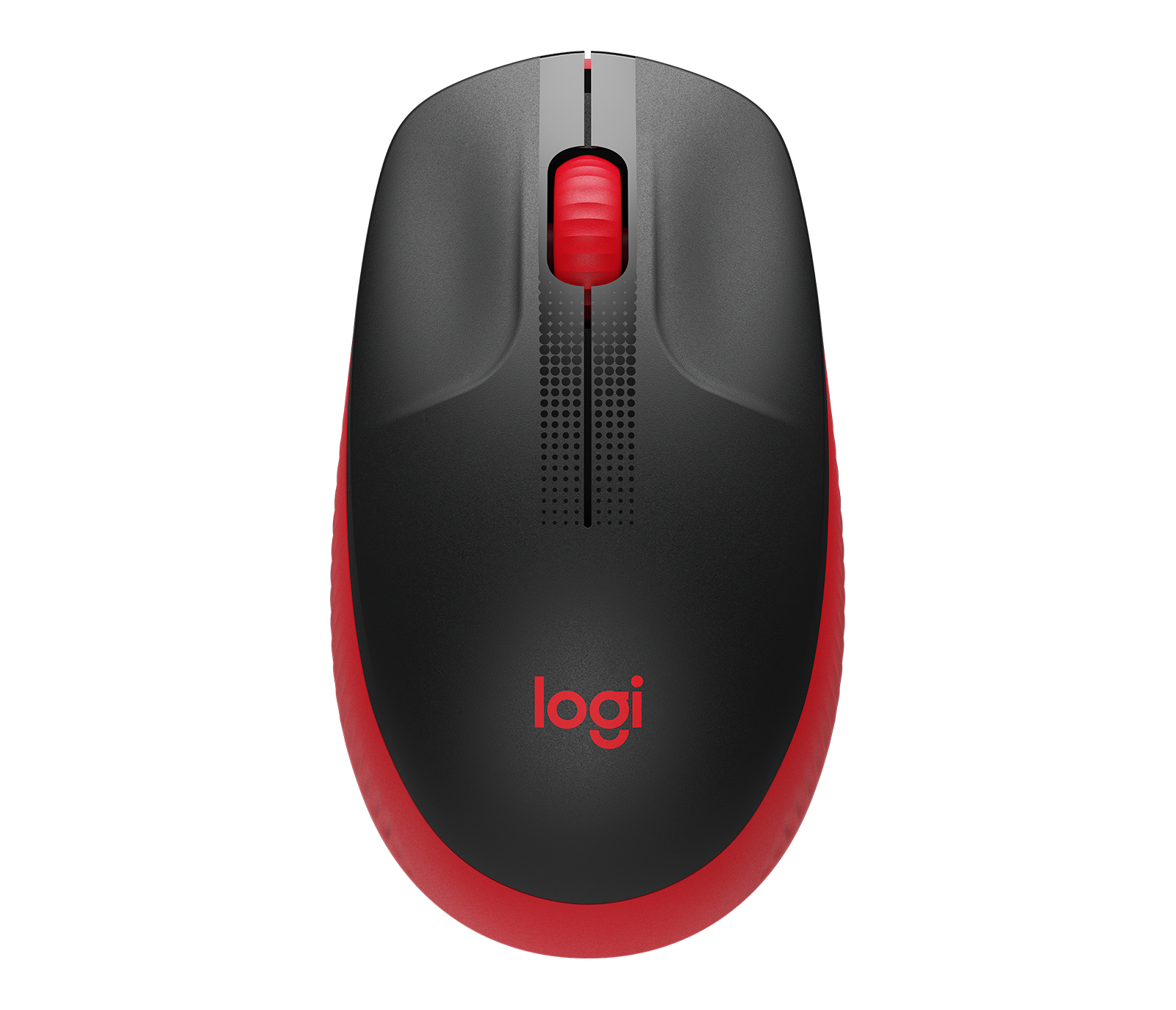

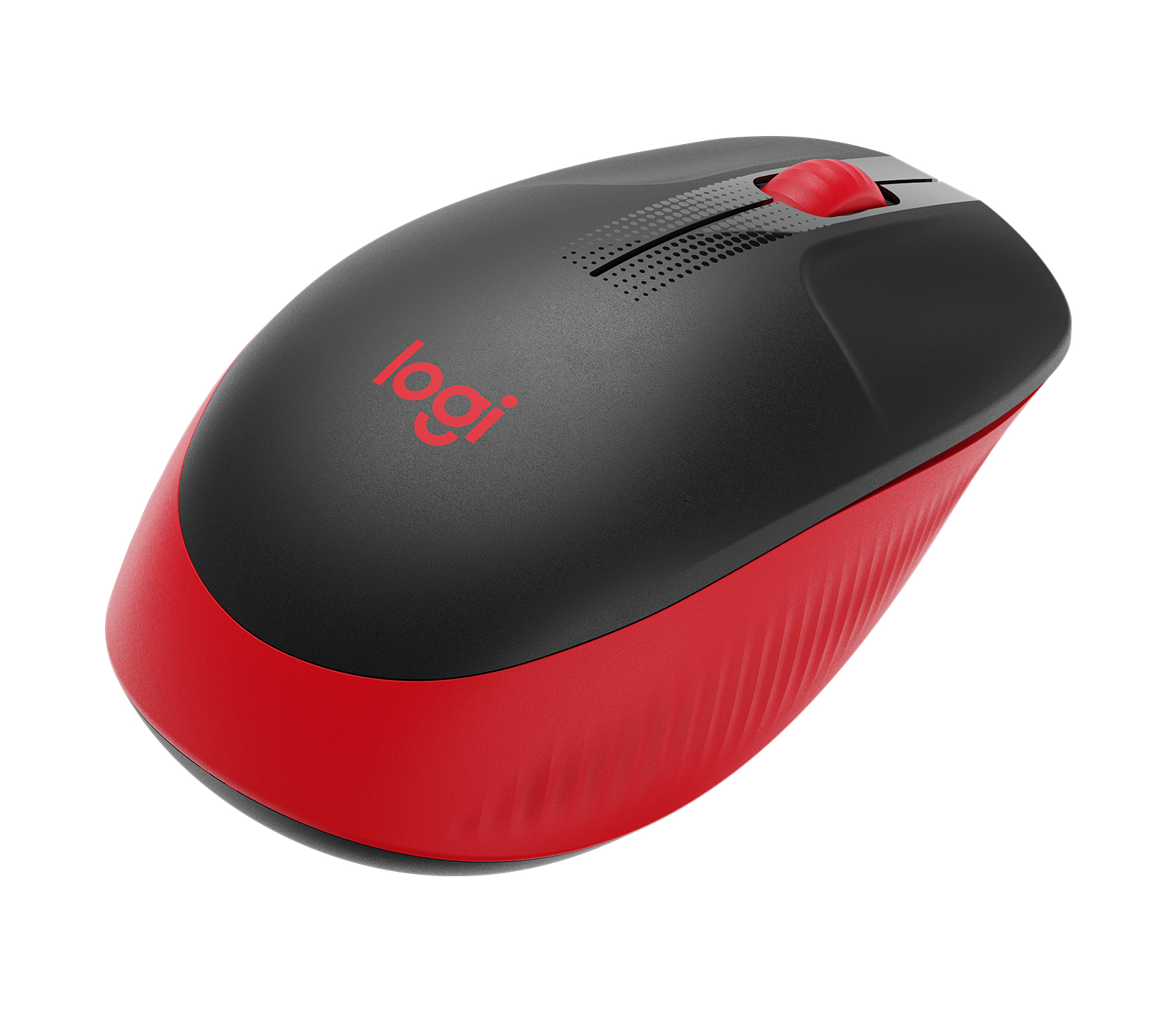
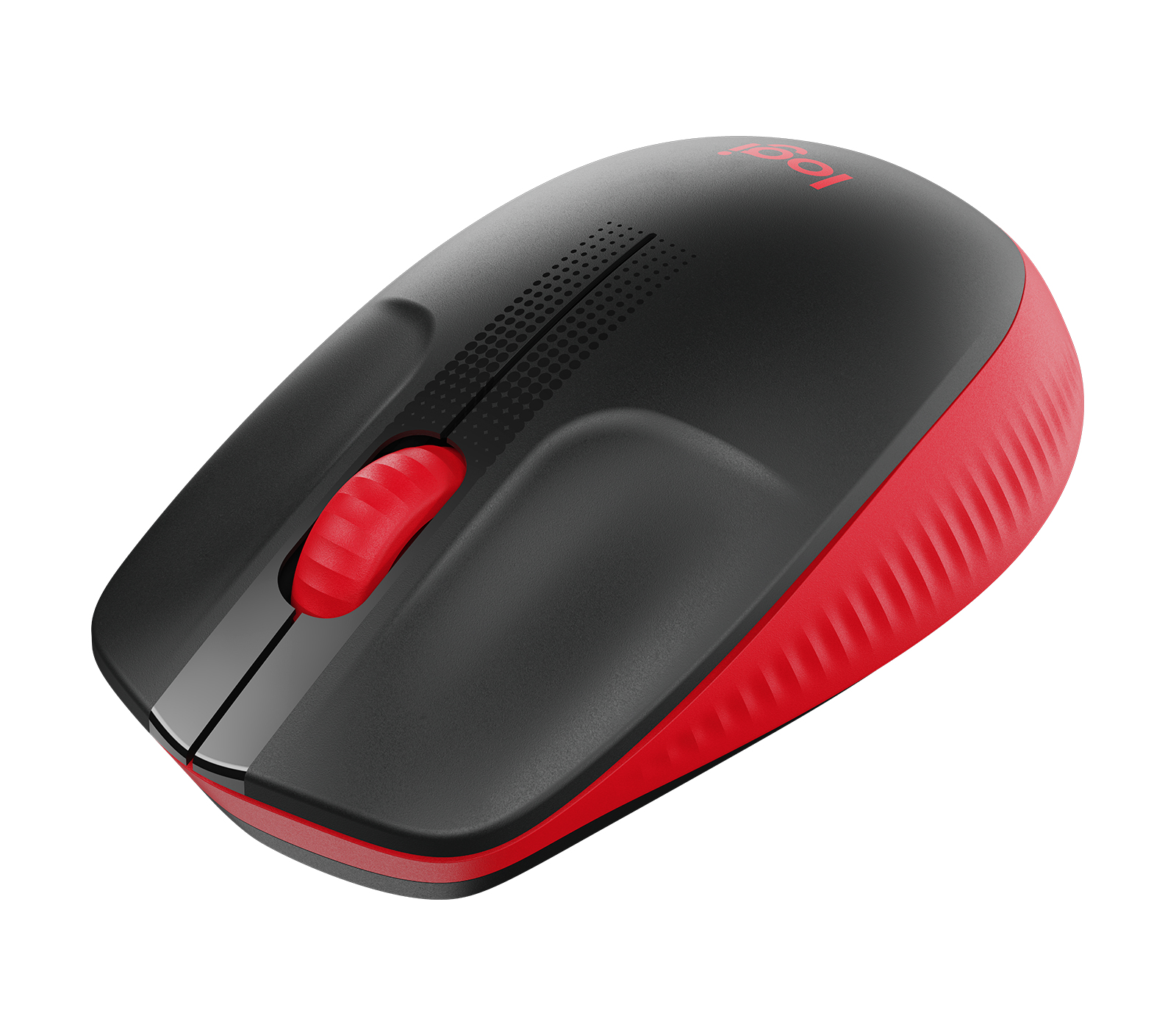
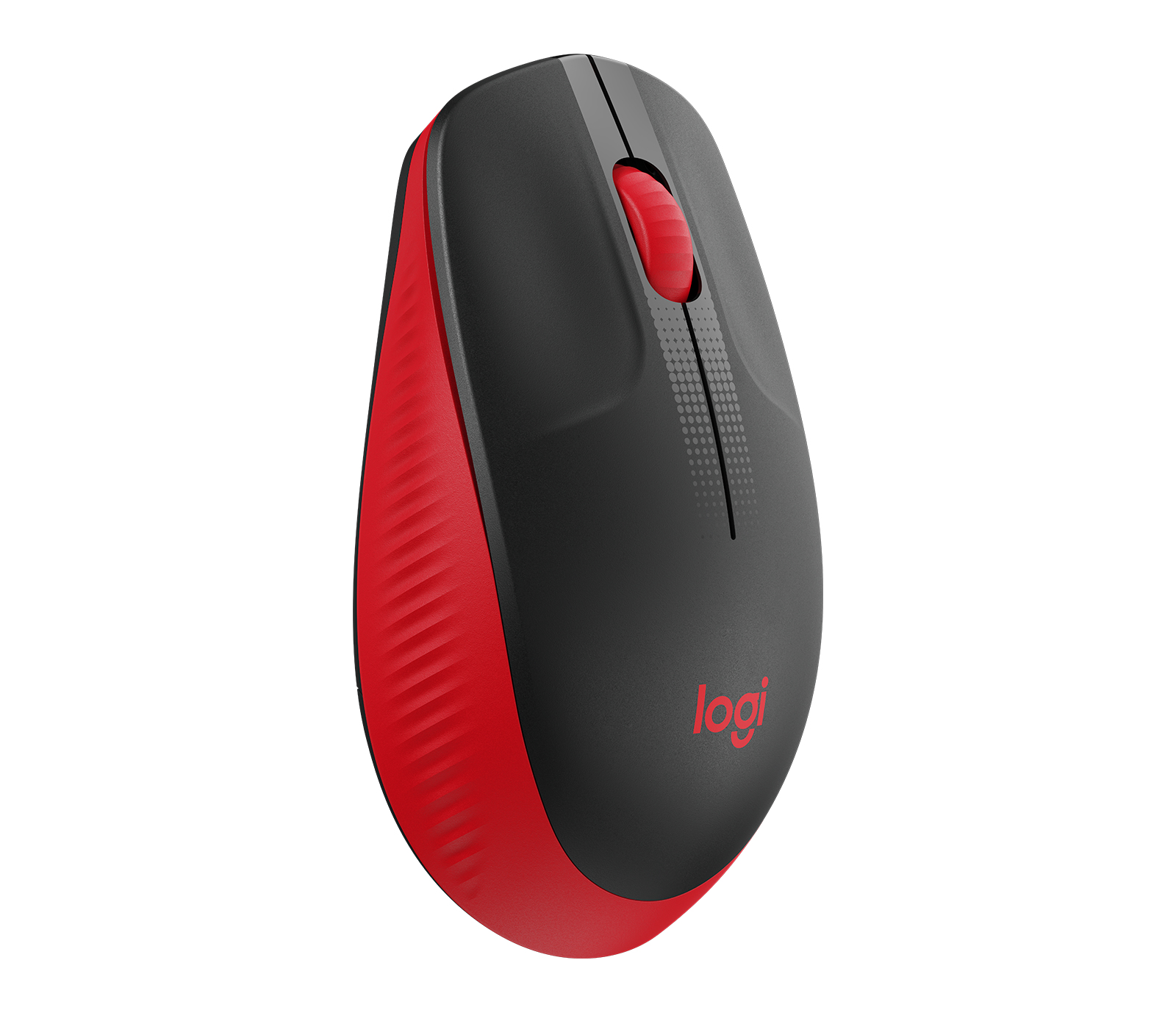








Logitech 910-005915 – M190 Wireless Mouse Red
The M190 Wireless Mouse is designed to provide reliable and efficient navigation for enterprise users. This wireless mouse features a sleek and compact design, making it easy to take on the go. The mouse is designed to work seamlessly with a variety of devices, providing users with a reliable and efficient navigation experience. In a busy enterprise environment, the M190 Wireless Mouse is a valuable tool for increasing productivity and streamlining workflows. The mouse’s wireless design eliminates the need for cumbersome cords, allowing users to move freely and focus on their work. With its advanced optical sensor, the M190 Wireless Mouse provides precise and accurate tracking, even on a variety of surfaces. This makes it an ideal solution for enterprise users who need a reliable and efficient navigation tool.
Technical Specifications
| Brand | Logitech |
| SKU | 910-005915 |
| Category | Keyboards & Mice |
| Color | Red |
| Device Type | Wireless Mouse |
| Wireless Technology | Wireless |
| View all Logitech Products → | |
Challenges Solved by this Solution
IT professionals are constantly looking for ways to increase productivity and streamline workflows. However, outdated navigation tools can often bottleneck workflows and hinder productivity. The M190 Wireless Mouse is designed to solve this problem by providing a reliable and efficient navigation experience. With its advanced optical sensor and wireless design, this mouse is ideal for enterprise users who need a precise and accurate navigation tool. By investing in the M190 Wireless Mouse, IT professionals can increase productivity, reduce IT overhead, and improve overall operational efficiency.
 Australian Logistics & B2B Support
As a 100% Aussie-owned and operated business, we are a trusted partner for Logitech. We empower enterprise procurement with dedicated B2B account support and flexible payment options.
Frequently Asked Questions
What is the average battery life of a wireless mouse?
The average battery life of a wireless mouse can vary depending on usage, but most wireless mice can last for several months on a single set of batteries.
Can I use a wireless mouse with multiple devices?
Yes, many wireless mice are designed to work with multiple devices, making it easy to switch between devices.
How do I troubleshoot connectivity issues with my wireless mouse?
If you’re experiencing connectivity issues with your wireless mouse, try restarting the device, checking the batteries, and ensuring that the receiver is properly plugged in.
Can the TECHOM Systems Sales Team help me with installation support for my new wireless mouse?
Yes, the TECHOM Systems Sales Team can provide installation support and answer any questions you may have about your new wireless mouse.
What type of surfaces can I use my wireless mouse on?
Most wireless mice can be used on a variety of surfaces, including desks, tables, and even some types of glass.

Ready to Deploy Logitech M190 Wireless Mouse – Red (910-005915)?
Product Ref: TOS-202529 • Get enterprise pricing, volume discounts, and Australian support.