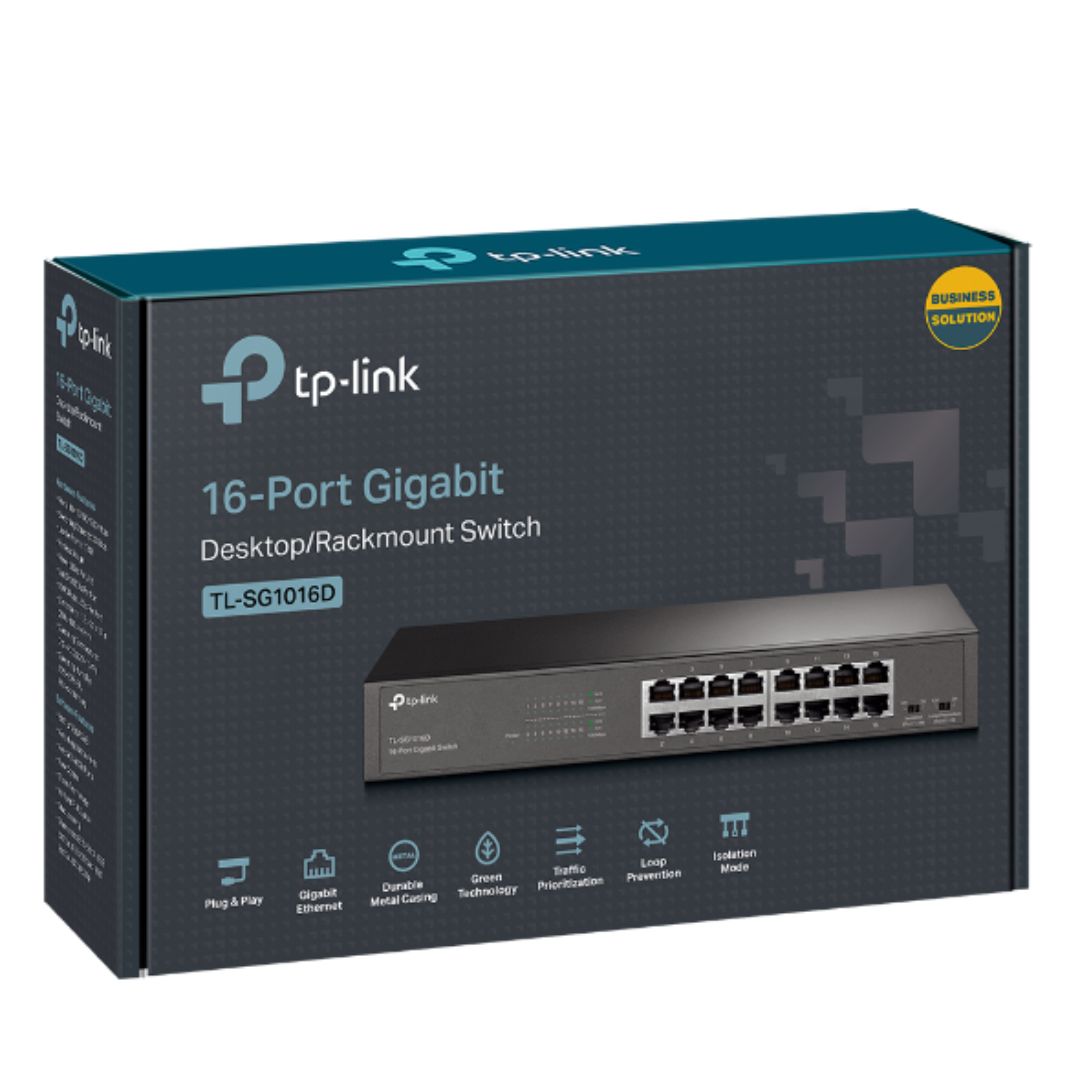








TP-Link NWTL-SG1016DE – 16-Port Gigabit Easy Smart Switch
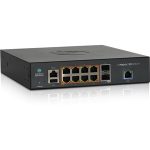
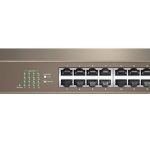
The TP-Link NWTL-SG1016DE is a high-performance network switch designed to meet the demands of modern enterprise networks. With 16 gigabit ports, this device provides a reliable and efficient way to connect and manage a large number of devices. Its easy smart switch architecture allows for simple and intuitive management, making it an ideal solution for businesses of all sizes.
this device is a powerful network processing engine that enables advanced features such as traffic prioritization and VLAN support. This allows IT administrators to optimize network performance and security, ensuring that critical applications receive the necessary bandwidth and that sensitive data is properly isolated.
In addition to its technical features, this device is also designed with ease of use in mind. Its web-based user interface provides a simple and intuitive way to configure and manage the switch, making it easy for IT administrators to monitor and troubleshoot the network. This device is also designed to be energy-efficient, reducing power consumption and minimizing its environmental impact.
Technical Specifications
| Brand | TP-Link |
| SKU | NWTL-SG1016DE |
| Category | |
| Ports | 16 Gigabit Ports |
| Network Monitoring | Yes |
| Traffic Prioritization | Yes |
| VLAN Features | Yes |
| User Interface | Web-based |
| View all TP-Link Products → | |
Challenges Solved by this Solution
Is your network struggling to keep up with the demands of your growing business? Are you tired of dealing with slow network speeds and poor reliability? This device is designed to help you overcome these challenges by providing a fast, reliable, and easy-to-manage network solution. With its advanced features and intuitive interface, this device can help you improve network performance, reduce downtime, and increase productivity. By investing in this device, you can take the first step towards building a robust and scalable network infrastructure that will support your business for years to come.
 Australian Logistics & B2B Support
As a 100% Aussie-owned and operated business, we are a trusted partner for TP-Link. We empower enterprise procurement with dedicated B2B account support and flexible payment options.
Frequently Asked Questions
What is the difference between a managed switch and an unmanaged switch?
A managed switch provides advanced features such as traffic prioritization and VLAN support, allowing for greater control and customization of the network. An unmanaged switch, on the other hand, is a more basic device that simply connects devices to the network.
How do I configure the VLAN settings on this device?
The VLAN settings can be configured through the device’s web-based user interface. Simply log in to the interface, navigate to the VLAN settings page, and follow the prompts to configure the VLANs.
Can this device be used in a data center environment?
Yes, this device is designed to be used in a variety of environments, including data centers. Its advanced features and high-performance capabilities make it an ideal solution for data center networks.
Can the TECHOM Systems Sales team help me with installation and configuration of this device?
Yes, the TECHOM Systems Sales team can provide assistance with installation and configuration of this device. They can also provide guidance on how to get the most out of your network infrastructure.
Ready to Deploy TP-Link Tl-sg1016de 16-port Gigabit Easy Smart Switch Network Monitoring, Traffic Prioritization & Vlan Features Web-based User Interface (NWTL-SG1016DE)?
Product Ref: TOS-848541 • Get enterprise pricing, volume discounts, and Australian support.