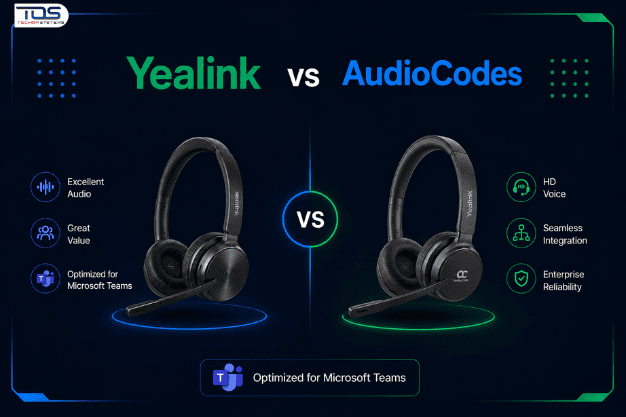
Organisations modernising business communications rarely stall on Microsoft Teams itself. They stall on the hardware and voice ecosystem sitting underneath it.
The Yealink vs AudioCodes decision sits right at that point, shaping deployment speed, device management, and long-term scalability well beyond the initial rollout. This article looks at how enterprise buyers should approach that decision, and where each vendor typically earns its place inside a Teams-first environment.
It’s written for the evaluation stage, once Teams itself has already been chosen and the hardware conversation is next.
Why This Decision Extends Beyond Hardware
A phone or headset is easy to compare on a spec sheet. A communications ecosystem is not.
Device management, firmware update cycles, and Teams certification depth all shape how much ongoing effort IT carries after go-live.
Understanding Enterprise Requirements Before Comparing Vendors
Before shortlisting vendors, most enterprise buyers need clarity on three things: internal resourcing, growth trajectory, and integration depth.
Skipping this step is the most common reason a Yealink vs AudioCodes comparison ends up circular, with neither option looking clearly better.
Deployment Complexity and IT Resourcing
Some organisations run dedicated UC engineering teams. Others rely on a small IT team managing Teams alongside everything else.
That resourcing reality should shape the shortlist before a single spec sheet gets compared.
Business Growth and Scalability
A fast-scaling business needs a device ecosystem that grows without a full re-platform every eighteen months. Provisioning speed and centralised management matter more here than any single hardware feature.
Microsoft Teams Integration Depth
Native Teams certification affects call quality, admin visibility, and support response when something breaks.
This is usually where the Yealink vs AudioCodes conversation starts in earnest, often right after someone on the team asks what is a Yealink Teams Phone in the first place.
Where Yealink Fits the Modern Teams Ecosystem
Yealink is generally the more accessible entry point into a certified Teams hardware environment, particularly for organisations prioritising cost-effective standardisation across desks and meeting rooms.
For many growing businesses, that combination of certification and affordability outweighs deeper enterprise interoperability features they may not need yet.
It’s also why Yealink features so heavily in most SME-focused Yealink vs AudioCodes discussions.
Where AudioCodes Fits Enterprise-Grade Deployments
AudioCodes tends to suit organisations running more complex telephony environments, including hybrid Teams Direct Routing deployments alongside legacy PBX infrastructure.
Its strength lies in interoperability and session border controller capability, which matters more to regulated or telco-dependent enterprises than to a typical SME.
For CIOs managing that complexity, the calculus behind Yealink vs AudioCodes looks quite different to a straightforward office refresh.
Yealink vs AudioCodes: A Side-by-Side Enterprise Comparison
Framed as a straight comparison, the two vendors serve genuinely different points on the enterprise maturity curve.
| Enterprise Factor | Yealink | AudioCodes |
|---|---|---|
Typical organisation size | SMEs to mid-market | Mid-market to large enterprise |
Teams certification depth | Broad certified device range | Certification plus SBC and interoperability focus |
Deployment complexity | Straightforward, fast to standardise | Higher complexity, suited to hybrid telephony |
Device management | Centralised, straightforward provisioning | Centralised, deeper network-level control |
Best-suited scenario | Standardising desks and meeting rooms quickly | Complex, multi-vendor voice environments |
Typical buyer | IT Managers, Procurement Managers | UC Engineers, CIOs |
Neither column represents a universally superior choice. The right answer depends on where the organisation sits today, and where it plans to be in three years.
A Deeper Technical Comparison for Enterprise Buyers
The side-by-side view above covers the fundamentals. A handful of technical factors deserve closer attention before finalising a Yealink vs AudioCodes shortlist.
Call Quality and Codec Support
Both vendors support HD voice codecs and Teams-certified audio processing, though real-world performance varies in noisy, open-plan environments.
Yealink’s certified handsets and headsets are tuned primarily for consistent everyday office use. AudioCodes places more emphasis on advanced echo cancellation and acoustic shielding, built for high-density contact centre environments.
Firmware and Security Update Cadence
Update cadence affects how quickly security patches and Teams feature updates reach the entire device fleet.
Yealink typically ships firmware updates through the Teams admin centre on a predictable, business-friendly schedule. AudioCodes offers similar cloud management through its Device Manager platform, with additional controls suited to larger, security-conscious IT teams.
Support and Warranty Model
Standard warranty terms are broadly comparable across both vendors for Australian business buyers, though local support depth can vary by product tier.
Enterprise buyers running mission-critical voice infrastructure should confirm SLA-backed support options directly, rather than assuming standard warranty terms will cover every scenario.
Total Cost of Ownership Over Three Years
| Cost Factor | Yealink | AudioCodes |
|---|---|---|
Initial hardware investment | Lower to moderate | Moderate to higher |
Licensing and management platform | Included with Teams admin centre | May require additional Device Manager licensing |
IT support overhead | Lower, due to simpler provisioning | Higher, due to interoperability complexity |
Typical refresh cycle | Three to five years | Three to five years, often longer for SBC infrastructure |
Over a three-year horizon, Yealink often carries a lower total cost of ownership for straightforward, Teams-only deployments. AudioCodes can still offer stronger long-term value where legacy telephony integration would otherwise require separate infrastructure altogether.
This is usually the point where a Yealink vs AudioCodes decision stops being about price alone, and starts being about what the business would otherwise need to build around the gaps.
Common Microsoft Teams Deployment Scenarios
1. A Growing SME Standardising on Teams
A sixty-seat business moving fully onto Teams usually needs fast, predictable rollout across every desk.
A straightforward, certified device range that IT can provision quickly, without specialist UC skills, is usually more valuable here than deep interoperability. This is often the first point where leadership asks what is a Yealink Teams Phone, and how it differs from a standard USB headset.
2. A Multi-Site Enterprise With a Hybrid Contact Centre
Multi-site organisations juggling contact centre queues alongside standard Teams calling face different pressures entirely.
Here, interoperability with existing telephony infrastructure often outweighs simplicity, favouring a more thorough evaluation process.
This is typically where a genuine Yealink vs AudioCodes shortlist, rather than a default choice, earns its place.
3. A Regulated Industry Needing Formal Certification
Highly regulated sectors, such as finance or healthcare, need documented interoperability and demonstrable security compliance.
These requirements often shift the evaluation toward vendors with established enterprise-grade certification and session border controller support.
What is a Yealink Teams Phone? Understanding the Category
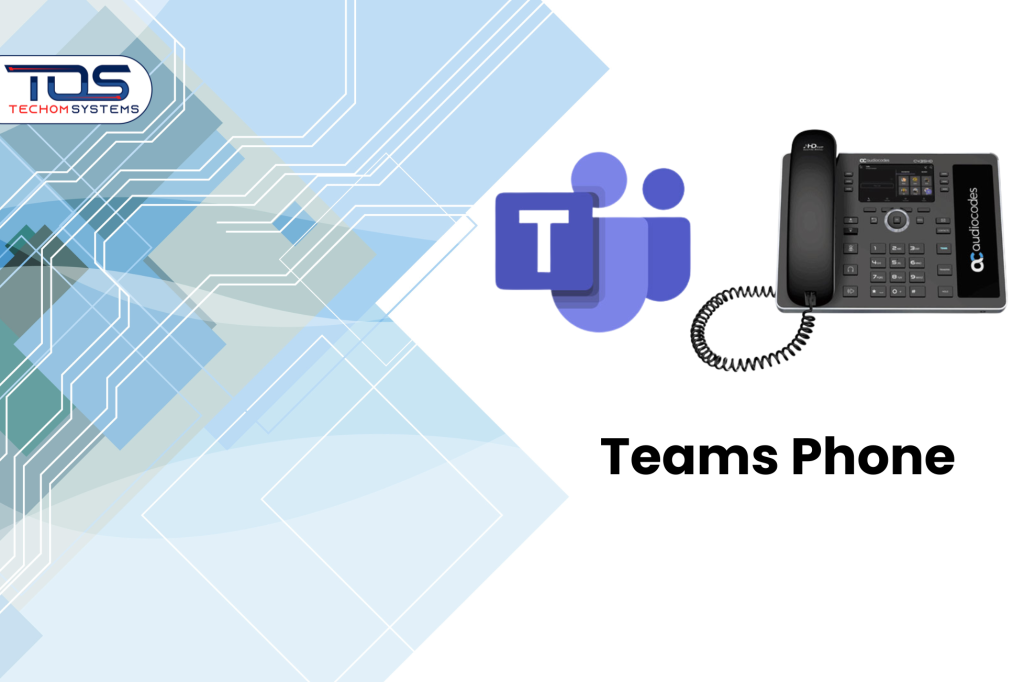
A practical question that comes up early in most evaluations is what is a Yealink Teams Phone? In short, it’s a desk phone or headset certified to run natively within Microsoft Teams, without third-party gateways or additional licensing.
Comparing Yealink vs AudioCodes at this level usually comes down to how much of that native simplicity a business actually needs, versus how much telephony complexity it’s already carrying.
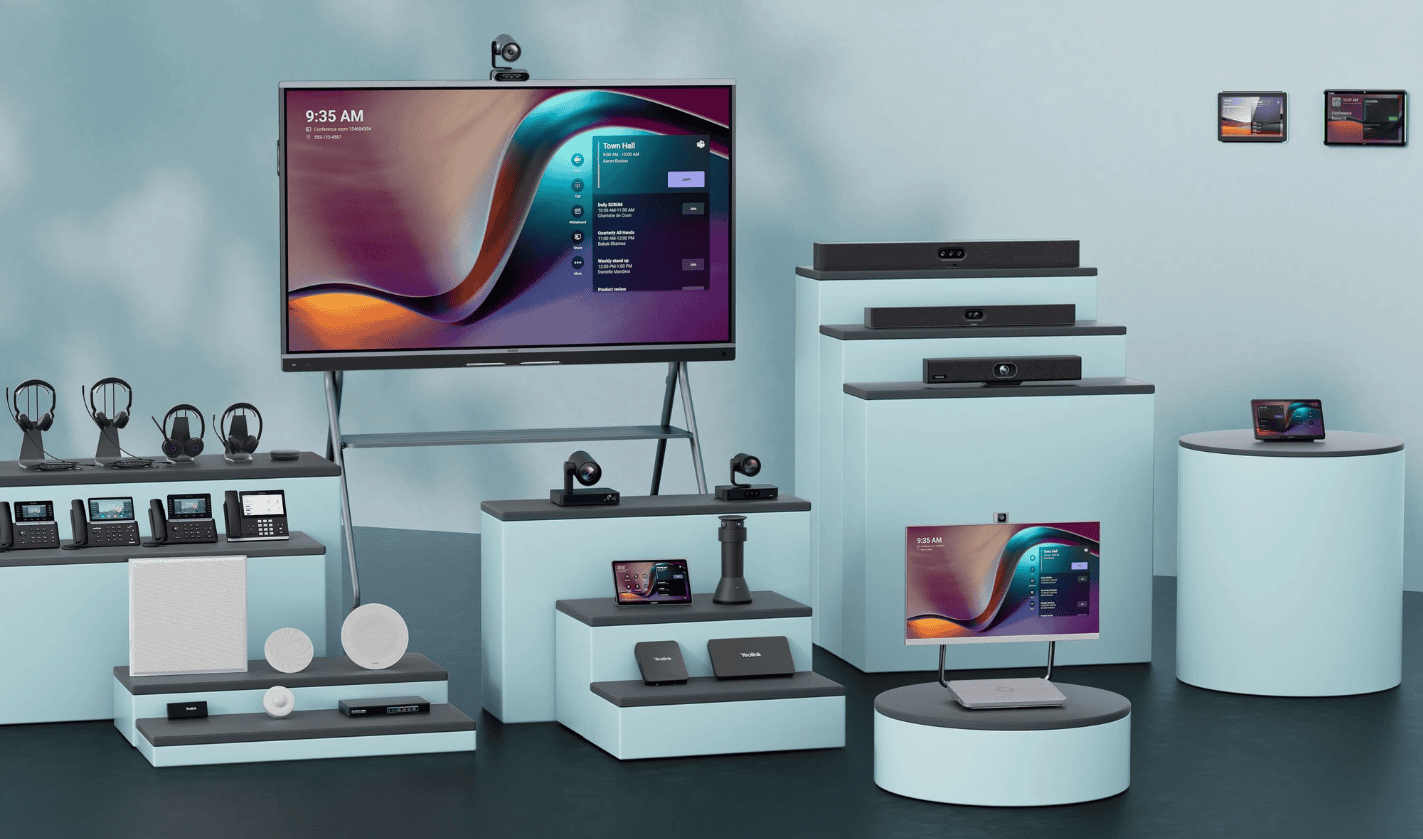
Browsing Yealink Solutions shows everything from individual headsets through to full meeting room systems, all provisioned through the same Teams admin centre.
Matching Devices to Users: From Individual Headsets to Desk Phones
Not every Teams user needs the same device. Individual contributors, hybrid staff, and meeting rooms all carry different requirements.
Everyday Desk and Hybrid Users
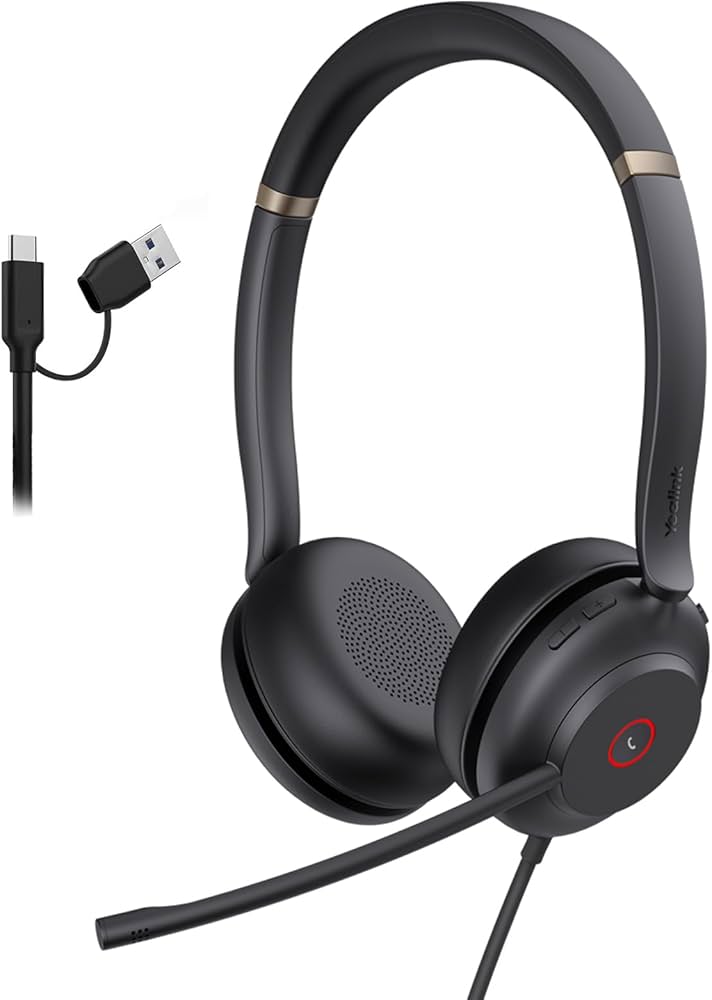
The Yealink UH37 Mono USB Wired Headset (SKU: UH37-M-UC-C) suits cost-conscious rollouts, where reliable call clarity matters more than the highest certification tier available.
Teams-Certified Environments Requiring Native Compliance
For organisations standardising strictly on certified hardware, the Yealink UH37 Microsoft Teams Certified USB Wired Headset (SKU: TEAMS-UH37-M) provides native Teams certification out of the box, simplifying procurement sign-off and IT approval.
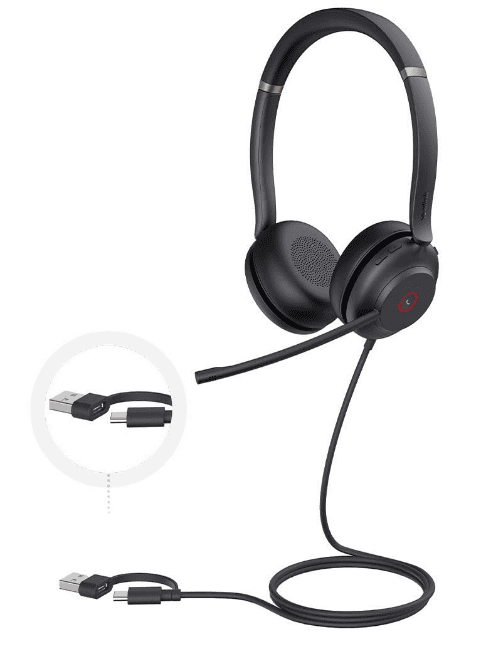
Both models illustrate the same principle behind the wider Yealink vs AudioCodes decision: matching certification depth to actual business need, rather than defaulting to the highest spec available.
A Commercial Decision Framework for Procurement Teams
Most enterprise buyers reach a confident decision faster using a short, structured process, rather than an open-ended comparison.
The following framework works whether the outcome leans toward Yealink, AudioCodes, or a mix of both across different parts of the business.
- Confirm current and planned Teams calling architecture, including Direct Routing or Calling Plans.
- Map internal IT resourcing against realistic deployment complexity.
- Shortlist vendors based on interoperability need, not brand familiarity alone.
- Pilot devices with a representative user group before committing fleet-wide.
- Confirm the long-term device management and support model before signing off.
Questions Worth Asking Before You Shortlist
|
Key Takeaways
- The Yealink vs AudioCodes decision depends on deployment complexity, not brand preference
- Yealink generally suits fast, cost-effective standardisation for SMEs and mid-market teams
- AudioCodes generally suits complex, multi-vendor or regulated telephony environments
- A Yealink Teams Phone offers native certification without third-party gateways
- Matching certification tier to actual need avoids overspending on unused capability
- A short pilot with real users beats a purely spec-based evaluation
Frequently Asked Questions
#1. What’s the main difference between Yealink and AudioCodes for Microsoft Teams?
Yealink typically suits fast, straightforward standardisation, while AudioCodes suits complex, multi-vendor or regulated telephony environments.
#2. What is a Yealink Teams Phone, exactly?
It’s a desk phone or headset certified by Microsoft to run natively within Teams, without needing third-party gateways.
#3. Does AudioCodes suit small businesses?
It can, but its strengths in interoperability and session border control are usually more valuable to larger, more complex environments.
#4. How long does a typical Teams device rollout take?
A well-planned rollout for a mid-sized team usually takes two to six weeks, including a short pilot phase.
#5. Can Yealink and AudioCodes devices operate in the same environment?
Yes, in many cases. Some organisations run both, matching each vendor to the part of the environment it suits best.
Ready to Build Your Teams Ecosystem?
Choosing between Yealink vs AudioCodes is easier once deployment goals, resourcing, and growth plans are clear. Getting a straight answer to what is a Yealink Teams Phone is usually the fastest part of that process.
If you’re ready to move forward, explore Yealink Solutions, compare Microsoft Teams devices, and check current availability for your organisation.
TECHOM Shop works with Australian businesses of every size to plan Teams device rollouts that fit real deployment capacity, not just budget.
Get a Quote today, and let our team help you build a Microsoft Teams communications ecosystem that scales with your business.
Still weighing up Yealink vs AudioCodes for your organisation? Our team can walk through both options against your specific deployment and compliance requirements.

Peter Pawlak, Director of Sales and Customer Advocate, brings over 15 years of experience helping ambitious business owners grow with confidence. His mission is to empower people to start, build, and run their businesses successfully, turning ideas into thriving ventures. Peter’s passion for business transformation and his results-driven approach have been key to guiding entrepreneurs toward faster and smarter growth.