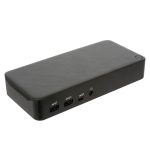

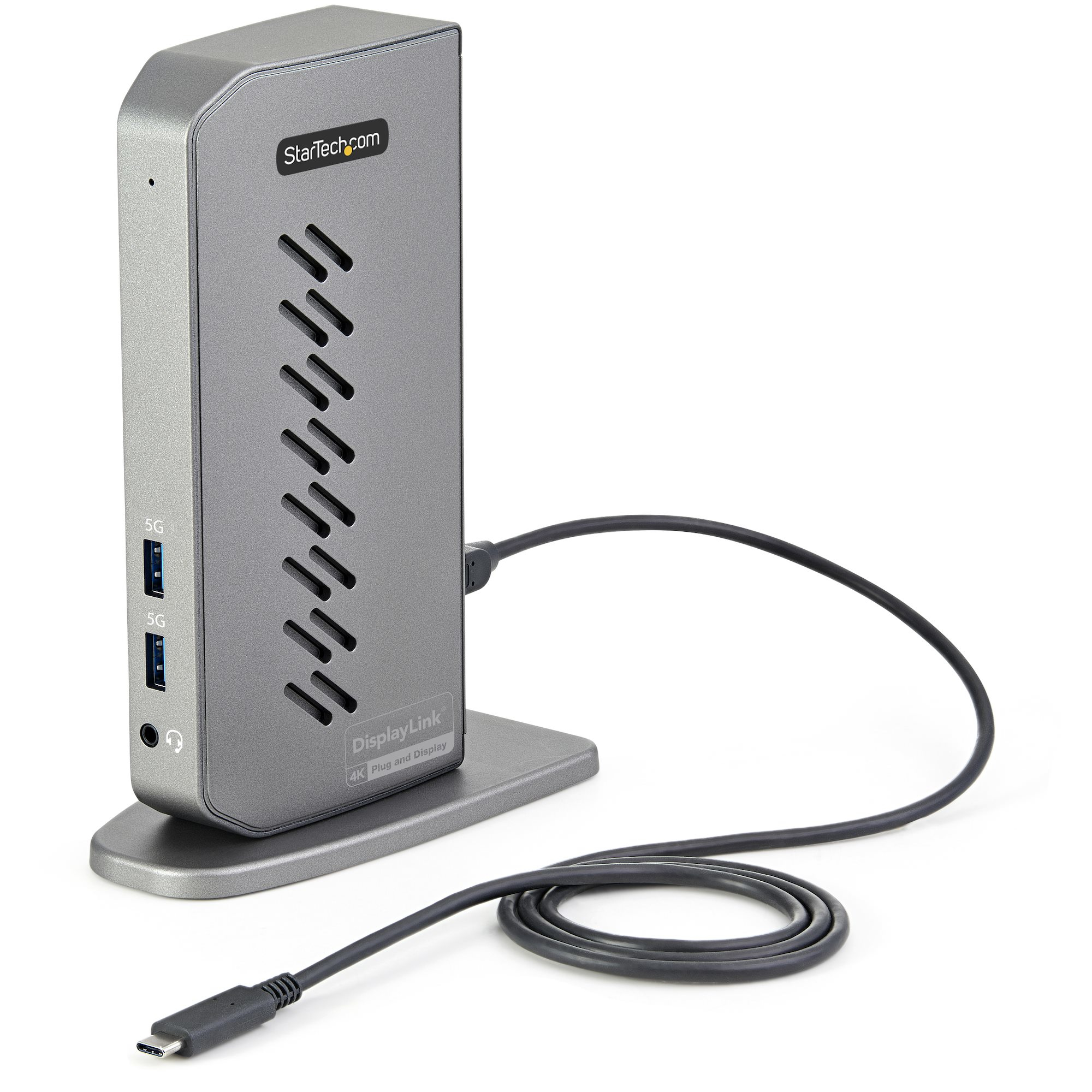
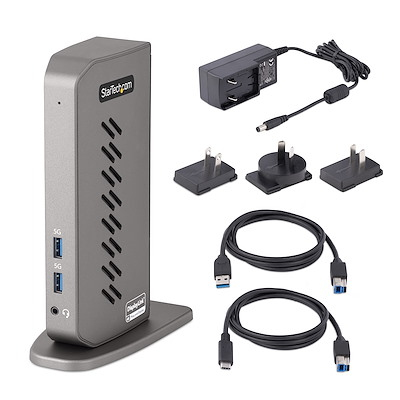








StarTech.com DK30A2DHU – Hybrid USB-C USB-A Dock
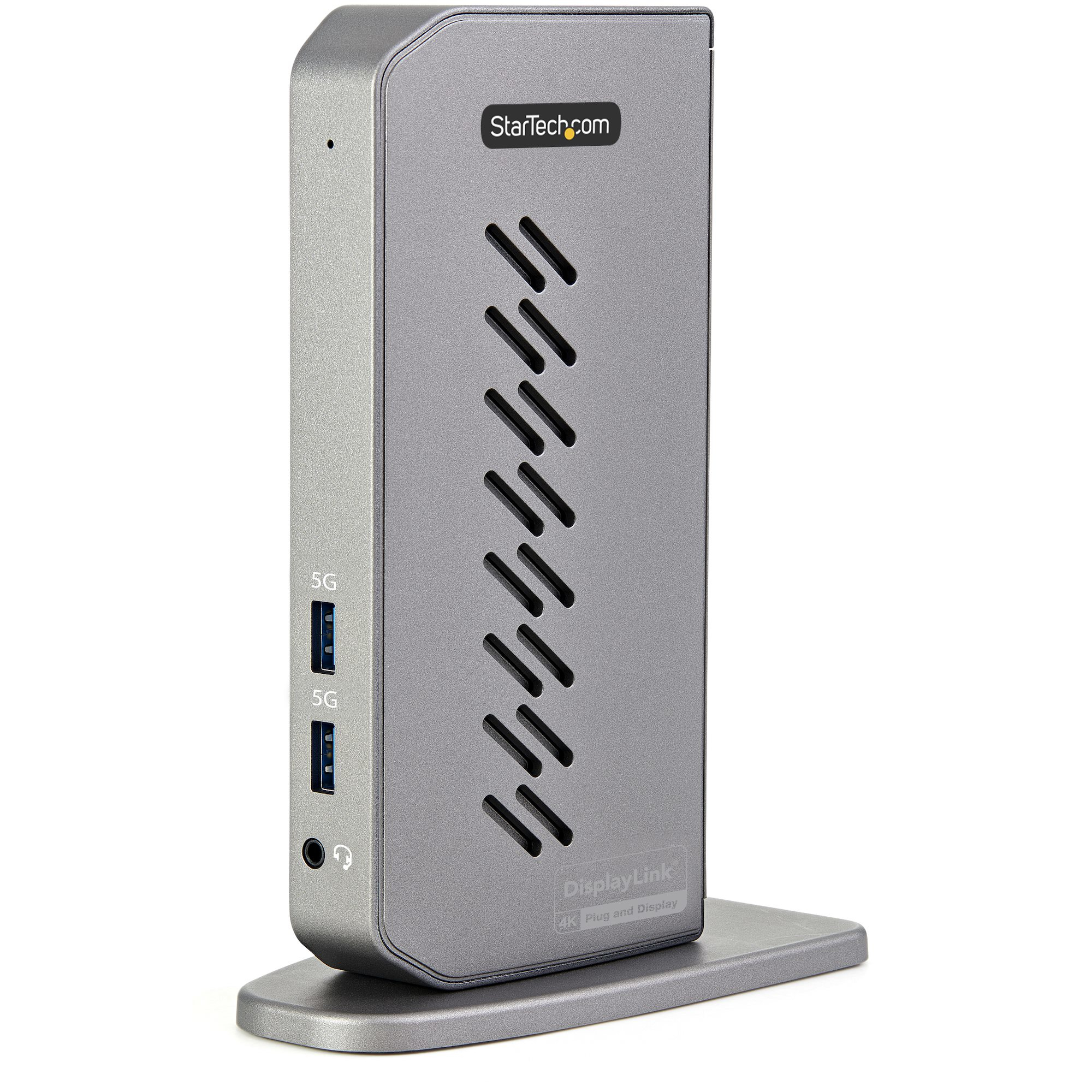
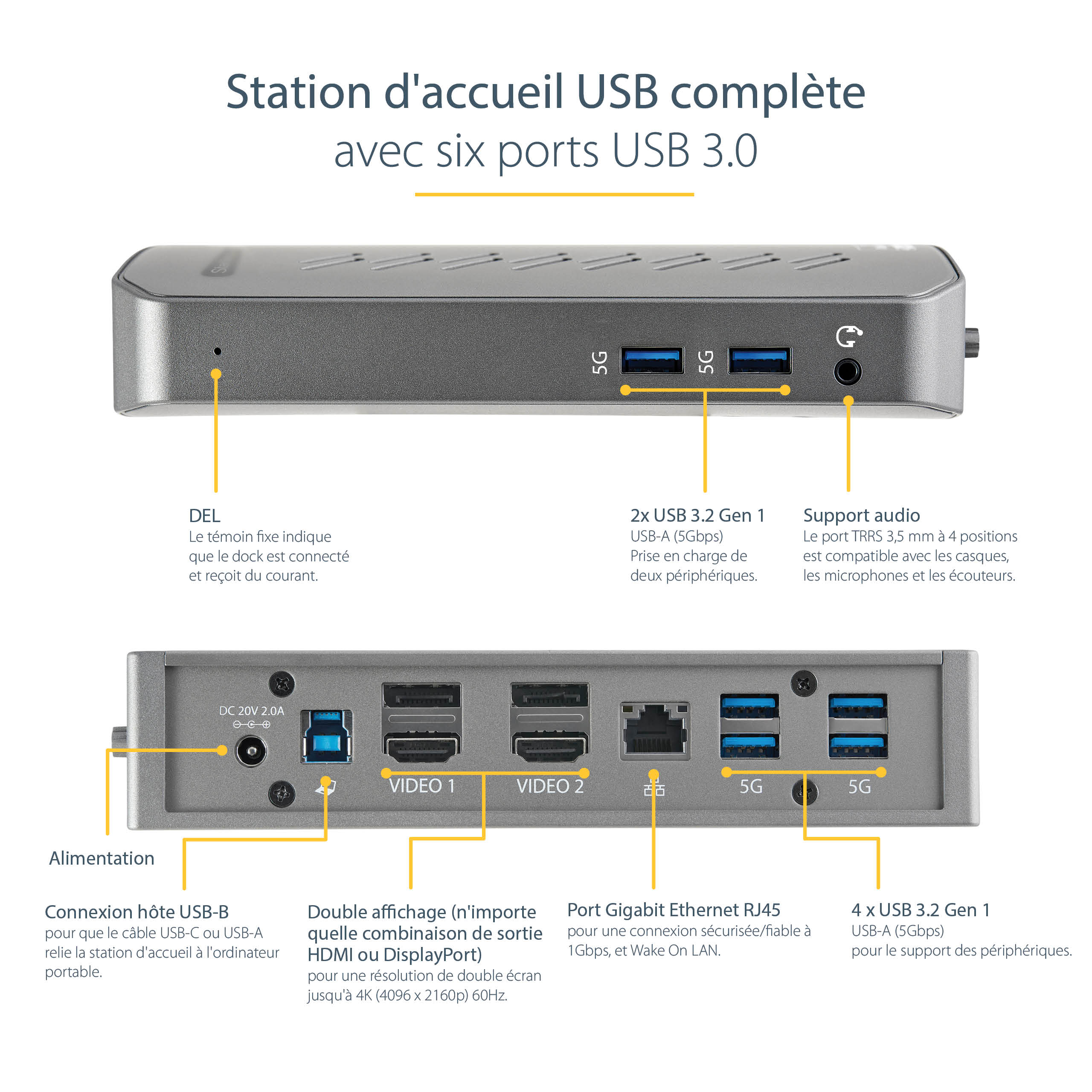
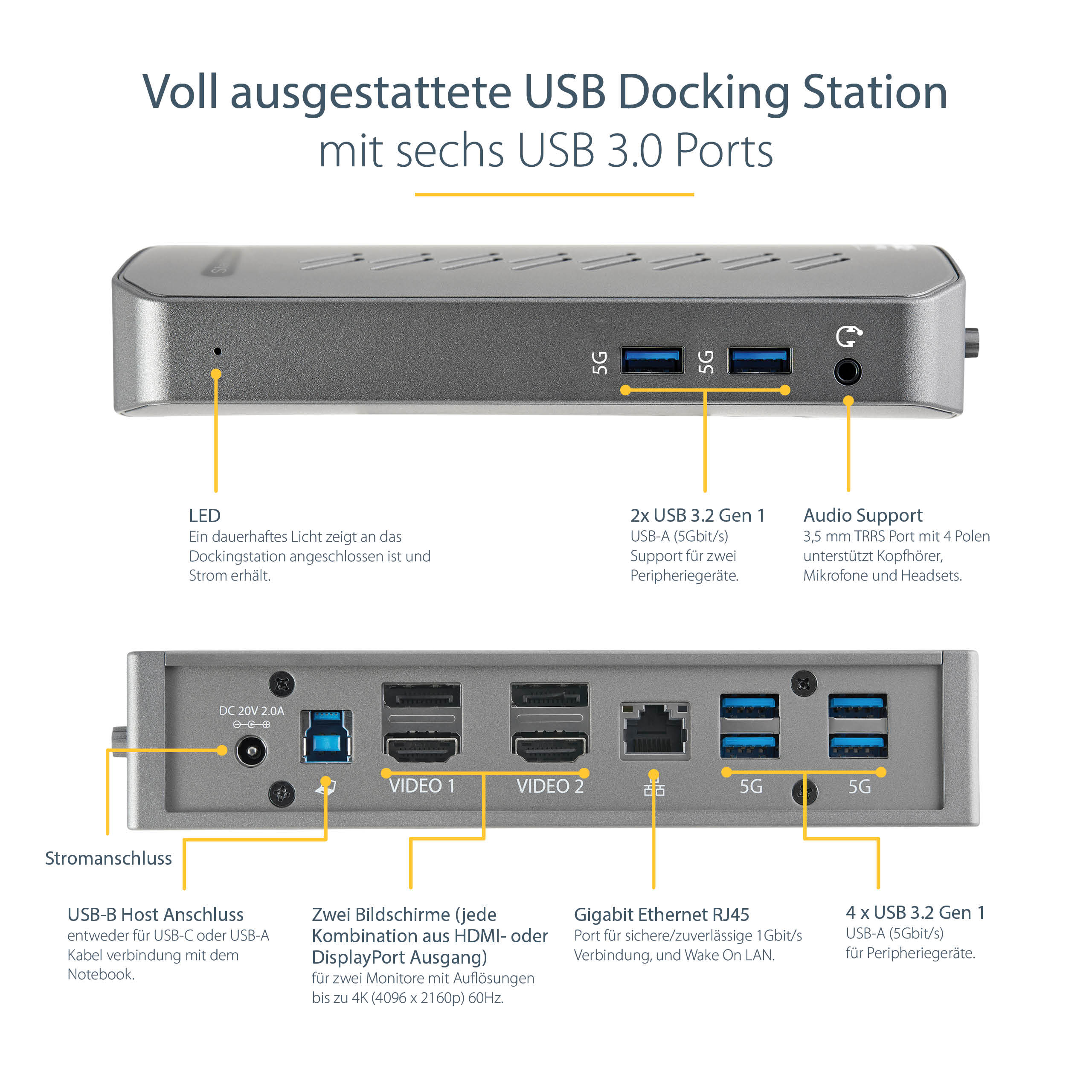
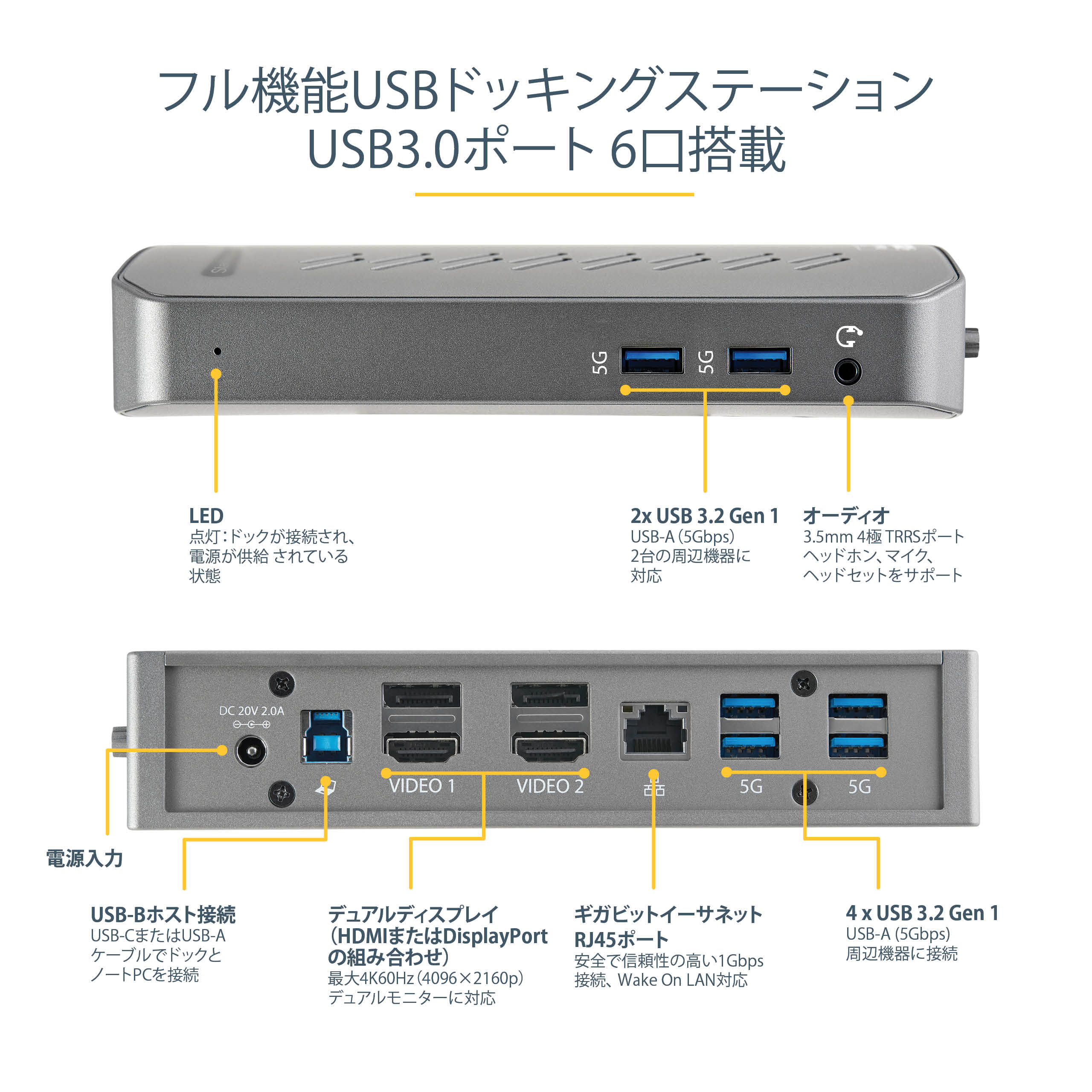
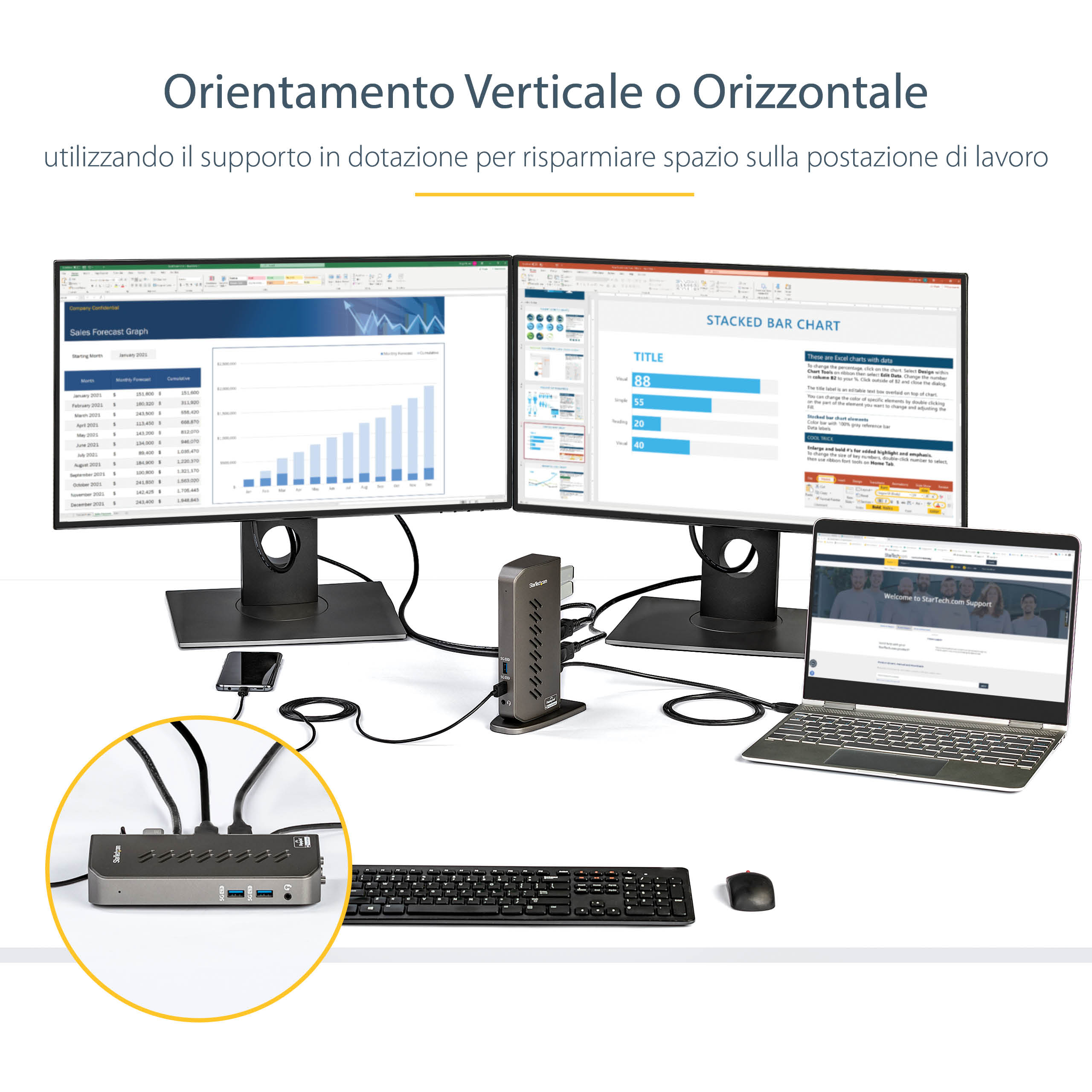
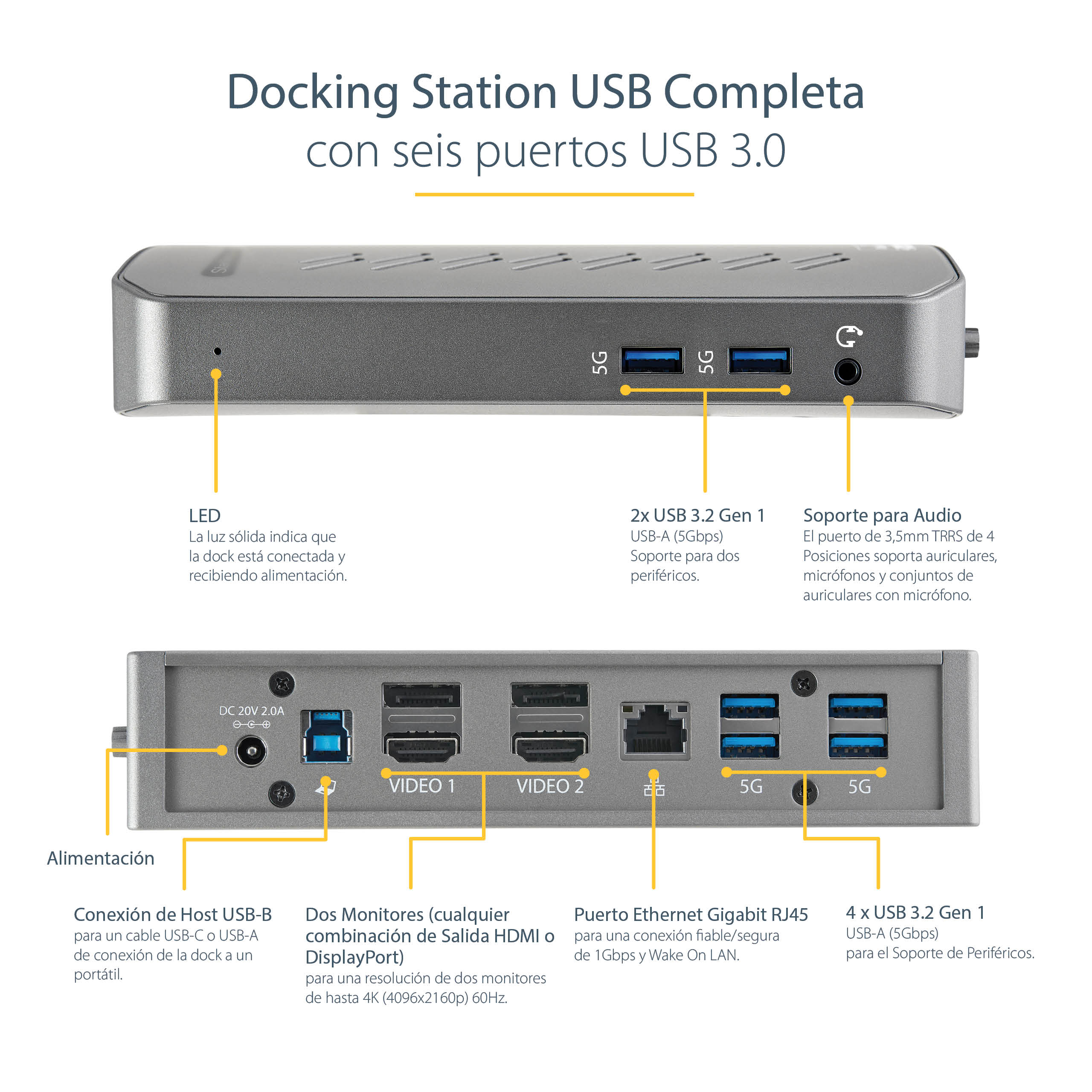
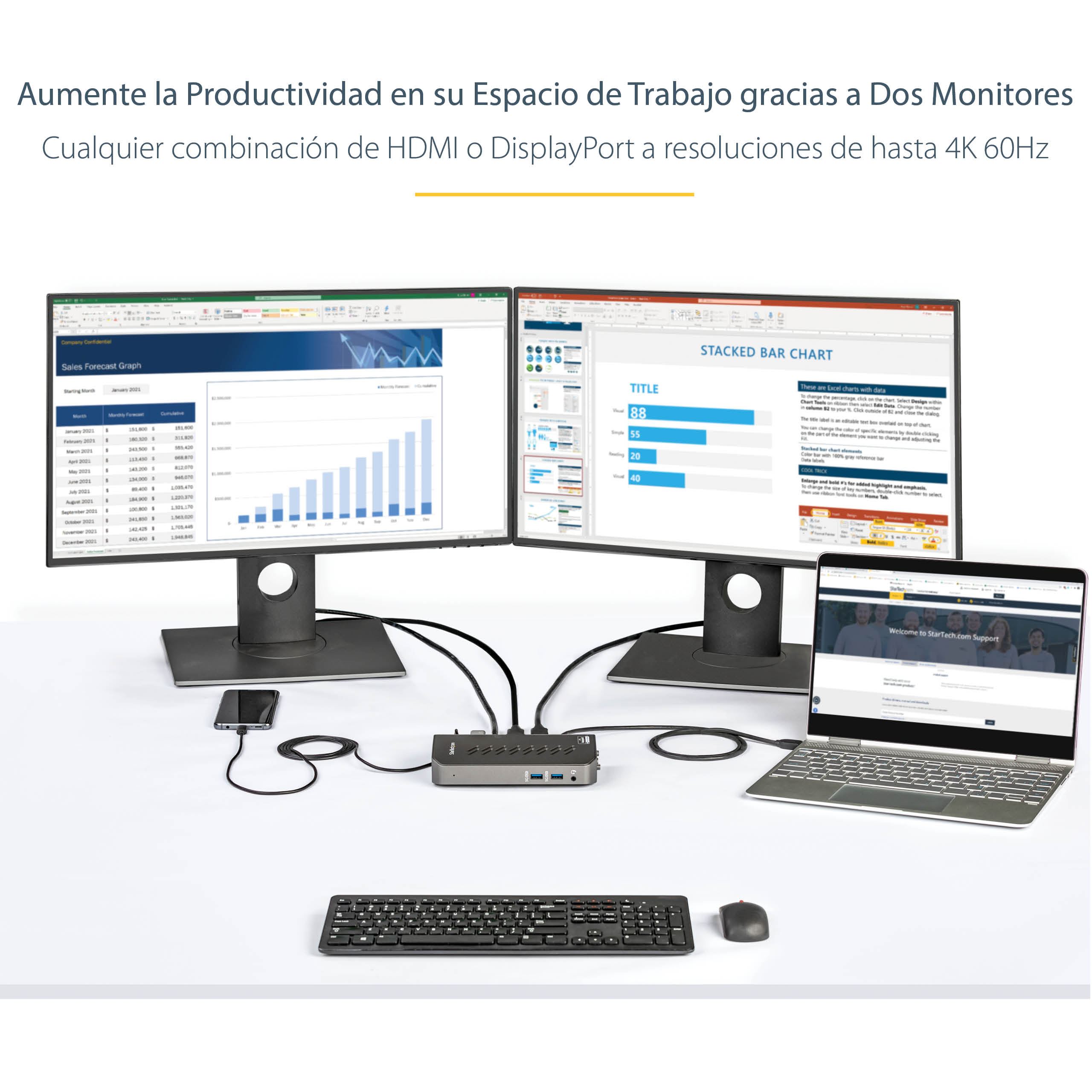
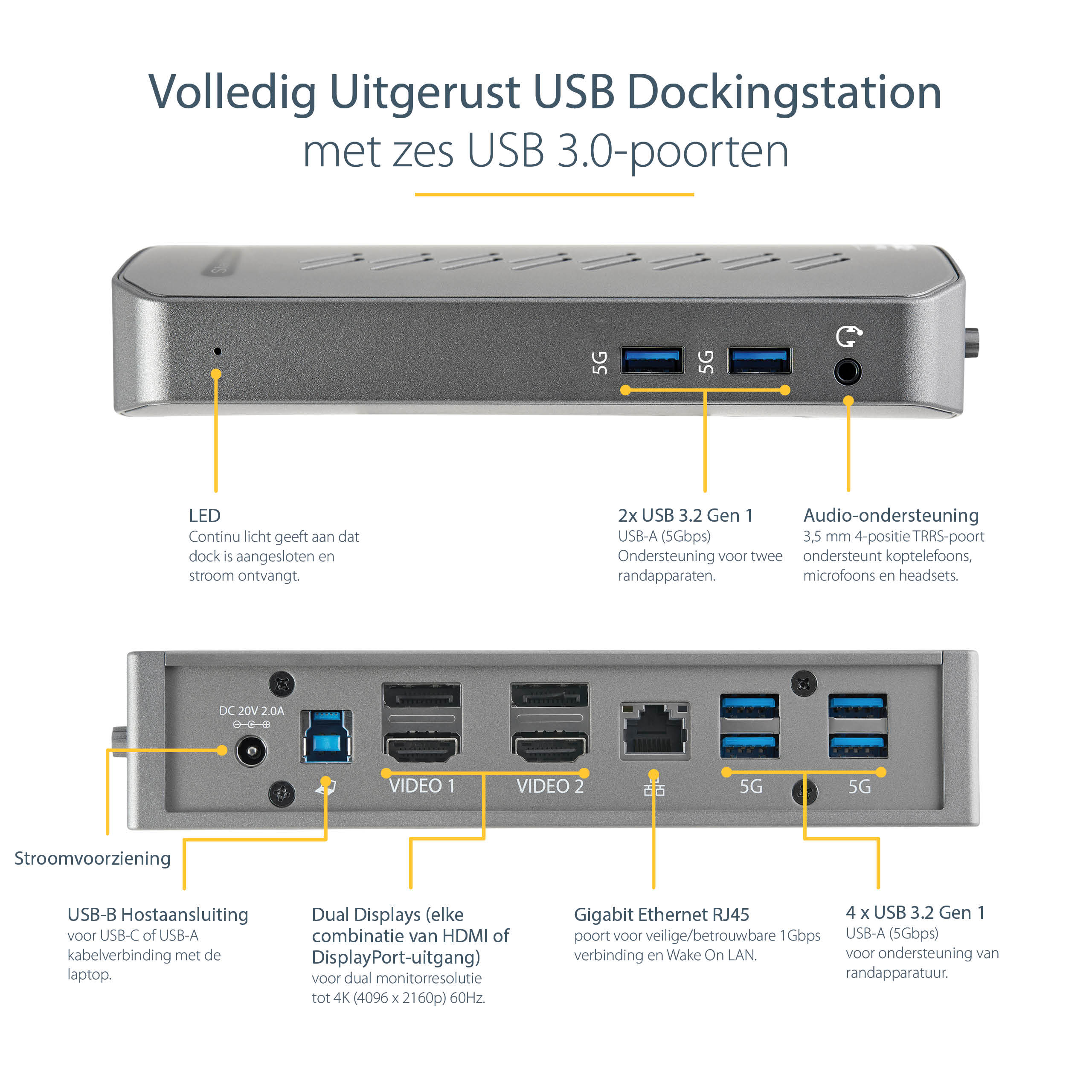
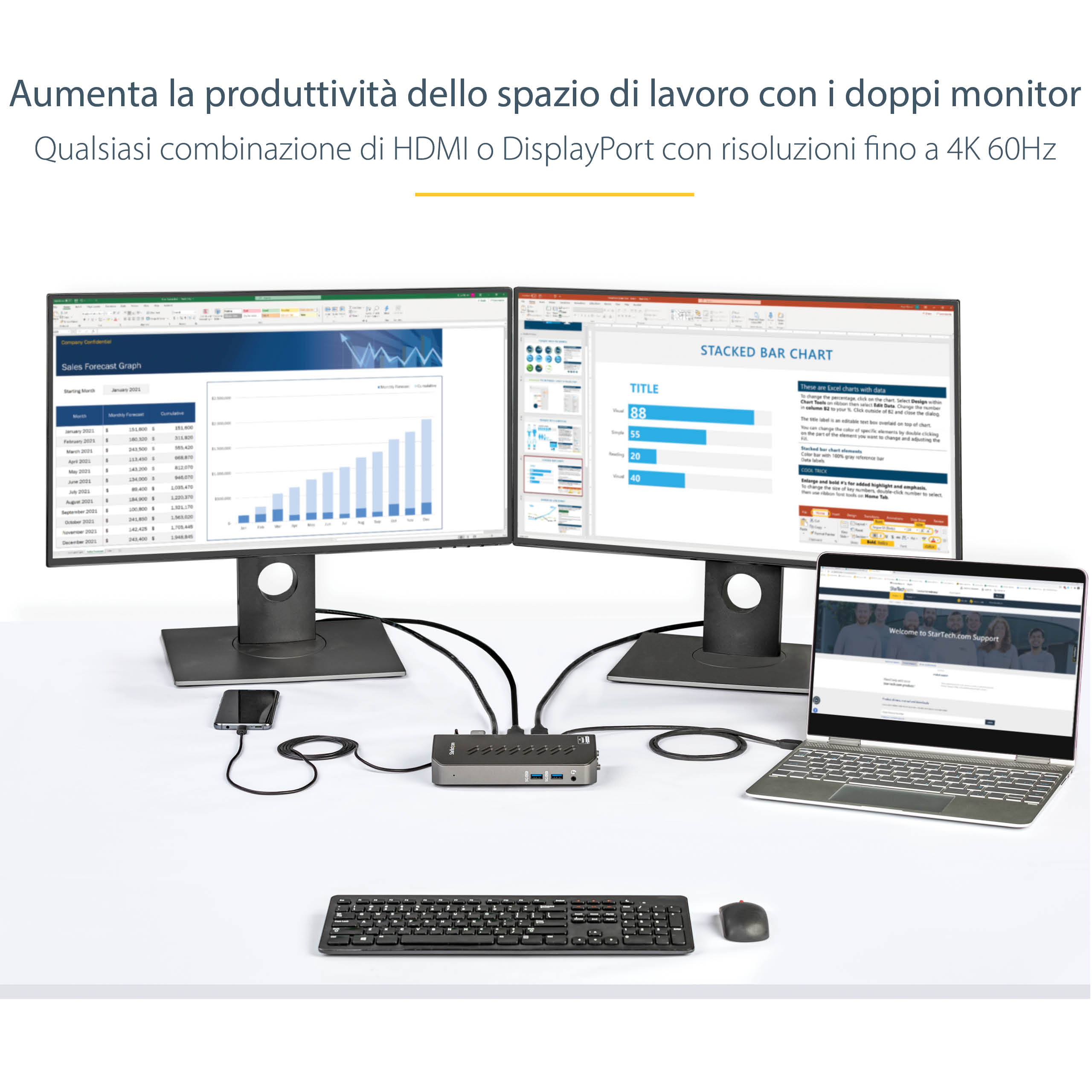
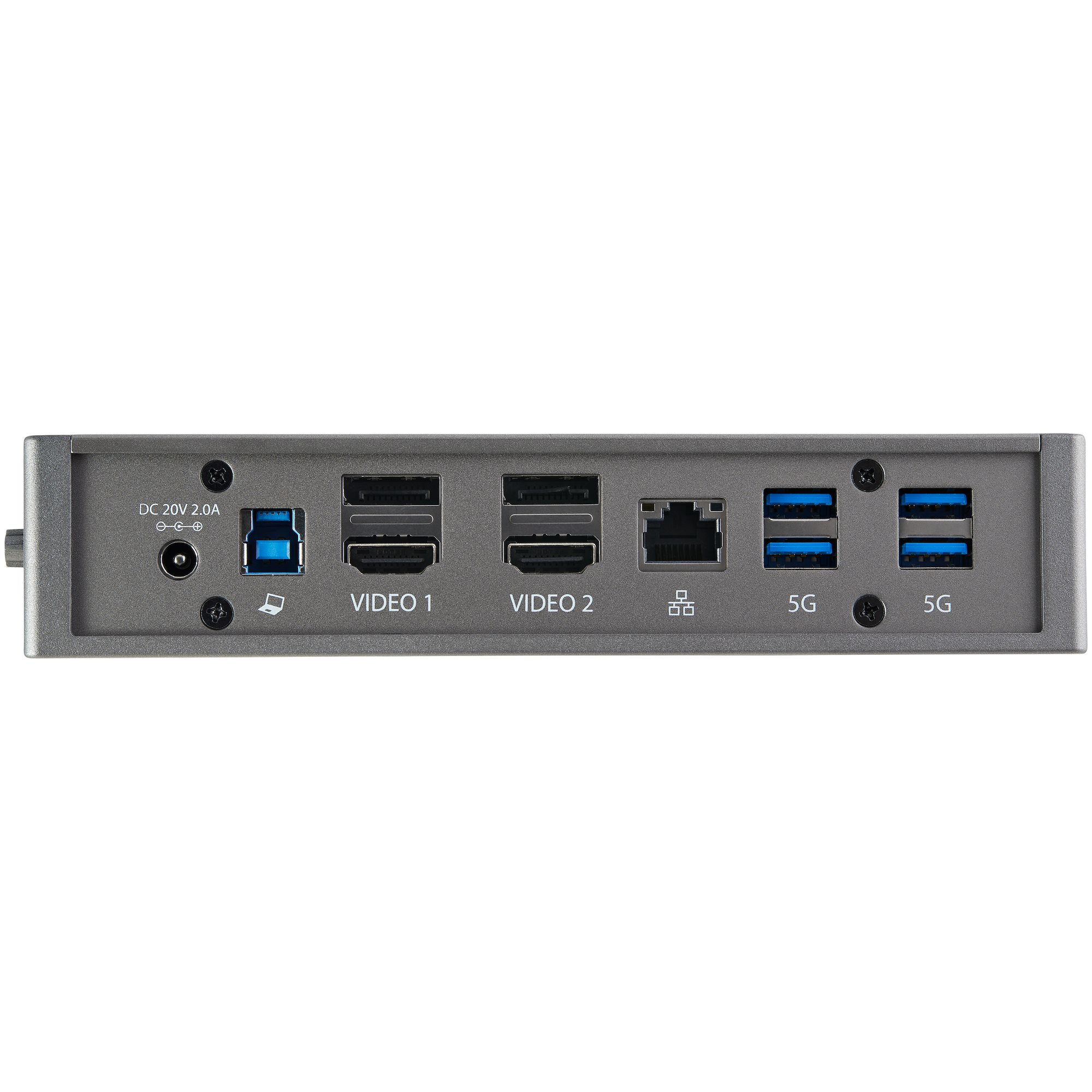
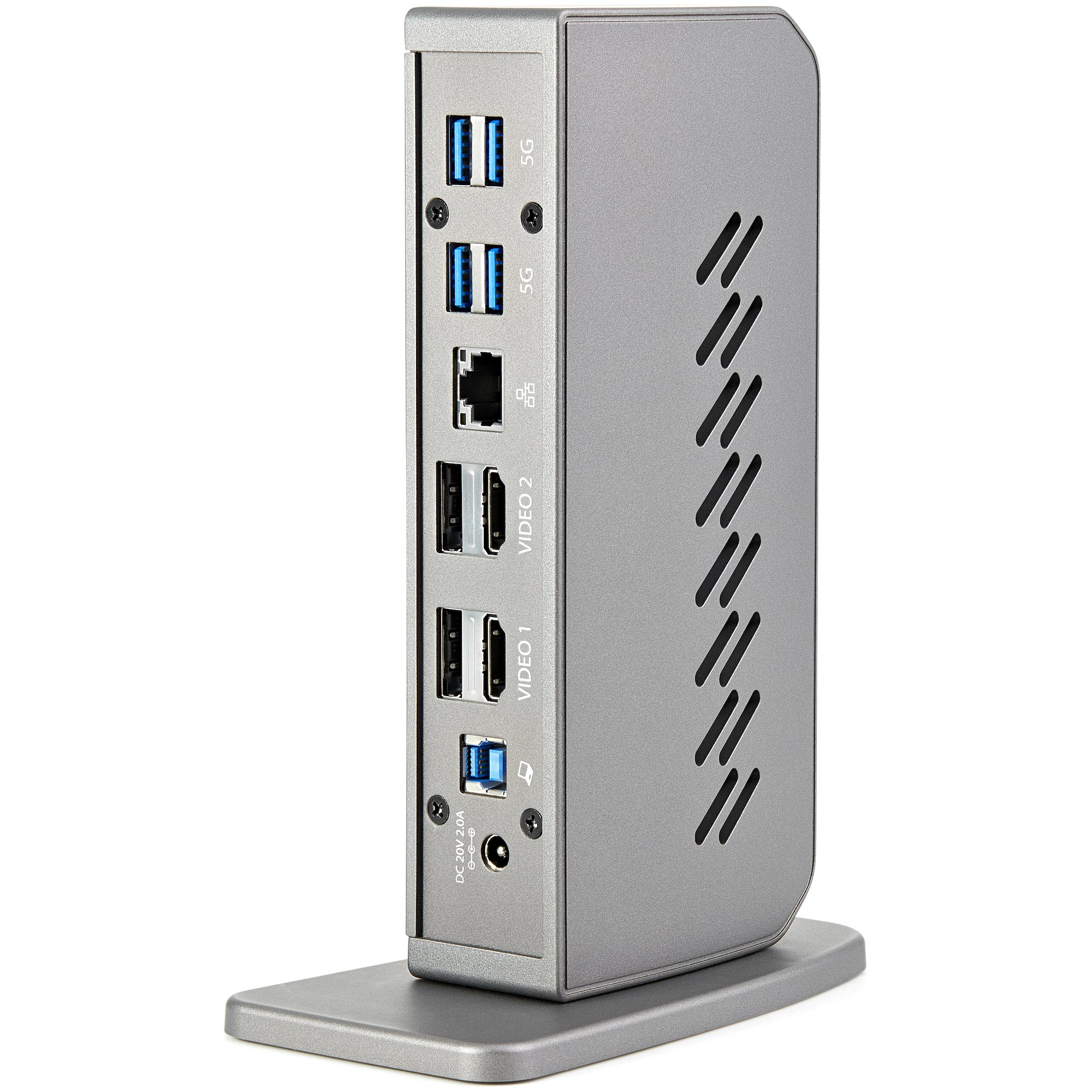
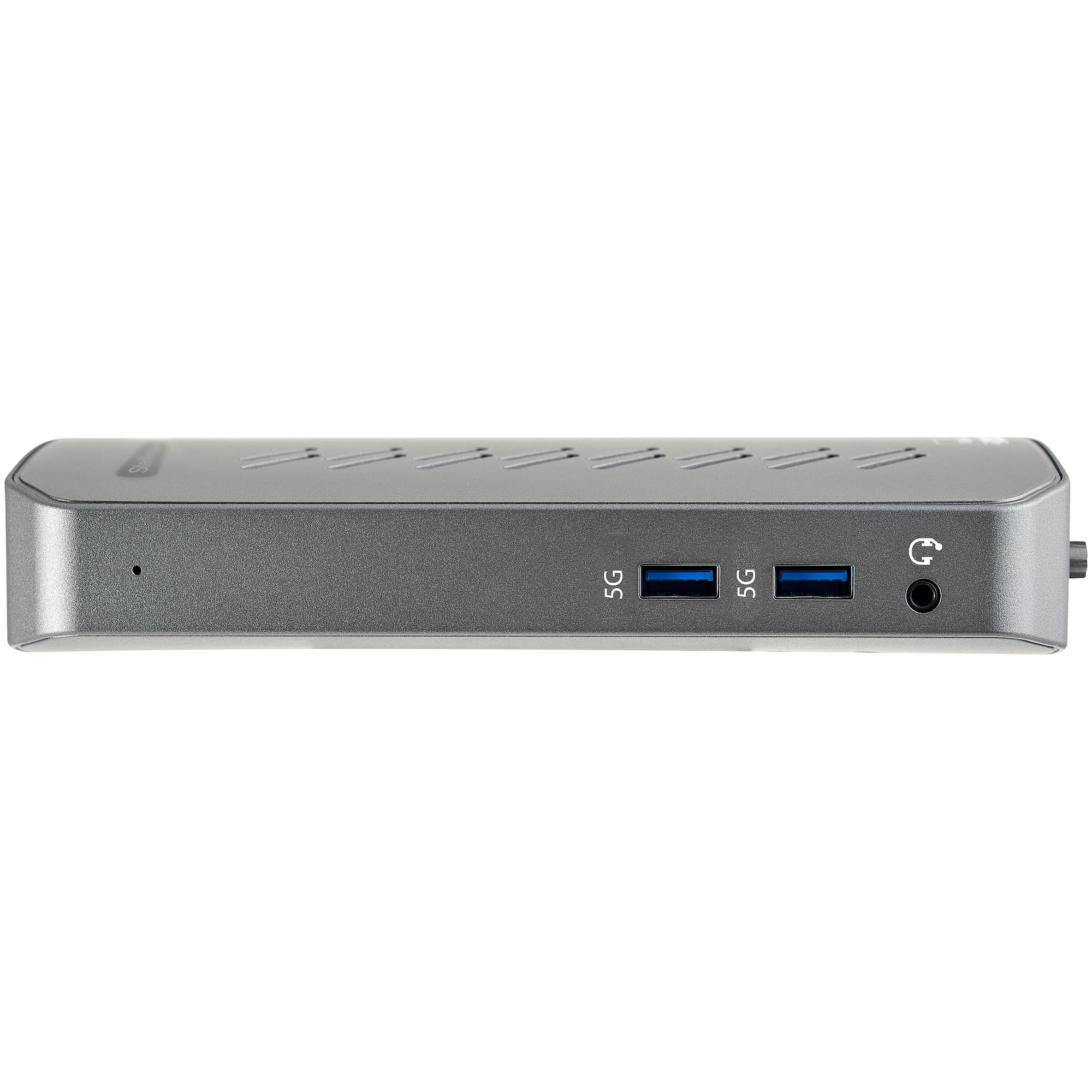
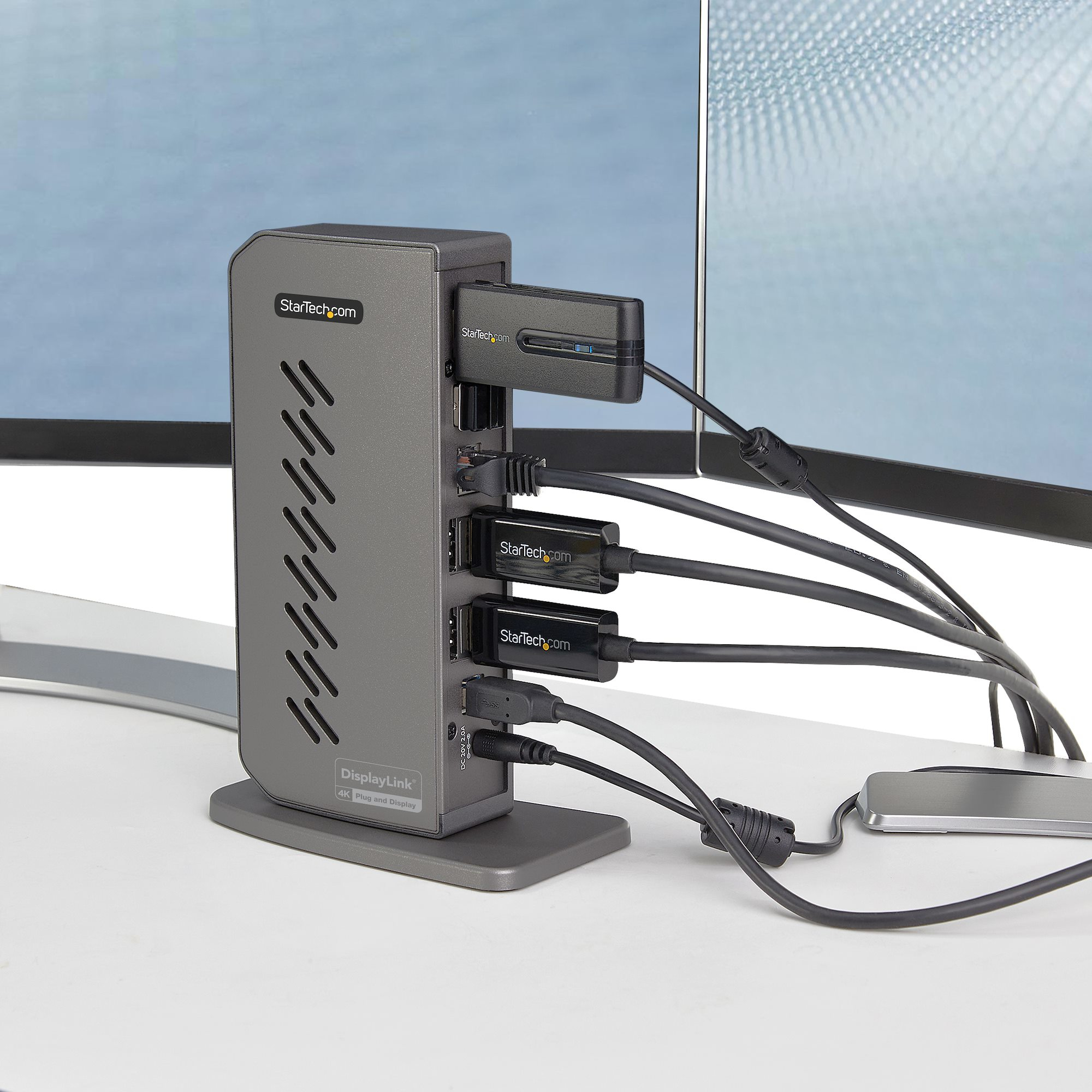
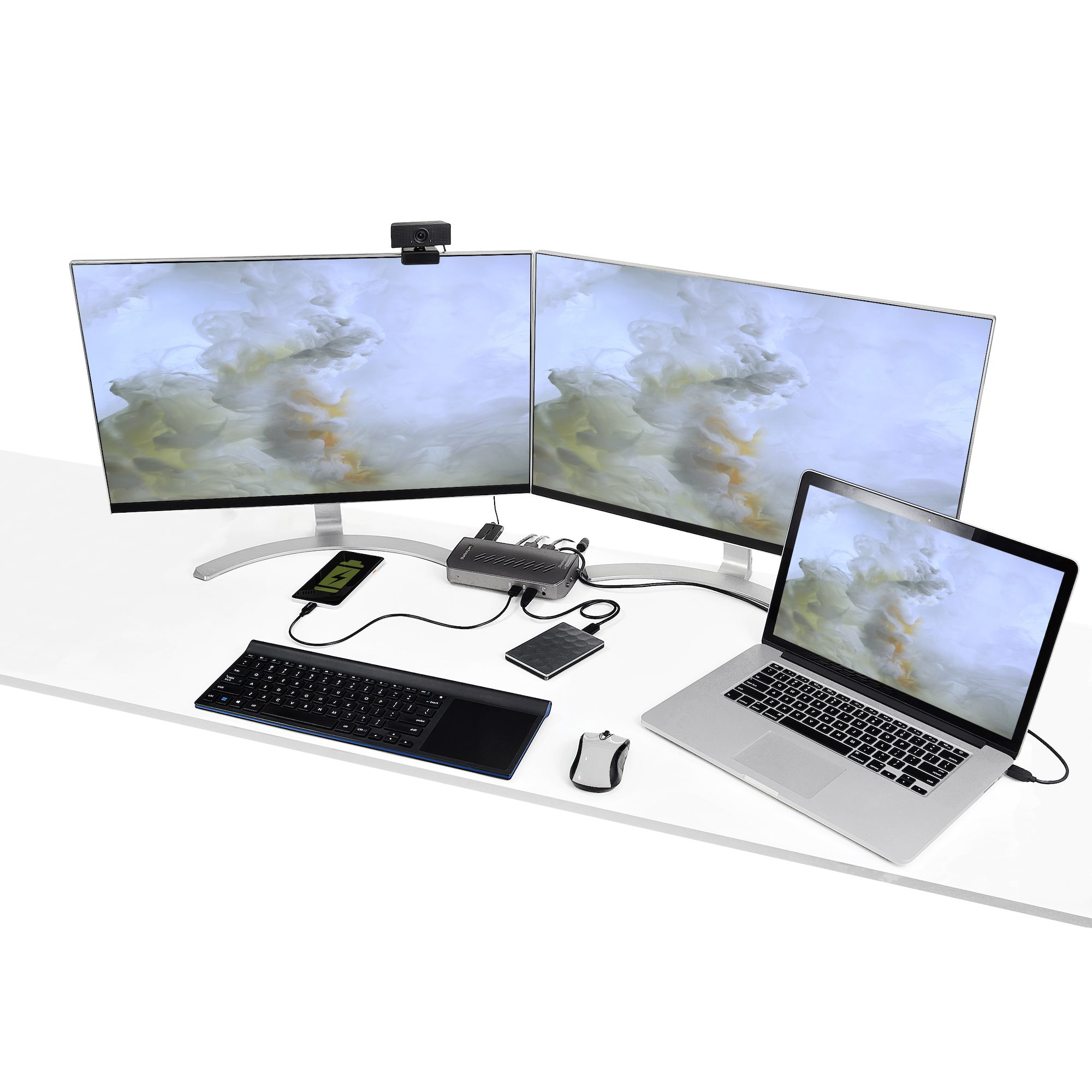
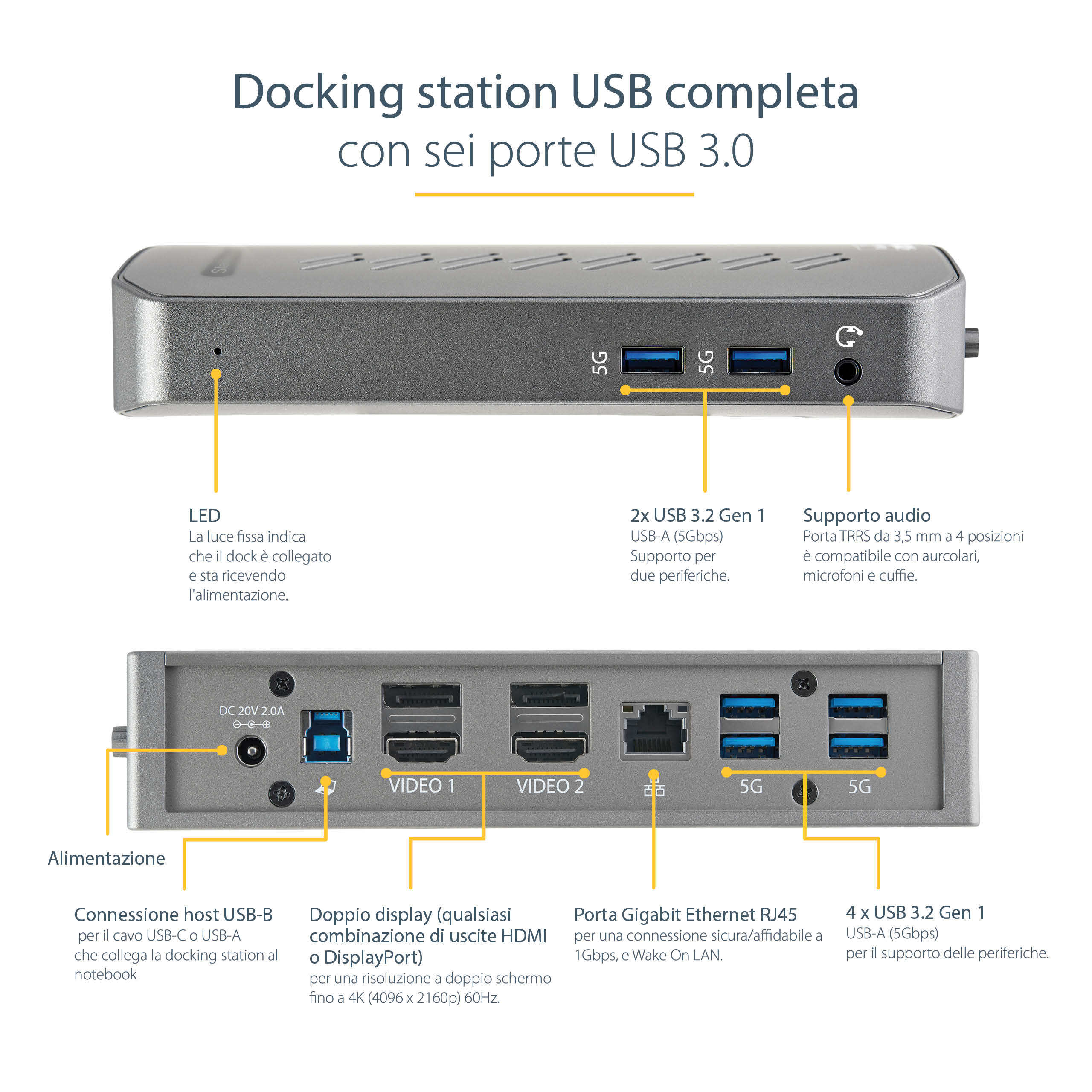
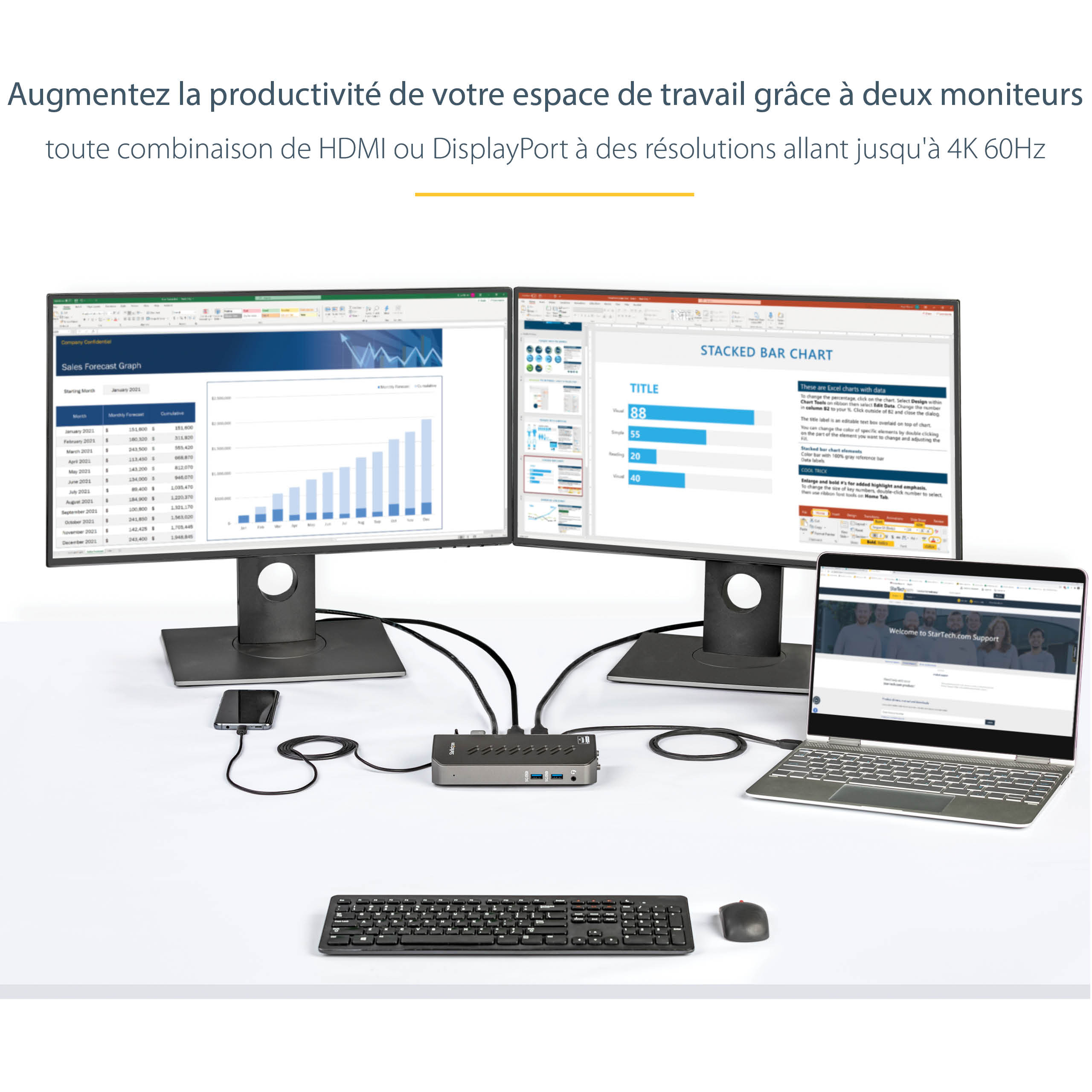
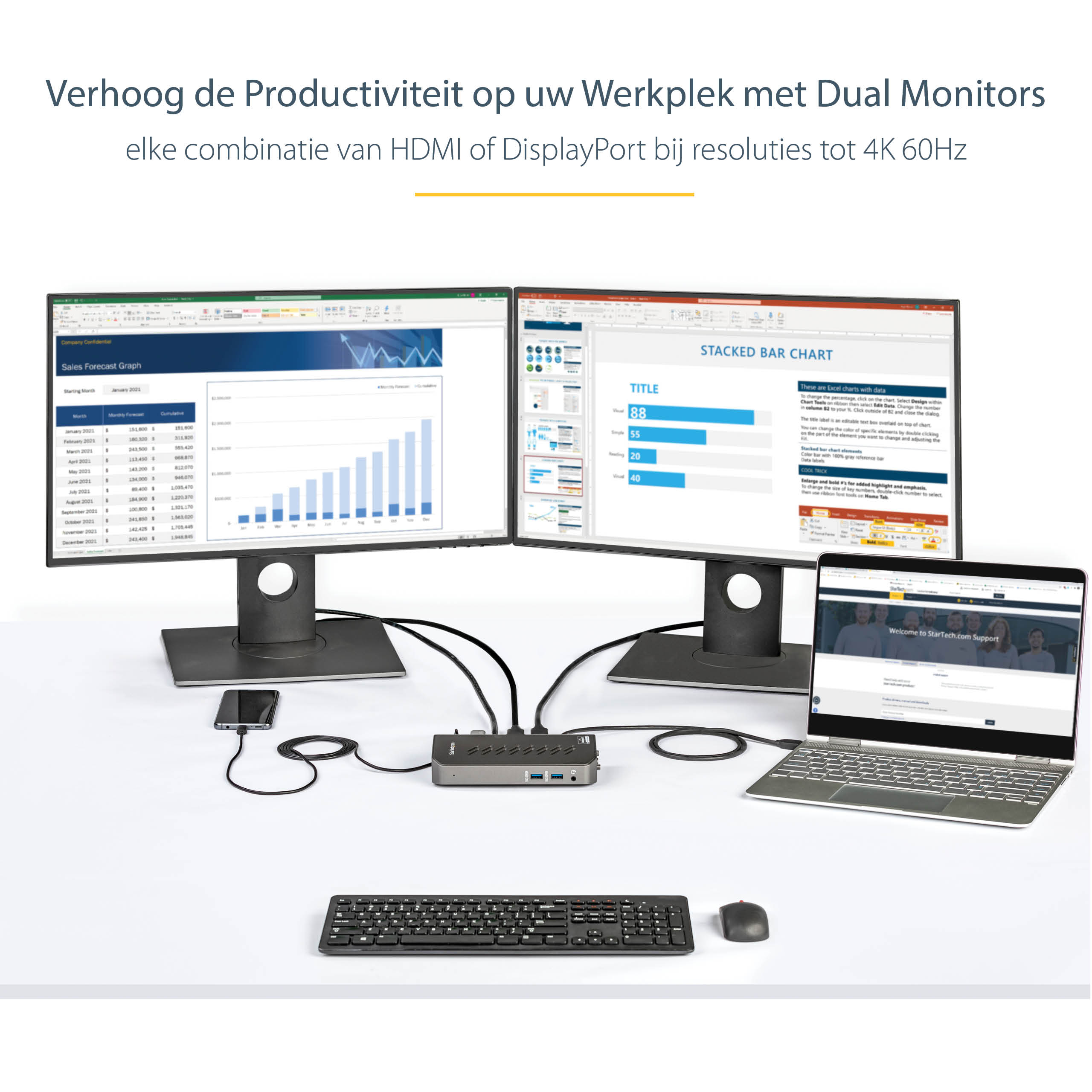
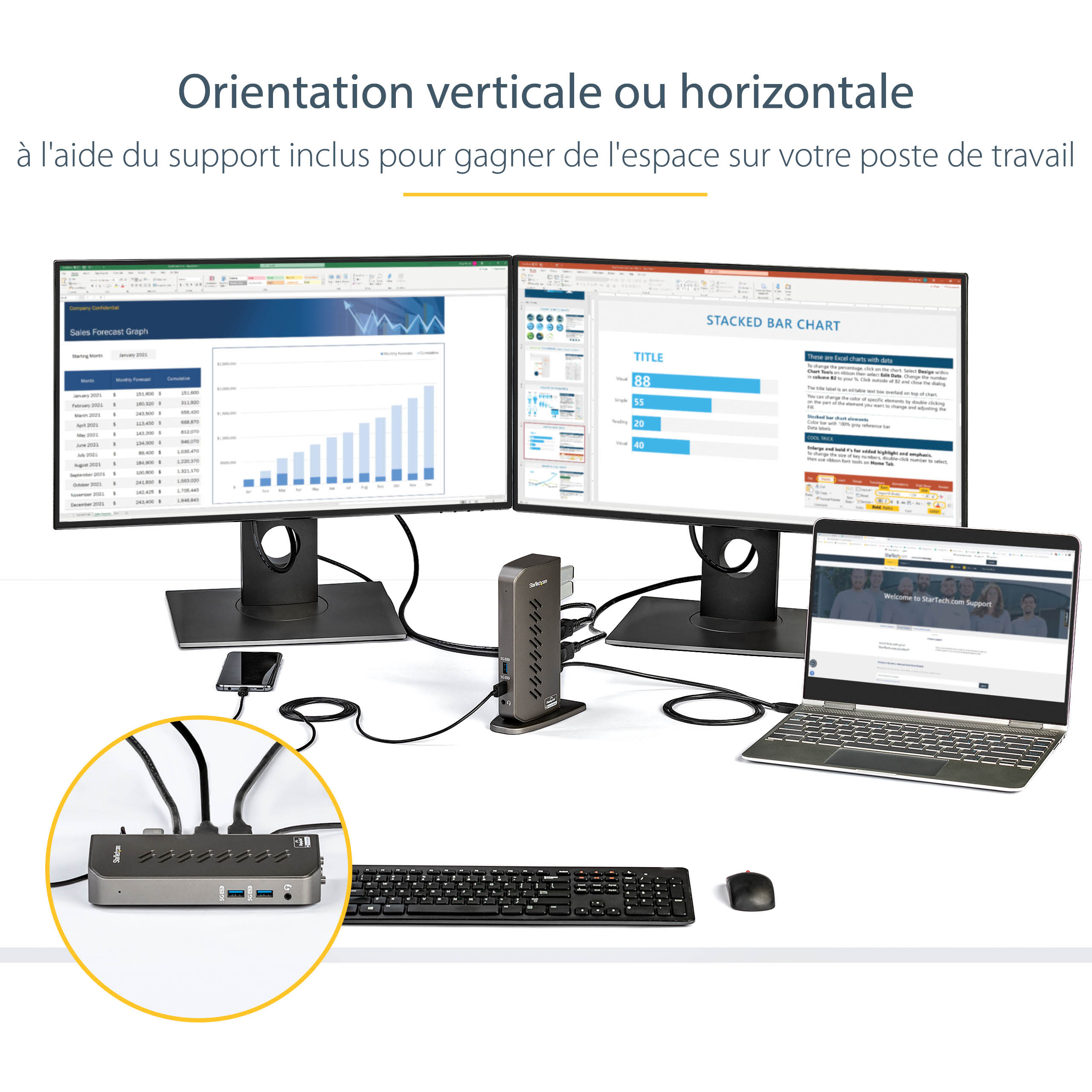
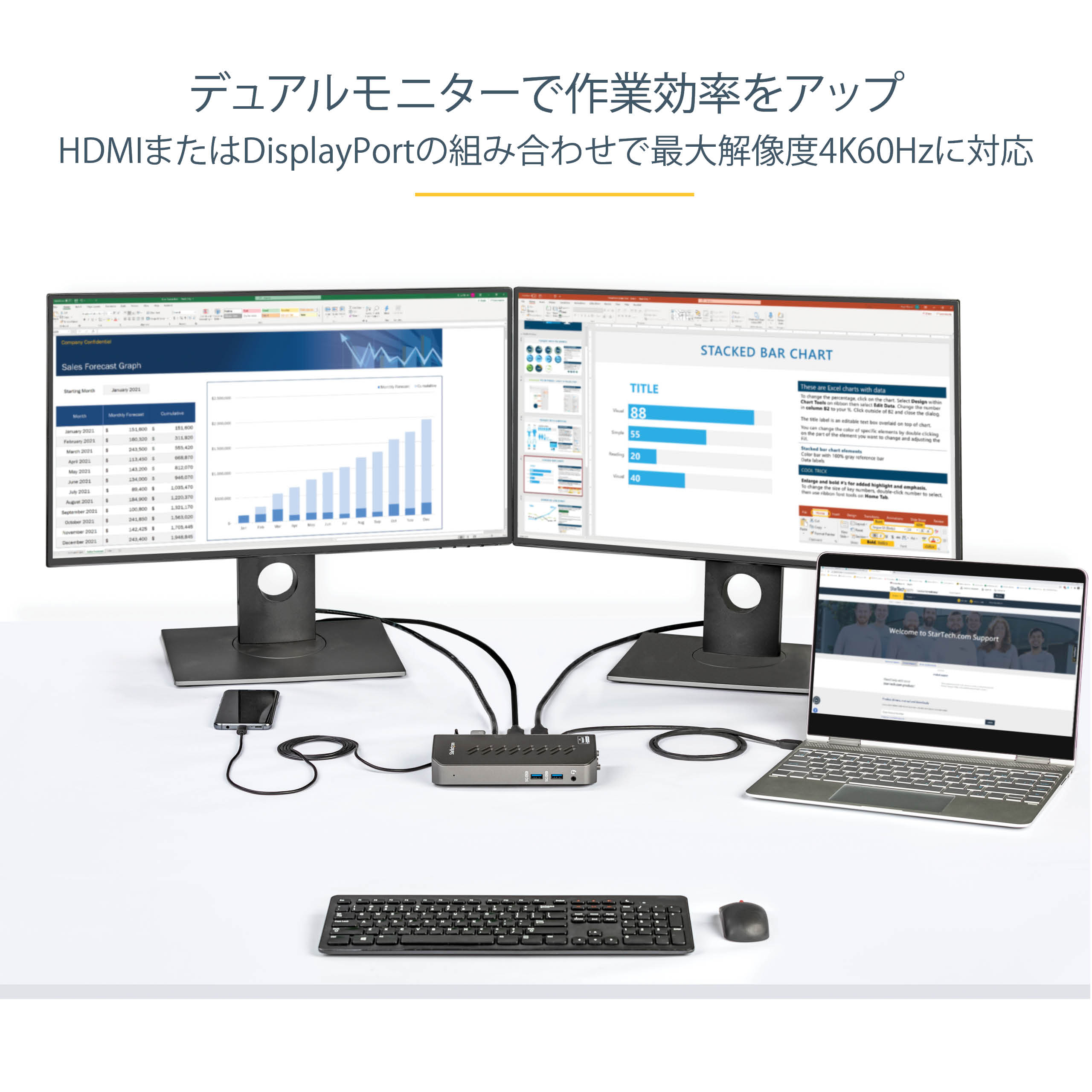
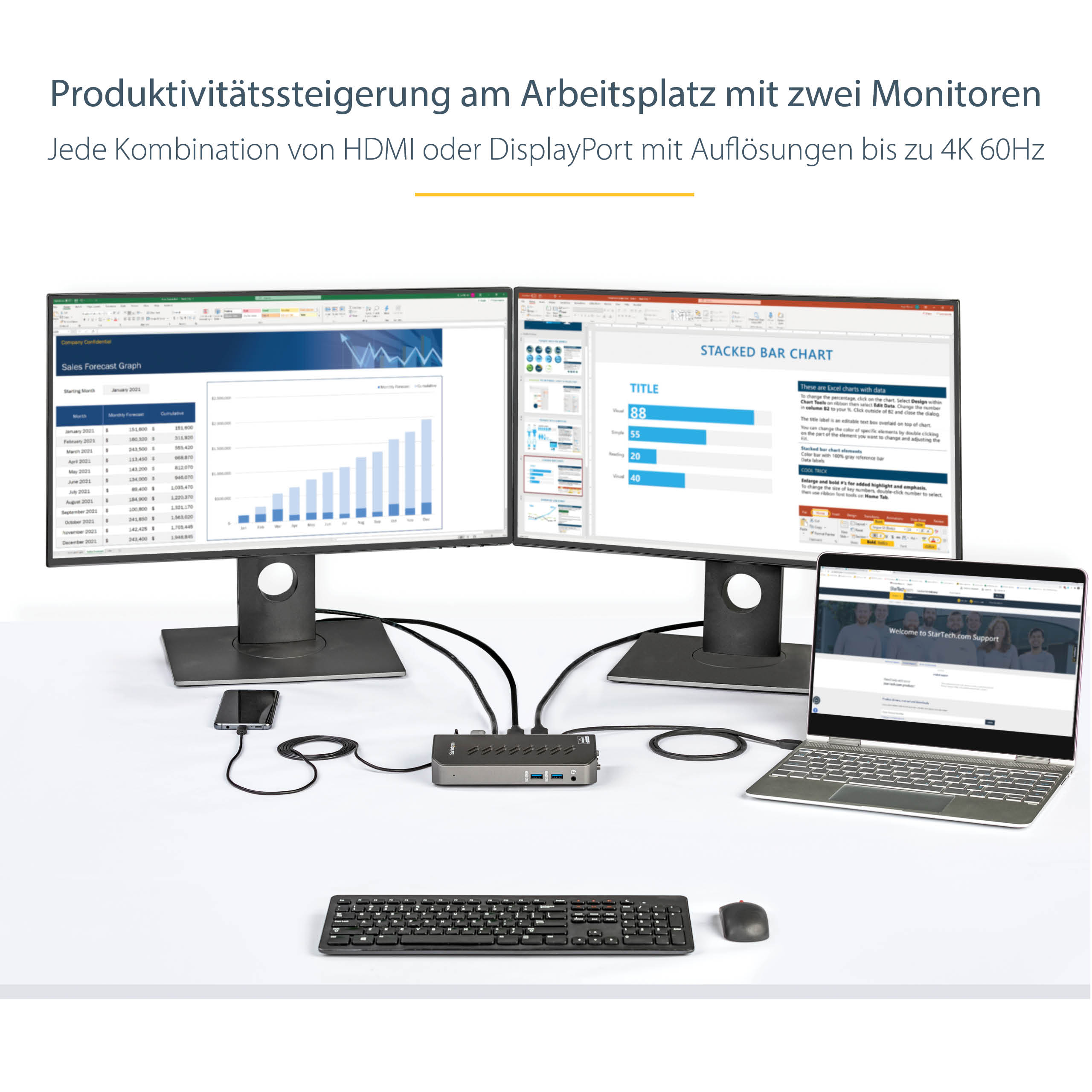
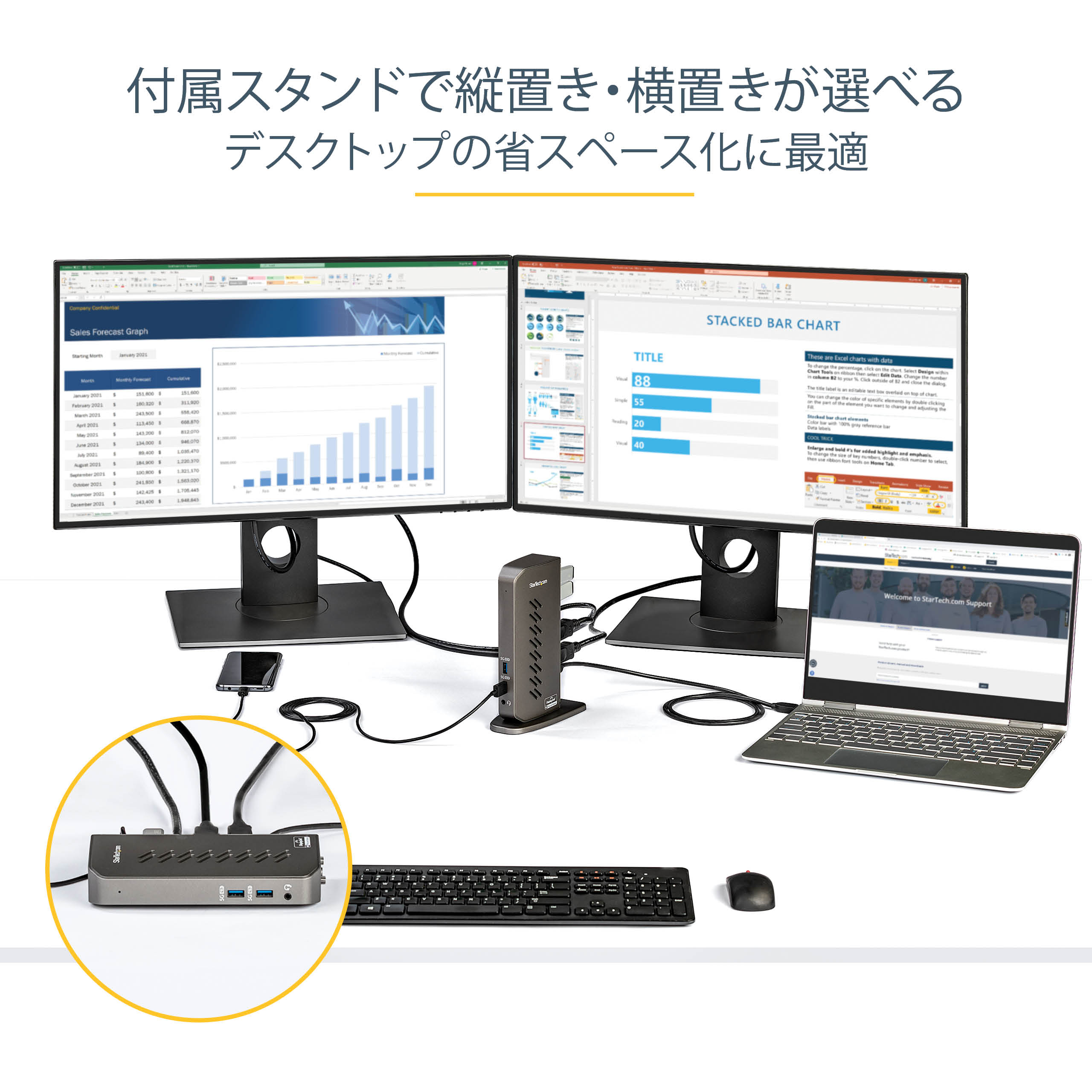
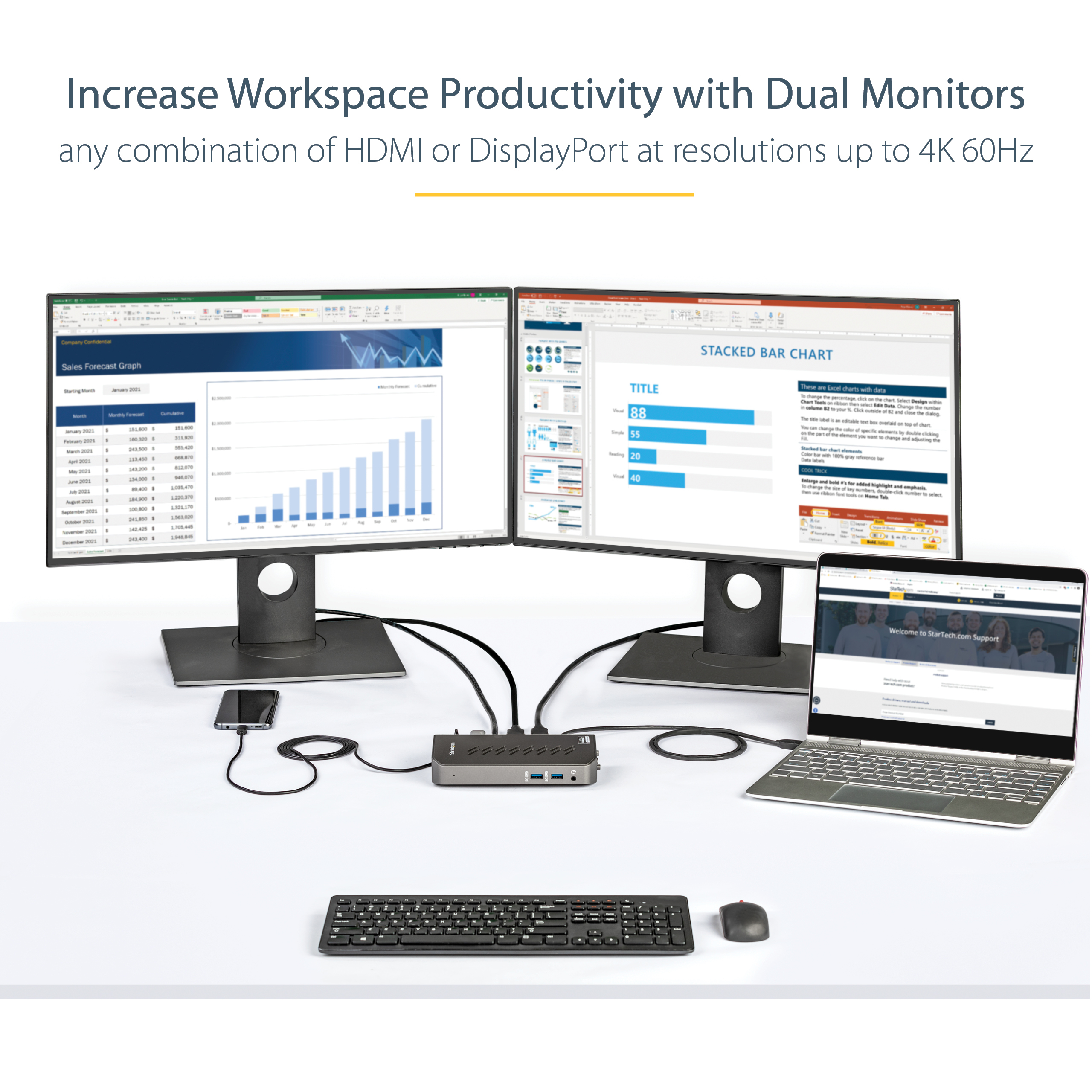
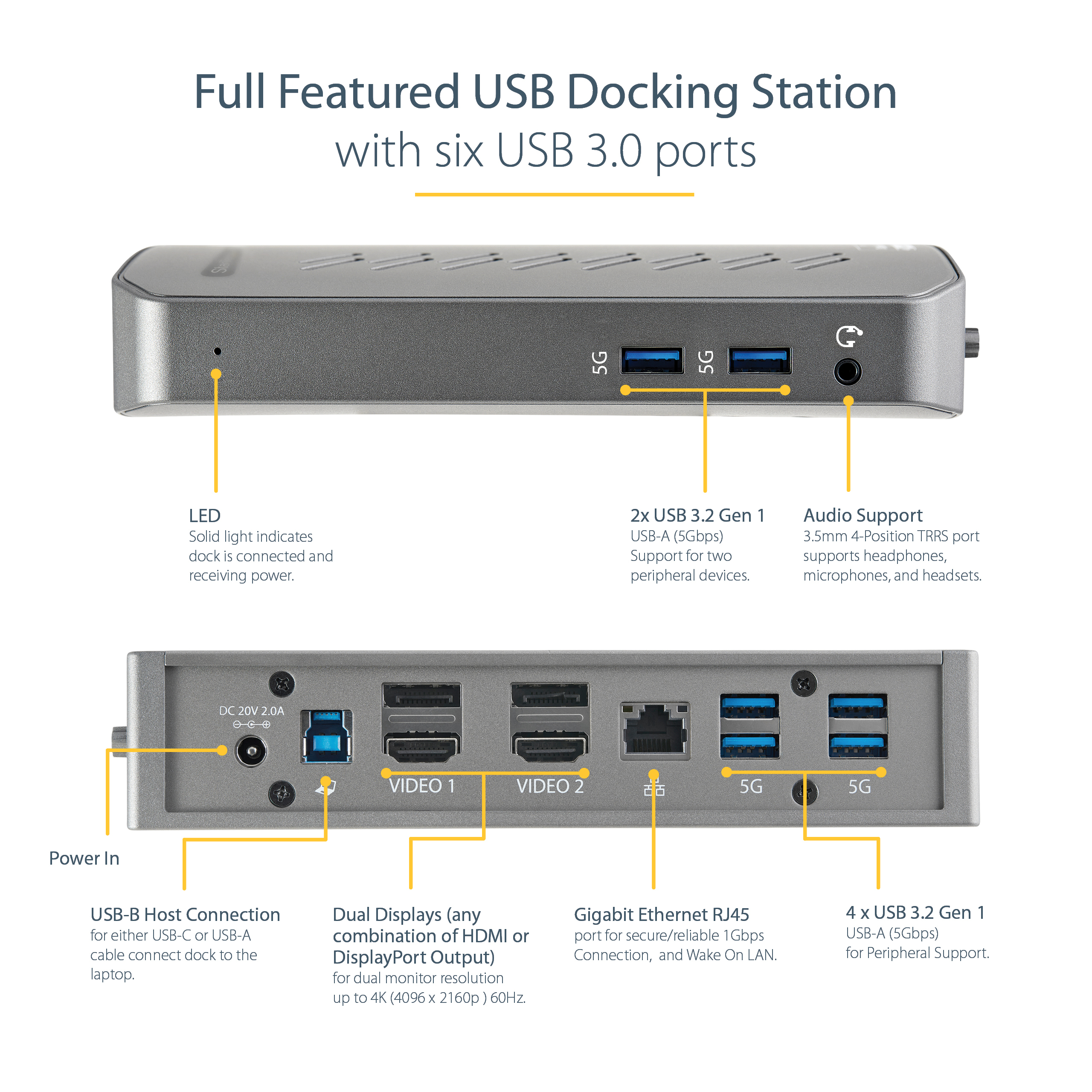
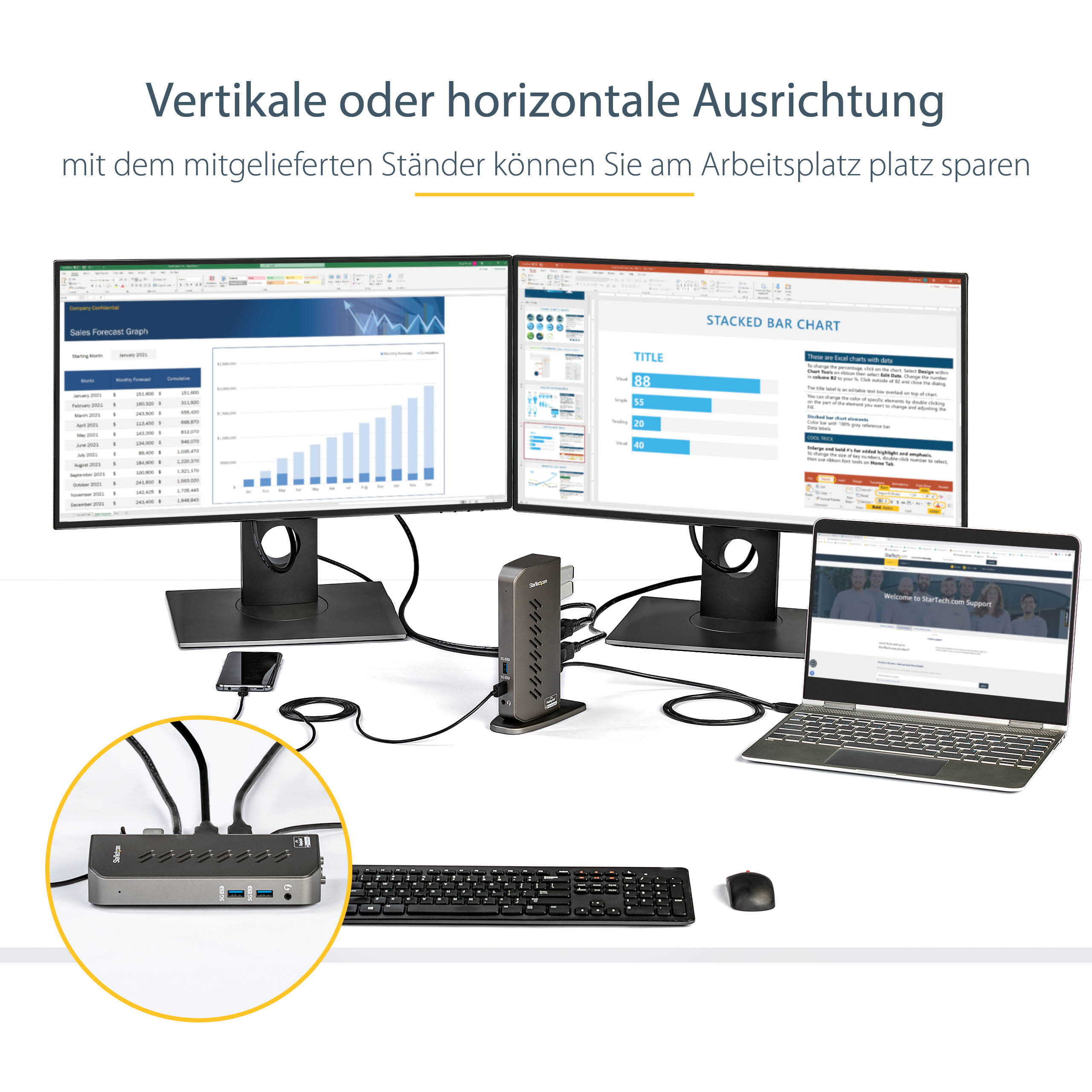
The Hybrid USB-C USB-A Dock is a versatile solution for connecting multiple devices to a single workstation. This device features a hybrid design, allowing users to connect both USB-C and USB-A devices, making it an ideal solution for organizations transitioning to newer USB-C equipped devices. The dock’s dual HDMI/DP ports enable users to connect up to two 4K monitors, providing a high-resolution display experience. This is particularly useful in enterprise environments where multitasking and data visualization are critical.
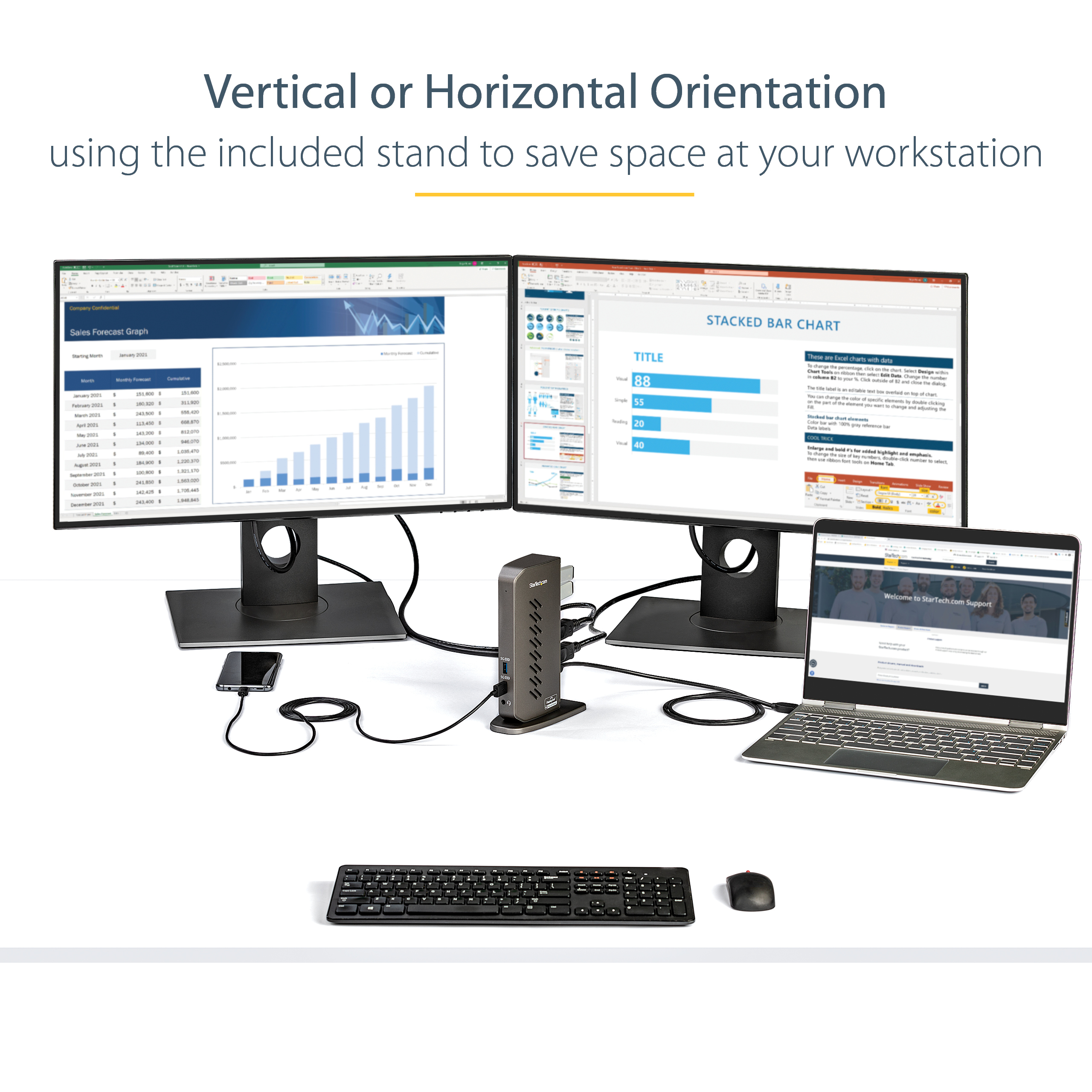
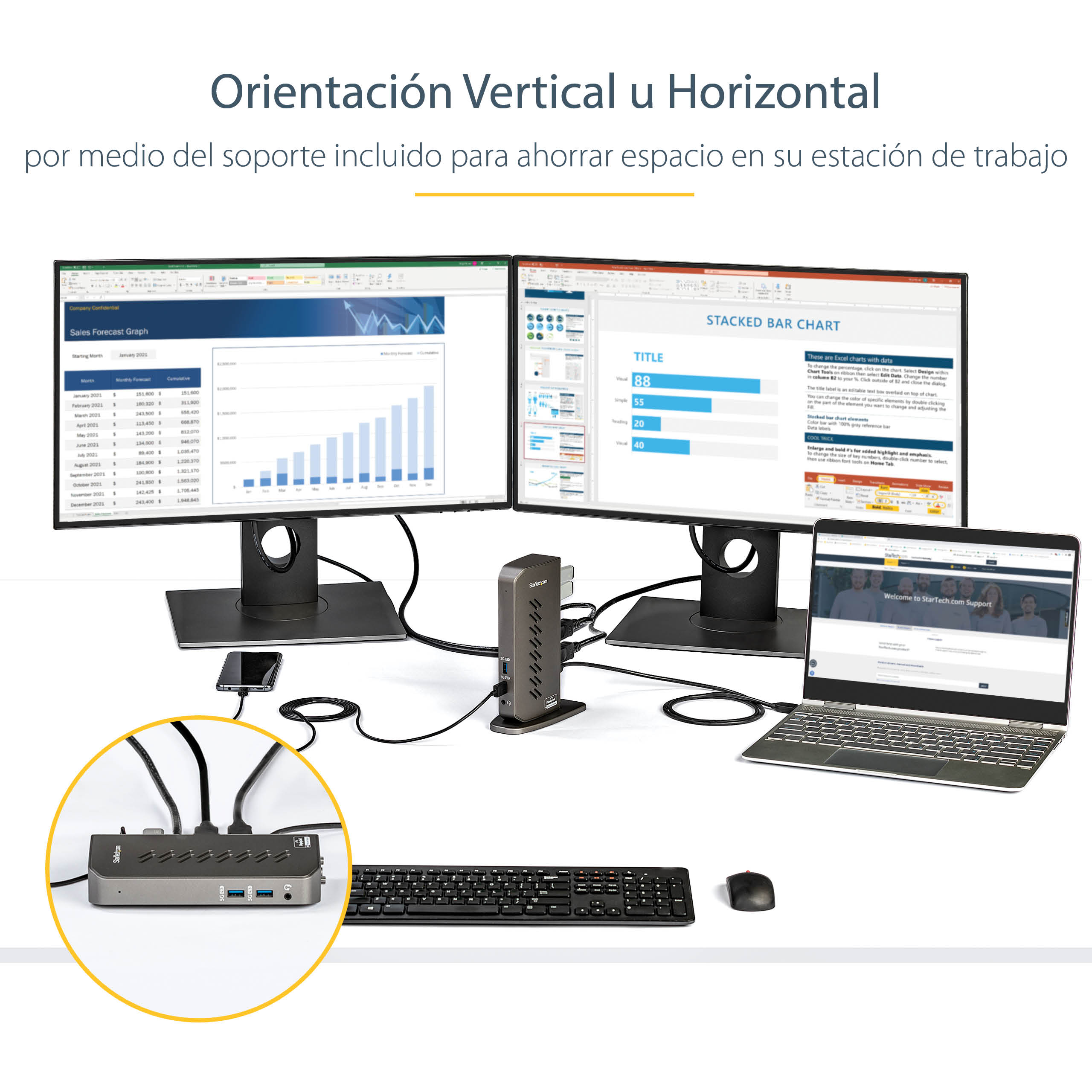
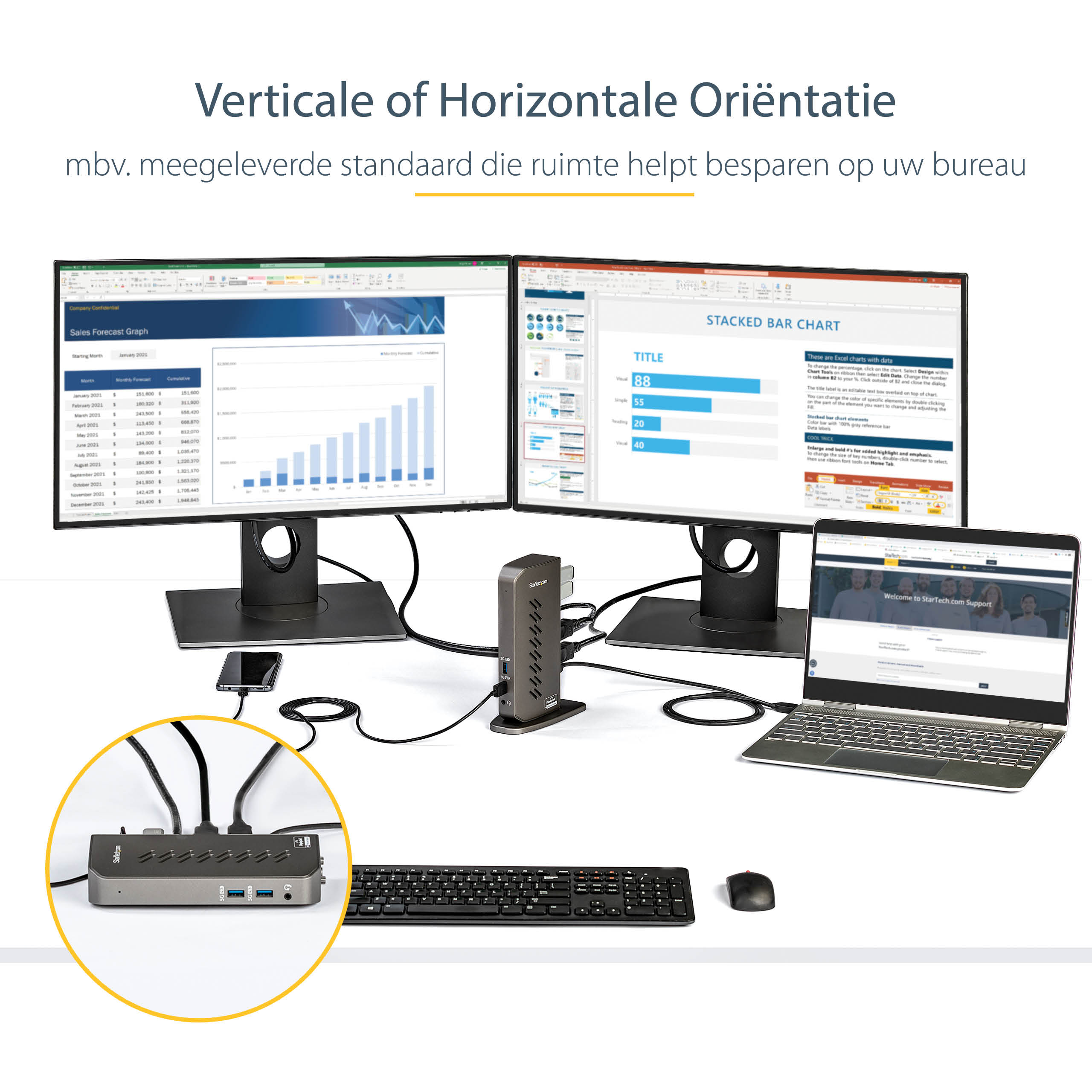
The dock’s architecture is designed to provide a reliable and efficient connection, with a robust chipset that ensures stable data transfer and minimal latency. This makes it an excellent choice for applications that require high-bandwidth data transfer, such as video editing and 3D modeling. the dock’s compact design makes it an ideal solution for space-constrained workstations, allowing users to maximize their desktop real estate.
In enterprise environments, the Hybrid USB-C USB-A Dock can be used to support a variety of use cases, including hot desking, where employees share workstations and need to quickly connect and disconnect their devices. The dock’s hybrid design also makes it an excellent choice for organizations that need to support a mix of older and newer devices.
Technical Specifications
| Brand | StarTech.com |
| SKU | DK30A2DHU |
| Category | Keyboards & Mice |
| Ports | Dual HDMI/DP |
| USB Standard | USB-C and USB-A |
| Display Capability | Up to 2 x 4K monitors |
| View all StarTech.com Products → | |
Challenges Solved by this Solution
The Hybrid USB-C USB-A Dock solves a number of pressing enterprise challenges, including the need to support a mix of older and newer devices, and the requirement for high-resolution display capabilities. By providing a reliable and efficient connection, this device helps to mitigate the risk of data transfer errors and minimizes downtime. the dock’s compact design helps to reduce clutter and maximize desktop real estate, making it an ideal solution for space-constrained workstations.
By investing in the Hybrid USB-C USB-A Dock, organizations can improve operational efficiency, reduce IT overhead, and enhance the overall user experience. This device is a strategic technical investment that can help to support business growth and improve competitiveness.
 Australian Logistics & B2B Support
As a 100% Aussie-owned and operated business, we are a trusted partner for StarTech.com. We empower enterprise procurement with dedicated B2B account support and flexible payment options.
Frequently Asked Questions
How do I connect multiple monitors to my workstation using the Hybrid USB-C USB-A Dock?
To connect multiple monitors, simply plug the dock into your workstation’s USB-C or USB-A port, and then connect your monitors to the dock’s dual HDMI/DP ports.
Can I use the Hybrid USB-C USB-A Dock with my older USB-A devices?
Yes, the dock’s hybrid design allows you to connect both USB-C and USB-A devices, making it an ideal solution for organizations that need to support a mix of older and newer devices.
How do I troubleshoot connectivity issues with the Hybrid USB-C USB-A Dock?
If you’re experiencing connectivity issues, try restarting your workstation and dock, and then reconnecting your devices.
Can the TECHOM Systems Sales team help me with installation and setup of the Hybrid USB-C USB-A Dock?
Yes, our sales team can provide installation and setup support, as well as answer any questions you may have about the device.

Ready to Deploy StarTech.com Hybrid Usb-c Usb-a Dock – Dual Hdmi/dp (DK30A2DHU)?
Product Ref: TOS-204035 • Get enterprise pricing, volume discounts, and Australian support.